

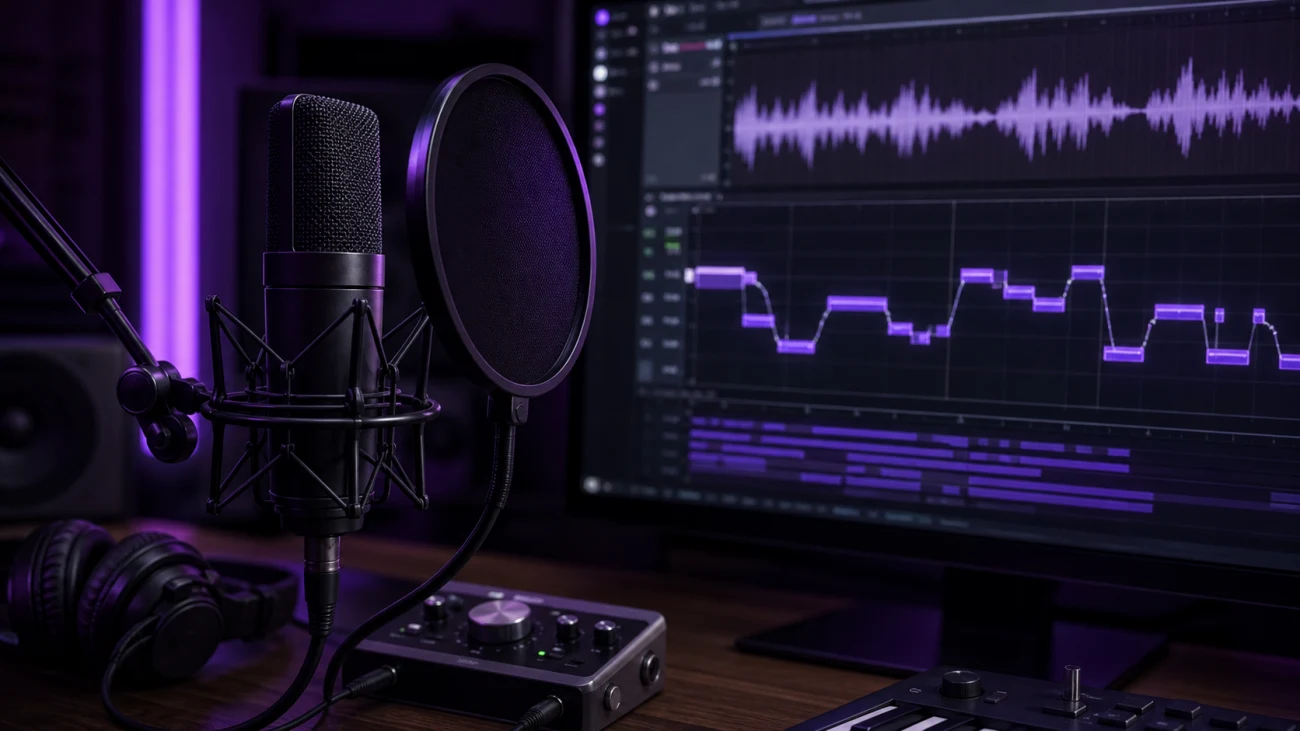
Autotune is pitch correction for recorded or live vocals. It can quietly fix notes that drift out of key, or it can become the obvious hard-tuned vocal effect used across modern pop, rap, EDM, and hyperpop.
The word autotune is often used for any vocal pitch correction, but Auto-Tune is also the name of Antares' original pitch correction software. In everyday production talk, people usually mean the whole category: plugins and DAW tools that analyze pitch, compare it to a key or scale, and move the vocal closer to the intended notes.
How Autotune Works
A pitch correction plugin listens to the incoming vocal, detects the note, and decides whether that note fits the selected key. If the singer is sharp or flat, the plugin shifts the pitch toward the nearest allowed note. The most important setting is usually retune speed, which controls how quickly the correction happens.
Slow correction
Keeps more of the original performance and works best for transparent vocal tuning.
Fast correction
Snaps notes into place quickly and creates the recognizable modern autotune sound.
Key and scale control
Tells the plugin which notes are allowed, so the vocal is corrected musically instead of randomly.
Autotune vs Manual Pitch Correction
Real-time autotune works while audio plays. It is fast, repeatable, and ideal for vocal chains, tracking, and live performance. Manual pitch correction is slower but more detailed. It lets you edit individual notes, note transitions, vibrato, and timing after recording.
Many producers use both. A subtle real-time plugin can give the vocalist confidence while recording, then manual editing can clean up phrases that need more control.
Important Autotune Settings
- Key: the musical key of the song.
- Scale: the allowed note set, usually major, minor, or chromatic.
- Retune speed: how fast the vocal snaps to pitch.
- Humanize: how much natural movement is preserved on longer notes.
- Formant: vocal tone control that can keep the voice natural or push it into a stylized sound.
When Should You Use It?
Use autotune when the vocal performance has the right emotion but needs tighter pitch, when a hook needs a polished commercial sound, or when the tuned effect is part of the production style. Do not use it as a substitute for choosing the right take. The best results still start with a strong vocal performance.
Free Autotune Tools
If you want to experiment without buying Antares Auto-Tune, start with SoundShockAudio's free autotune VST plugin hub. You can also compare specific options in our best free autotune plugins guide or try PitchCure, a free pitch correction plugin from Saint Mike DSP.
Browse free pitch correction plugins for modern vocal chains.
Pitch PluginsFind more pitch shifting and correction tools for vocals and instruments.
Rap Vocal ToolsSee which autotune-style tools are commonly used in rap vocals.
Related guides
- Who Invented Autotune? - the history behind Auto-Tune and Antares
- How to Use Autotune in GarageBand - a GarageBand vocal tuning workflow
- How to Use Autotune in Logic Pro X - Logic Pitch Correction and Flex Pitch workflow
- Free Autotune Plugins - the main SoundShockAudio autotune plugin hub