
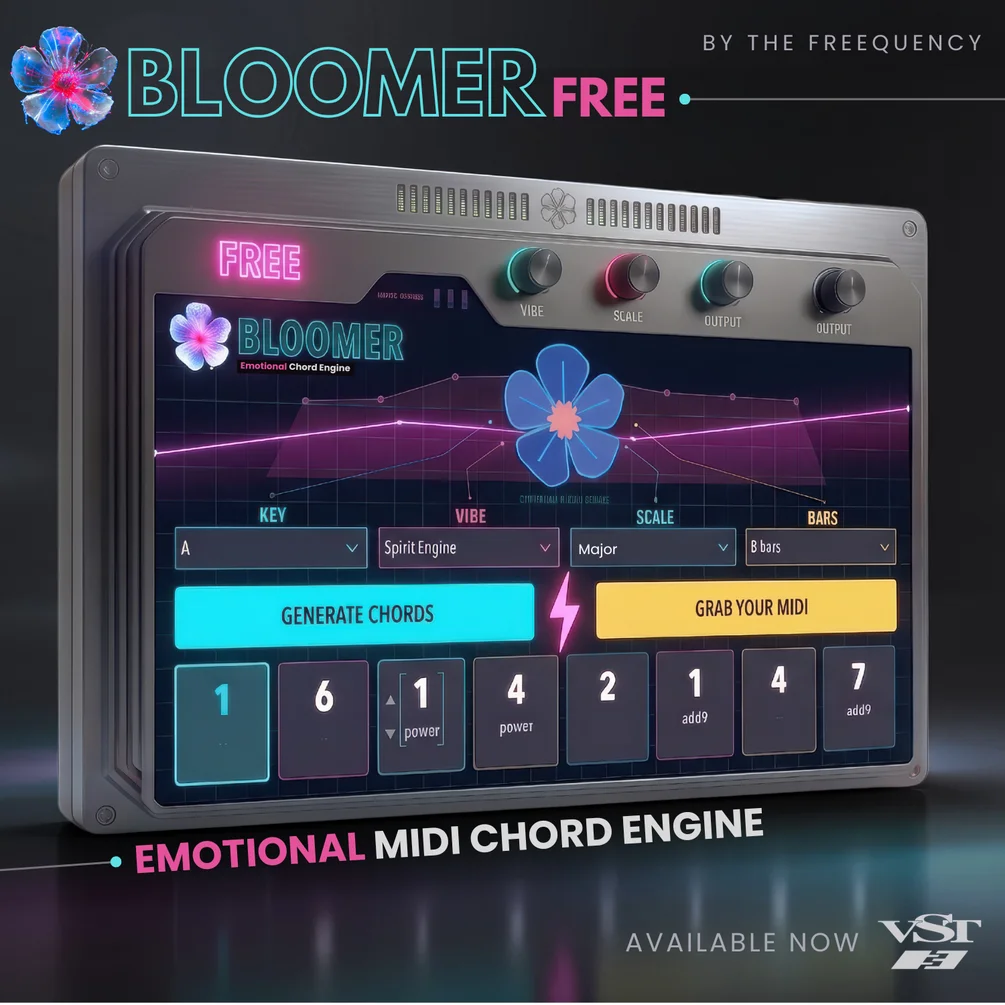
Bloomer Free
Key Features
- Mood-first generation lets you choose a key, scale, vibe, and bar length first, then build a chord progression around the emotional target instead of forcing manual theory work
- Thirty-five vibe profiles give the generator more specific emotional direction than a generic random chord tool, which is the core reason the plugin feels songwriting-focused rather than purely experimental
- Seven supported scales and 2-to-8-bar progression lengths keep the engine broad enough for pop, ambient, cinematic, and electronic sketching without turning the interface into a full arranging environment
- Per-cell chord editing makes the generated result adjustable after the first pass, so you can keep the overall mood while swapping out individual harmony choices that miss the mark
- Drag-and-drop MIDI export and full project recall make it easy to move a progression into any instrument track and reopen a session without losing the generated state
- The current release already covers notarized universal macOS VST3 delivery plus a live Windows beta installer, which gives Bloomer Free more credibility than a concept-only prototype
Description
Bloomer Free is a The Freequency MIDI chord-progression generator for macOS and Windows that turns mood-first prompts into playable harmony, so you can sketch progressions by choosing a key, scale, vibe, and bar length instead of building every chord from theory knowledge. The core idea is speed with musical intent: pick the emotional direction first, then drag the resulting MIDI into your DAW.
The standout feature is its vibe-driven workflow. The official page and BPB both point to 35 emotional profiles plus support for seven scales, 2-to-8-bar progressions, per-cell chord editing, drag-and-drop MIDI export, and an on-screen emotion curve, which makes Bloomer more useful for fast songwriting and ambient sketching than a generic random MIDI tool.
It also looks more considered than a throwaway beta. Project recall keeps progressions saved with the session, the macOS build is Apple-notarized and universal, and BPB notes that even though some voicings can get muddy, the plugin is easy to tweak once the engine lands on the right emotional shape.
As checked on April 22, 2026, the official Gumroad page is still published, in stock, and priced at $0.00 with a name-your-price checkout rather than a countdown or temporary promo banner. The installers are delivered through Gumroad's checkout flow rather than a direct public archive link.
Video Preview
Frequently Asked Questions
Is Bloomer Free an instrument with built-in sounds?
No. Bloomer Free is a MIDI chord engine, so its job is to generate and edit chord progressions that you route into another instrument in your DAW. The official workflow centers on dragging the MIDI out of the plugin once you like the progression.
Can you edit the generated chords after Bloomer creates a progression?
Yes. The official page and BPB coverage both point to per-cell chord editing, which means you can keep the overall vibe and structure but replace specific chord choices when the first pass is close rather than perfect.
What formats and platforms are confirmed right now?
As checked on April 22, 2026, the official Gumroad page clearly distributes a macOS VST3 installer plus a Windows beta installer, and BPB also reports AU beta support during launch coverage. The release is positioned as an early beta on both macOS and Windows rather than a finished multi-format bundle.
Is Bloomer Free still permanently free, and how do you get it?
The official Gumroad listing is still live and priced at $0.00 as of April 22, 2026, with no limited-time banner or expiring offer language on the page. The catch is that the installers are delivered through Gumroad's checkout flow, so you claim the plugin through the official product page rather than from a public direct-download archive.


