Blue Cat's FreqAnalyst
Key Features
- Proprietary smooth interpolation algorithm delivers continuous, fluid spectral curves even at maximum frequency resolution
- Full control over FFT size, windowing, attack, and release parameters for tailored time-frequency analysis
- Adjustable absolute and relative thresholds to highlight important spectral content and filter out background noise
- Zoomable multi-size display for detailed inspection of any frequency range without losing context
- Zero CPU usage on silence — processing shuts down automatically when no audio is present
- Mono and stereo analysis at any sample rate with MIDI learn and full DAW automation support
- Customizable UI via Blue Cat's skinning language with Retina (macOS) and High DPI (Windows 10+) scaling
Description
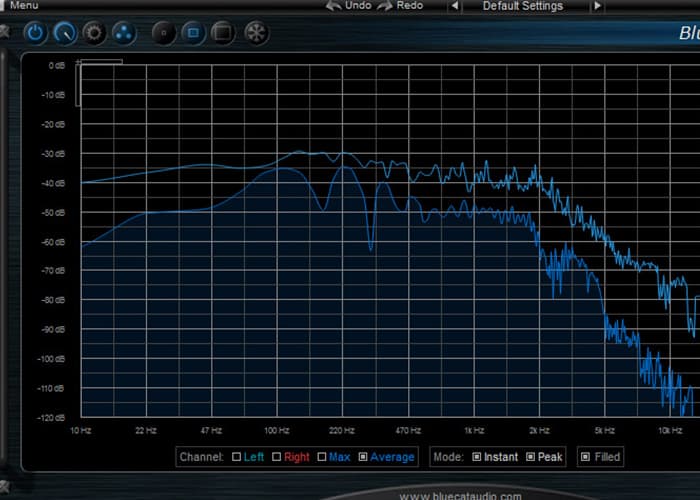
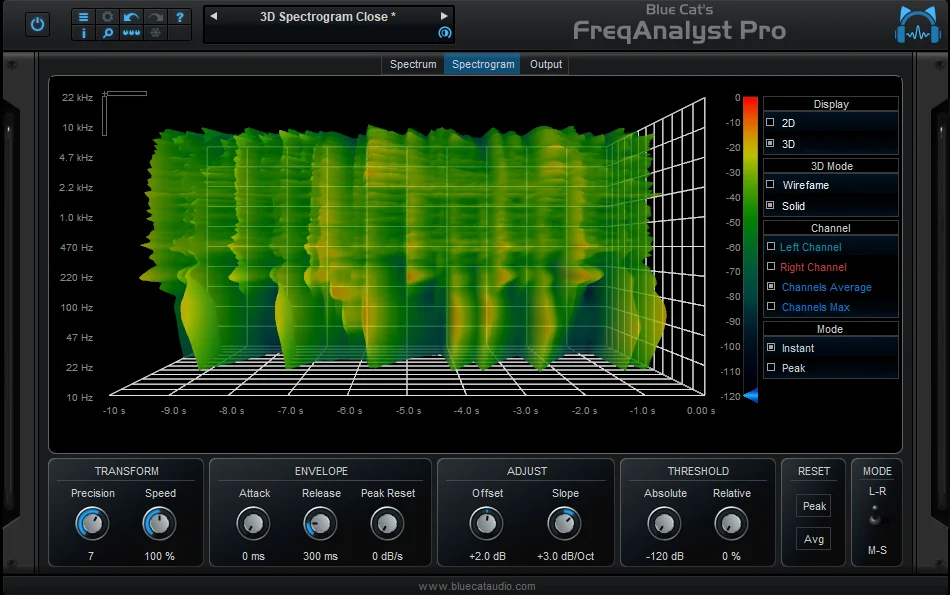
Blue Cat's FreqAnalyst is a real-time spectrum analyzer plugin from Blue Cat Audio that displays the frequency content of your audio with exceptional smoothness. Its proprietary interpolation algorithm produces continuous, fluid spectral curves even at high frequency resolution, setting it apart from the jagged readouts typical of most FFT-based analyzers.
The plugin gives you full control over how audio is converted to a frequency display. You can adjust the FFT size, windowing, and response time to match your analysis needs, from quick transient tracking to averaged long-term spectral views.
A built-in thresholding system lets you filter out low-level noise and focus on the most significant parts of the spectrum. Combined with a zoomable display, you can isolate any frequency range and inspect it in detail without losing the big picture.
FreqAnalyst supports both mono and stereo signals and processes at any sample rate. It uses zero CPU when fed silence, making it efficient even when left inserted across multiple tracks during a session.
The interface supports Blue Cat's skinning language for full visual customization, along with Retina and High DPI scaling. MIDI learn, full automation, and a built-in preset manager with undo/redo round out a feature set that punches well above what you'd expect from a utility metering tool.
Video Preview

Frequently Asked Questions
How does Blue Cat's FreqAnalyst differ from Voxengo SPAN?
FreqAnalyst focuses on display smoothness through its proprietary interpolation algorithm, producing continuous curves rather than the stepped look common in FFT analyzers. SPAN offers more built-in features like mid/side analysis and multiple display modes, but FreqAnalyst's curve quality is notably fluid and customizable through its skinning system.
Can I use FreqAnalyst on multiple tracks at the same time?
Yes, you can insert FreqAnalyst on as many tracks as needed. Its zero-CPU-on-silence design keeps overhead low when tracks are idle. For comparing multiple tracks on a single display, Blue Cat Audio offers the separate FreqAnalyst Multi plugin.
Does FreqAnalyst support Apple Silicon Macs natively?
Yes, version 2.5 runs natively on Apple Silicon (M1/M2/M3) without Rosetta translation. It also supports Retina displays on macOS and High DPI scaling on Windows 10 and later.
What is the thresholding system used for?
The threshold controls let you set minimum amplitude levels that must be exceeded before frequency content appears on the display. This filters out low-level noise and room tone, making it easier to focus on the meaningful parts of a signal's spectrum during mixing.