
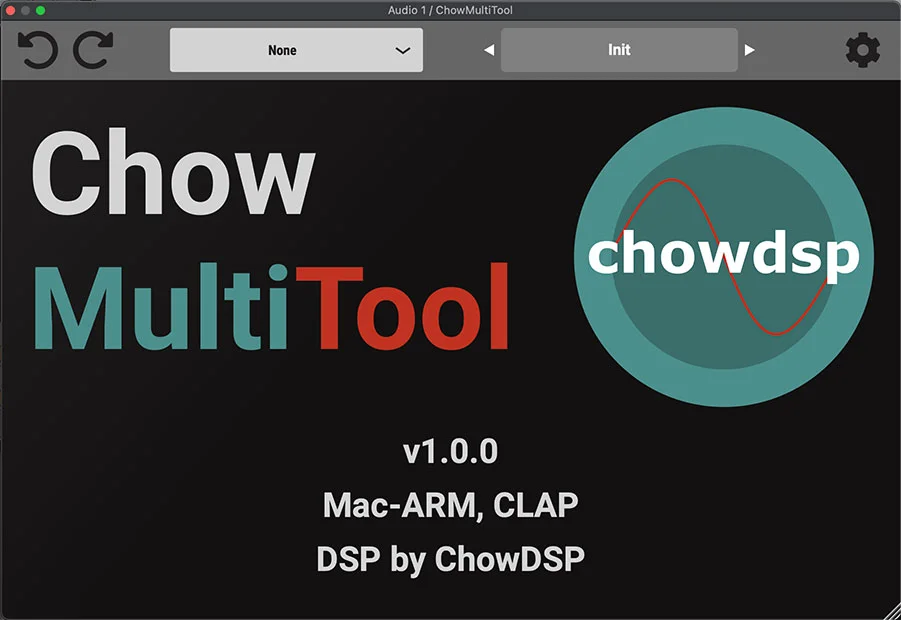
ChowMultiTool
Key Features
- Drawable linear-phase EQ for flexible tonal shaping
- Customizable waveshaper designed for low aliasing
- Band-splitter with multiple outputs
- Perfect-reconstruction crossover behavior in the splitter
- SVF with keytracking and parameter modulation on CLAP
- Open-source project licensed under GPLv3
- Latest-release and nightly-build routes from Chowdhury DSP
Description
ChowMultiTool is Chowdhury DSP’s compact utility plugin for keeping several useful processors in one DAW window. The official product page describes a drawable linear-phase EQ, a customizable waveshaper designed for low aliasing, a band-splitter with multiple outputs and perfect reconstruction, and an SVF with keytracking and parameter modulation on CLAP.
The EQ is suited to quick tonal shaping when you want to draw a curve, while the waveshaper supplies a route into controlled digital color. The band-splitter can separate material for multiband processing, and the filter section adds modulation-focused movement where the supported format exposes those controls.
ChowMultiTool is open source and released under GPLv3. Chowdhury DSP links a latest release as well as nightly builds, so use the project’s release page for the current installer and format availability rather than relying on an old archive.
It fits producers and sound designers who want fast utility work, experimental processing, or a small toolbox for sketching chains before committing to separate specialist plugins.
Video Preview
Frequently Asked Questions
What processors are in ChowMultiTool?
Chowdhury DSP lists a drawable linear-phase EQ, a low-aliasing customizable waveshaper, a multi-output band-splitter, and an SVF. The SVF’s keytracking and parameter modulation are listed for CLAP.
Is ChowMultiTool open source?
Yes. The project’s GitHub page identifies it as open source under the GPLv3 license.
What is the band-splitter useful for?
It divides a signal into bands with multiple outputs and is described as using perfect reconstruction. That makes it useful before separate processing of low, mid, or high ranges.
Where should I get the current build?
Chowdhury DSP links a latest release from the product page and repository. Check that release route for current installers and format support.


