
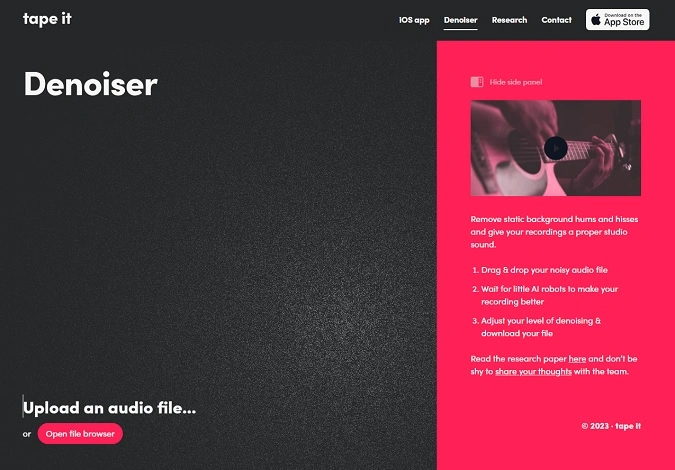
Denoiser
Key Features
- AI-assisted noise profiling paired with a classical multi-band expander for artifact-free noise reduction
- Works on vocals, individual instruments, full mixes, sample libraries, and field recordings
- Single-slider control with intelligent defaults that produce studio-quality results without tweaking
- Bypass switch for instant A/B comparison between processed and original audio
- Adapts to changing noise conditions in real time without requiring a separate noise-print capture
- Backed by peer-reviewed research presented at the AES Convention in New York
- Available as both a DAW plugin (VST3/AU) and a standalone desktop application
Description
Denoiser by Tape It combines AI-driven noise profiling with classical multi-band expansion to remove unwanted background noise from any audio signal. Unlike purely neural-network denoisers that can introduce metallic artifacts, this hybrid approach uses a machine learning model solely to detect the noise profile while the actual processing relies on proven signal-processing techniques.
The plugin handles hums, hisses, and broadband noise across vocals, individual instrument tracks, full mixes, and field recordings. An academic paper presented at the AES Convention in New York demonstrated that its output quality competes with and sometimes outperforms industry-standard denoisers that require manual adjustment.
Operation is intentionally minimal — a single strength slider controls how aggressively noise is reduced, and a bypass switch lets you A/B the result against the unprocessed signal. The default setting works well for most material, so you can drop it onto a channel and move on.
It runs as a VST3 or AU plugin inside any compatible DAW on Windows and macOS, and a standalone desktop app is also included. Placing it first in the plugin chain is recommended, though it also works after amp simulations and other processing that may add noise.
The underlying research was developed at the Centre for Digital Music at Queen Mary University of London in collaboration with Tape It founder Thomas Walther. That academic foundation sets it apart from most consumer-grade noise gates and expanders.
Video Preview

Tips
- Use the slider to find the optimal balance between noise reduction and audio quality.
- Utilize the bypass switch frequently to ensure the original sound character is preserved.
- Test the plugin on various types of recordings to understand its capabilities and limitations.
- Experiment with different noise levels to see how the AI handles complex noise environments.
- Consider using Denoiser on live performance recordings to clean up background noise without losing the live feel.
Frequently Asked Questions
How does Tape It Denoiser differ from other AI noise reduction plugins?
Most AI denoisers run the audio directly through a neural network, which can introduce metallic or watery artifacts. Tape It uses the AI model only to detect the noise profile, then applies a classical multi-band expander to actually reduce the noise. This hybrid approach delivers the intelligence of machine learning without the sonic downsides.
Does Denoiser require a separate noise-print sample to work?
No. The AI model continuously analyzes the incoming audio and estimates the noise profile automatically. It adapts to changing noise conditions in real time, so there is no need to capture a silent section of your recording first.
Can Denoiser handle music recordings or only speech?
It handles both. Unlike many speech-focused denoisers that corrupt musical content, Denoiser was specifically trained and tested on music signals. An AES-published listening test confirmed it produces high-fidelity results on full songs, single instrument tracks, and field recordings.
Where should Denoiser be placed in the plugin chain?
The recommended placement is first in the chain so it processes the raw signal before other effects color the sound. However, it also works well after amp simulations or other plugins that introduce additional noise.


