
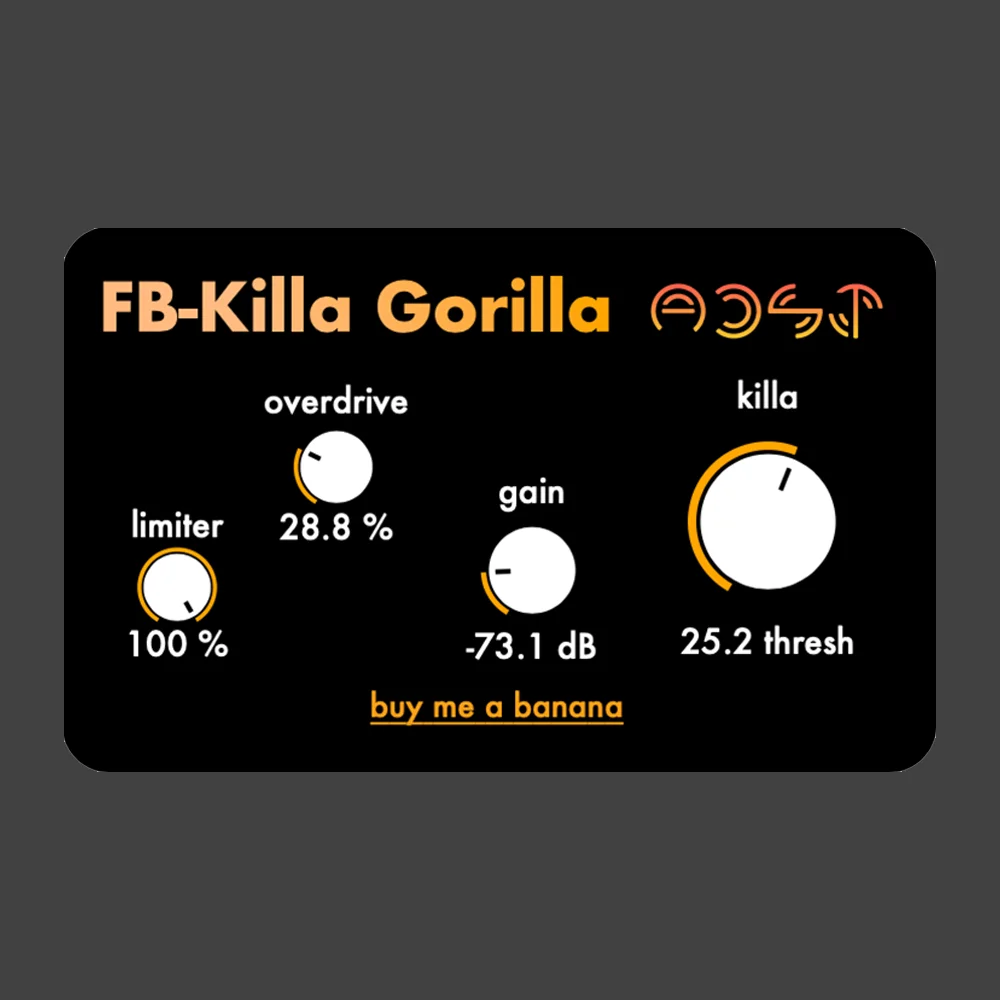
Feedback-Killa Gorilla
Key Features
- FFT-based frequency elimination for controlling feedback peaks without flattening the raw character.
- Killa threshold control for deciding where feedback generation stops and which overtones are reduced first.
- Built-in limiter, overdrive, and gain controls for moving between safer feedback control and gritty sound design.
- Works with external microphone-and-speaker feedback setups or internal DAW feedback routing.
- Designed for experimental textures, drones, atmospheric pads, noise performance, and feedback-as-instrument workflows.
- Mac AU/VST3 and Windows VST3 support through the official Gumroad release.
Description
Feedback-Killa Gorilla is an experimental audio effect from Artists in DSP that turns feedback into a controllable sound design source. It uses FFT-based frequency elimination to tame resonant peaks while leaving enough unstable movement for drones, roars, and playable noise textures.
The plugin is built for producers who want to create feedback deliberately rather than fight it after the fact. You can feed it live microphone and speaker loops, internal DAW feedback routing, or already-resonant material, then shape the result with limiter, overdrive, gain, and Killa threshold controls.
Its appeal is not polished hi-fi processing, but fast access to volatile textures that can sit between feedback suppression, distortion, and instrument-like resonance. The threshold behavior is especially useful for moving from atmospheric pads into harsher noise performance territory.
The tradeoff is that this is a legacy Gumroad release with a noted FL Studio bug update still pending. Even so, the official page remains published at $0/pay-what-you-want and lists Mac AU/VST3 plus Windows VST3 installers through the Gumroad download flow.
Video Preview

Frequently Asked Questions
What does the Killa control do?
Killa sets the threshold where feedback generation is suppressed. Lower or higher settings change which overtones are killed first, so the same feedback loop can shift from smoother harmonic tones to rougher noise textures.
Do I need a microphone and speaker setup to use it?
No. The developer demonstrates it as useful for live microphone-and-speaker feedback, but it can also be used with internal DAW feedback routing or other resonant audio sources.
Is this meant for clean mixing work?
Not really. Artists in DSP and third-party coverage both frame it as an experimental sound design tool, so it is better suited to creative feedback control, drones, and noisy textures than transparent corrective processing.


