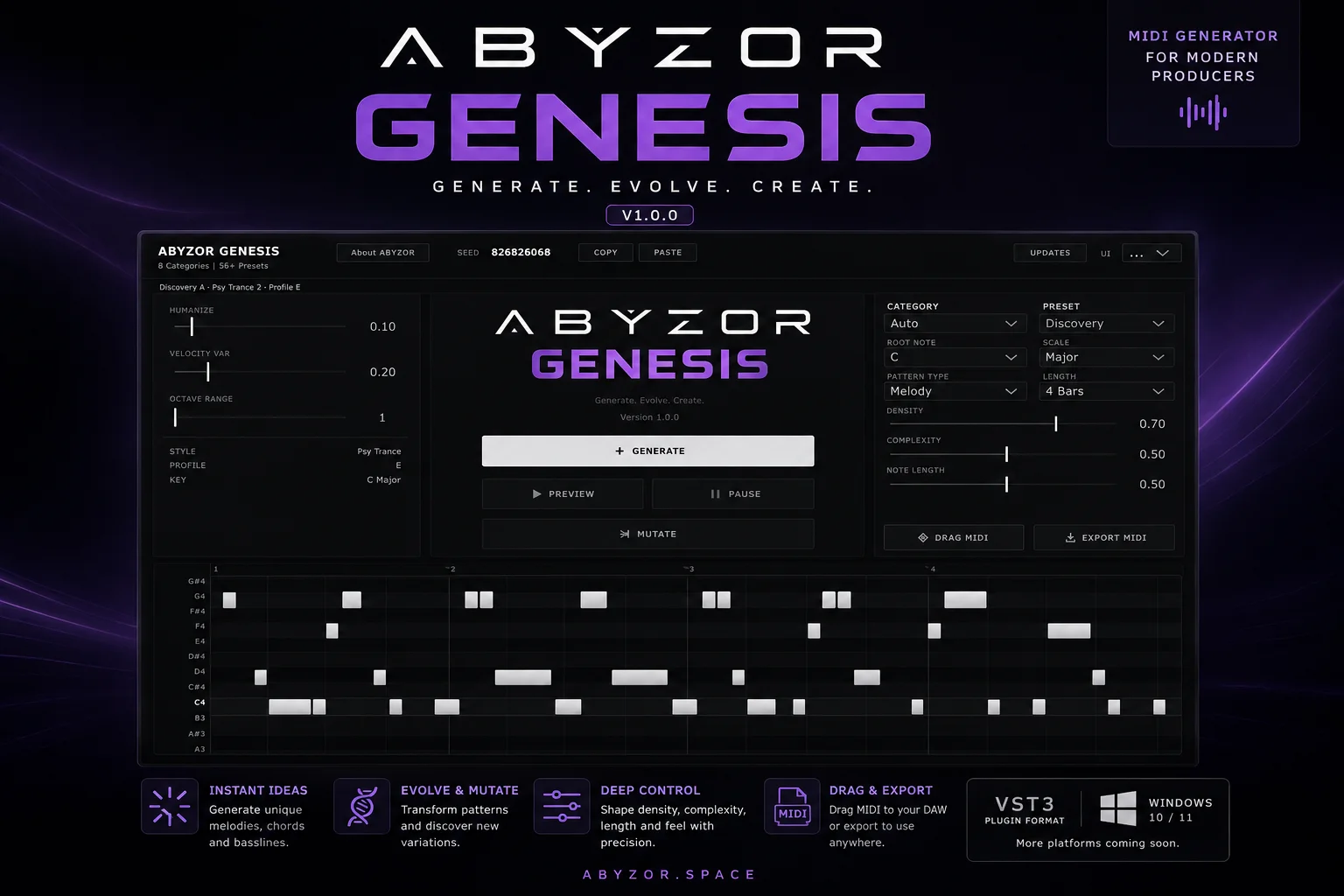
ABYZOR Genesis
Key Features
- Generates melodies, basslines, chord progressions, and arpeggios from one MIDI-focused plugin
- Electronic music category system for quickly aiming generated parts at styles such as techno, house, trance, drum and bass, ambient, cinematic, and experimental
- Smart mutation engine for evolving generated ideas instead of starting over every time
- Piano-roll preview for checking generated notes before exporting them to the DAW timeline
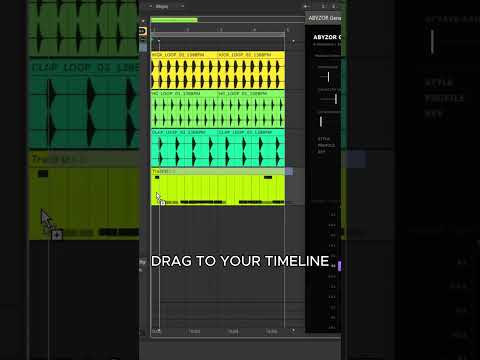
- Drag-and-drop MIDI export for moving generated patterns into another instrument track
- Version 1.1.0 GitHub release packaged as a no-installer Windows VST3 ZIP
- KVR-listed plugin with official support, changelog, GitHub issues, and community links from the developer site
Description
ABYZOR Genesis is a Windows VST3 MIDI generator for quickly sketching melodies, basslines, chord progressions, and arpeggios. It is built for producers who want a playable idea starter inside the DAW rather than a standalone composition app.
The workflow centers on electronic music categories, smart mutation, piano-roll preview, and drag-and-drop MIDI export. That makes it useful for moving from a blank session to a rough musical direction without committing to a sound source yet.
Genesis is not a synth, so it needs to feed another instrument plugin or MIDI destination in your host. The official page lists Windows 10/11 64-bit support, VST3 format, version 1.1.0, and a GitHub-hosted ZIP release with no installer required.
The current release is best treated as a fast sketchpad for harmonic and rhythmic ideas, especially when you need a placeholder bassline, arp, melody, or chord progression to keep an arrangement moving. It has a narrower platform target than cross-platform MIDI tools, but the focused Windows VST3 package keeps installation simple.
Video Preview

Frequently Asked Questions
Does ABYZOR Genesis make sound by itself?
No. Genesis is a MIDI generator, so it creates note patterns that need to be routed into a synth, sampler, drum instrument, or other MIDI destination in your DAW.
What kinds of MIDI parts can Genesis generate?
The developer lists melody, bassline, chord progression, and arpeggio generation. The BPB launch coverage also describes it as an all-rounder rather than a single-purpose chord or bassline tool.
How do I install ABYZOR Genesis on Windows?
Download the ZIP, extract it, and place the included ABYZOR Genesis.vst3 file in the default Windows VST3 folder. The official install guide points users to C:\\Program Files\\Common Files\\VST3.
Is there a macOS version?
No. The official product page says Genesis is currently only compiled for Windows 64-bit environments, with no VST3 or Audio Unit build for macOS.