HoRNet Freqs
Key Features
- Dual visualization modes: analog LED-style bar graph inspired by studio hardware and a digital FFT-based frequency curve for detailed spectral analysis
- Mid/side monitoring displays sum and difference signals independently to identify stereo field imbalances and mono compatibility issues
- Adjustable integration times with three speed settings for transient analysis, general mixing, and slow-averaged tonal balance checks
- Peak hold function captures frequency peaks and sustains them on screen, highlighting resonances and buildups that momentary display would miss
- Selectable dB range lets you zoom into narrow level windows for mastering precision or use wide ranges for general mixing overview
- Fully resizable hardware-accelerated GUI stays crisp and smooth on any display size, including high-DPI and Retina screens
- No copy protection means zero-hassle installation and seamless use across multiple systems
Description
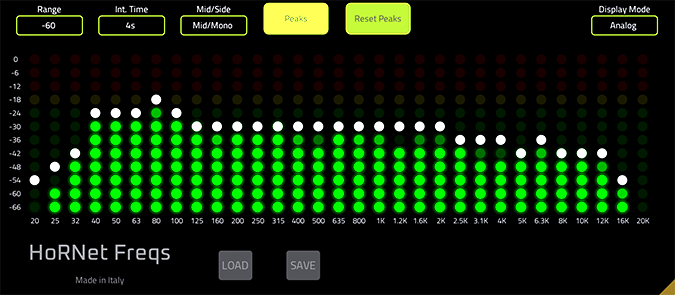
HoRNet Freqs is a dual-mode spectrum analyzer plugin that offers both analog and digital visualizations of your audio signal. The analog mode recreates the LED-style bar graph display found on hardware spectrum analyzers still used in professional mastering studios, while the digital mode provides a detailed FFT-based frequency curve for precise analysis.
The plugin includes adjustable integration times that let you switch between fast response for transient-heavy material and slower averaging for overall tonal balance. A peak hold function captures and displays frequency peaks, making it easy to spot resonances and problematic buildup across the spectrum.
Mid/side monitoring separates the sum and difference components of a stereo signal, which is particularly useful for checking mono compatibility and identifying frequencies that exist only in the stereo field. This helps isolate masking issues that standard left/right metering would miss.
The GUI is fully resizable with hardware-accelerated drawing, so it stays crisp and responsive at any display size. HoRNet Freqs uses no copy protection, making installation straightforward across all your systems.
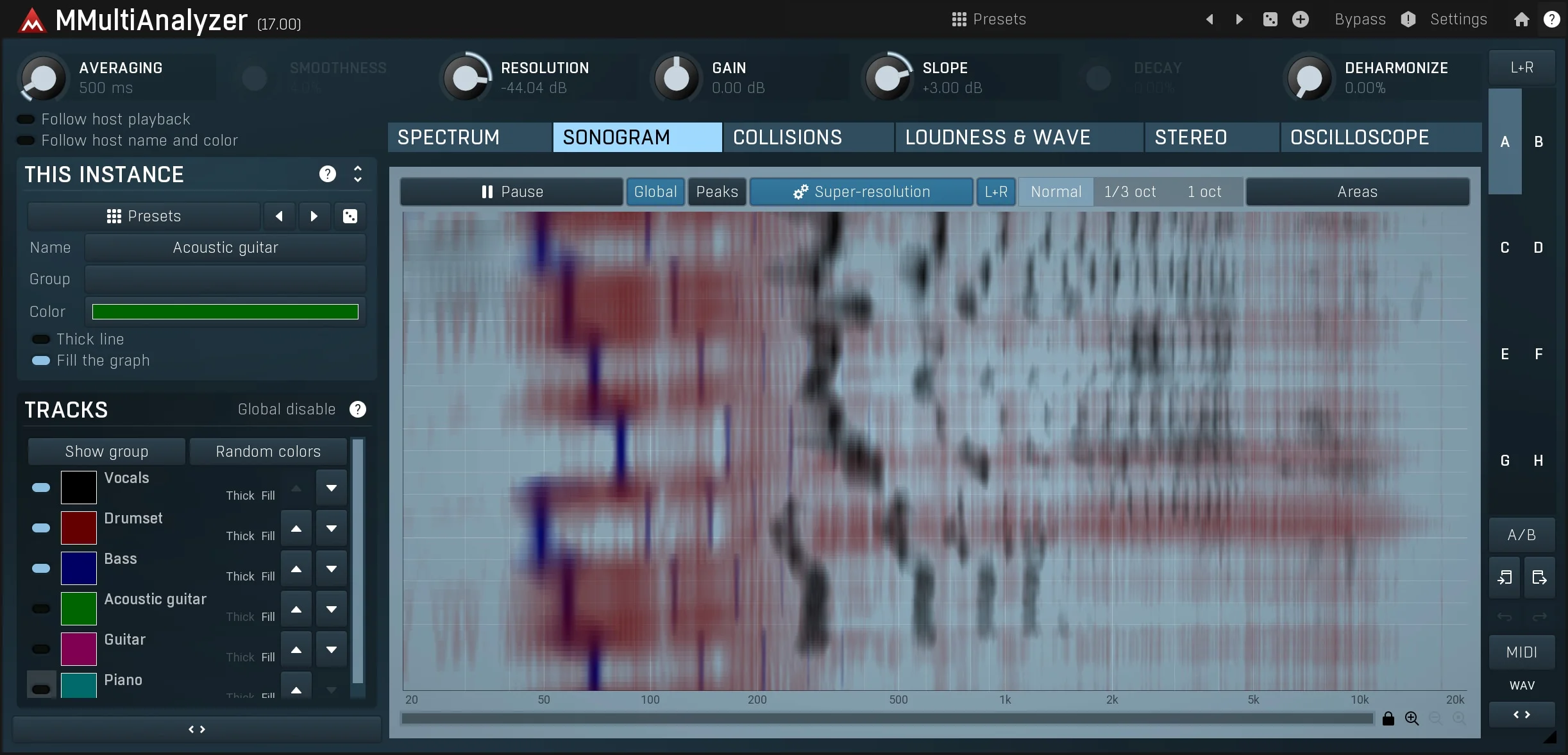
HoRNet also offers MultiFreqs, a paid upgrade that extends the same analysis engine to display up to 28 tracks simultaneously for identifying frequency collisions across an entire mix.
Video Preview


Frequently Asked Questions
What is the difference between the analog and digital modes in HoRNet Freqs?
The analog mode mimics a hardware LED-style spectrum analyzer with discrete frequency bands, providing a quick visual overview similar to what you would see on a physical studio meter. The digital mode uses FFT processing to draw a continuous frequency curve with much finer resolution, which is better suited for pinpointing exact problem frequencies during surgical EQ work.
How does the mid/side display help with mixing?
Mid/side mode separates your stereo signal into the sum (center content) and difference (stereo-only content) components. This lets you check whether certain frequencies exist only in the sides, which can indicate phase issues or unintentional stereo width that may collapse on mono playback systems.
Does HoRNet Freqs work natively on Apple Silicon Macs?
As of the current version, HoRNet Freqs does not run natively on Apple Silicon. It works on Apple Silicon Macs through Rosetta 2 translation, so you may need to run your DAW in Rosetta mode for compatibility.
What is the difference between HoRNet Freqs and HoRNet MultiFreqs?
HoRNet Freqs analyzes a single track at a time. MultiFreqs is a paid upgrade that can overlay the spectrums of up to 28 tracks simultaneously on one display, making it much easier to spot frequency collisions between instruments across your entire mix session.