
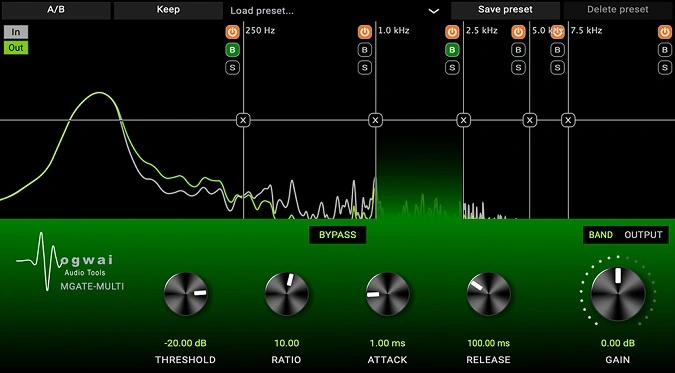
MGATE-MULTI
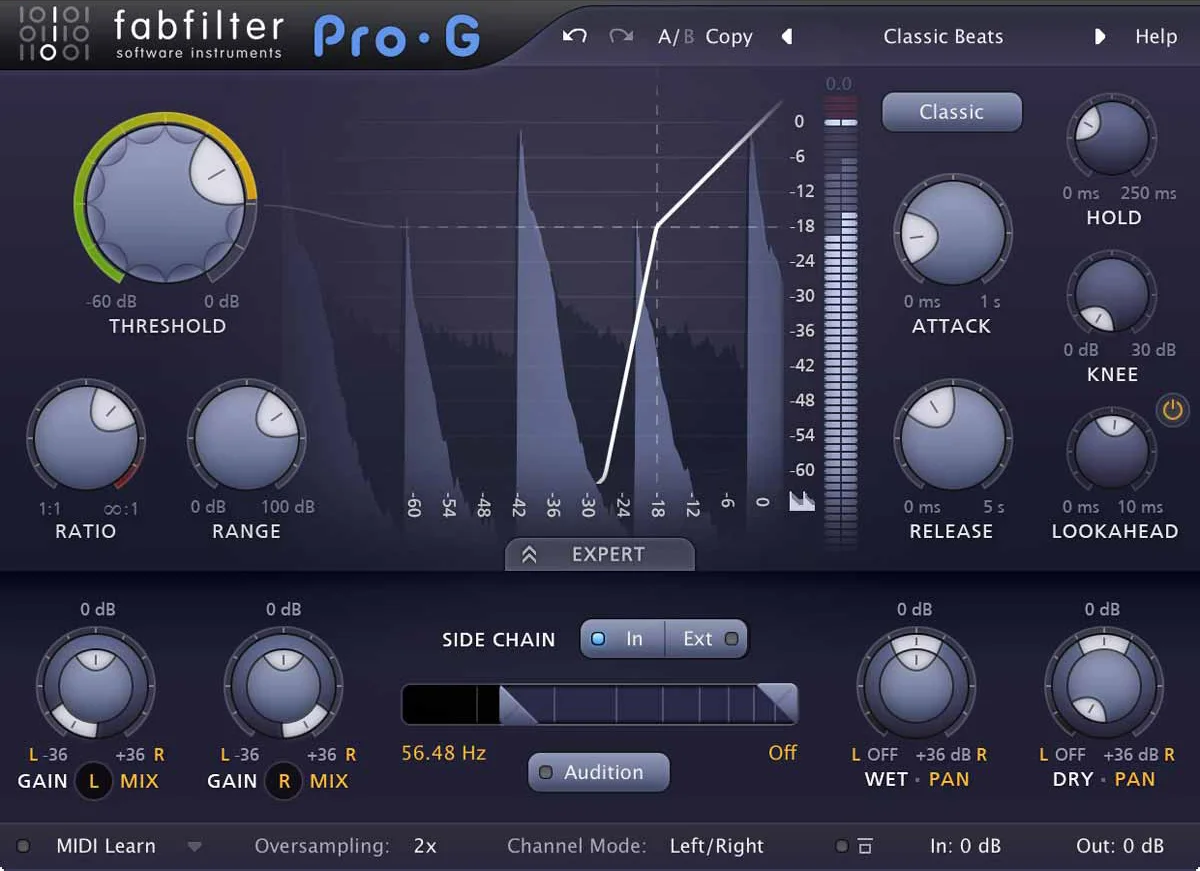
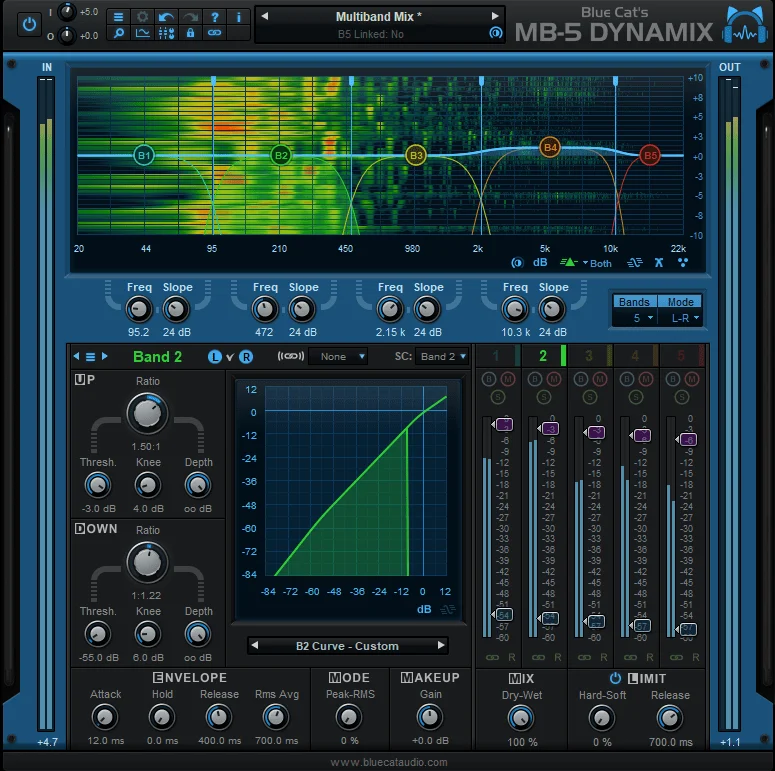
Key Features
- Up to six independent frequency bands, each with dedicated threshold, ratio, knee, attack, and release controls for per-band gating precision
- Visual display with interactive crossover editing — add, remove, and drag frequency band dividers directly on the spectrum analyzer
- Per-band solo, bypass, and deactivate controls for isolating and fine-tuning individual frequency ranges during mixing
- Lookahead function that delays the sidechain signal to capture fast transients without missing the initial attack
- A-B comparison for storing and toggling between two complete parameter configurations
- Wet/dry mix knob enabling parallel gating to blend processed and unprocessed signals for a more natural result
- Factory presets included as starting points for common gating scenarios across drums, vocals, and instrument cleanup
Description
MGATE-MULTI by Mogwai Audio Tools is a multiband gate plugin that splits incoming audio into up to six independent frequency bands, each with its own threshold, ratio, knee, attack, and release controls. Standard gates treat the entire signal as one block, often causing pumping or unnatural artifacts when only a specific frequency range needs taming.
The multiband approach lets you isolate and gate individual frequency ranges without touching the rest of the signal. This makes it especially effective for removing cymbal bleed from close-miked drums, taming low-end rumble in piano recordings, or trimming high-frequency hiss from guitar tracks.
Bands are added and removed directly from the visual display by hovering over crossover points and clicking. Each band can be soloed, bypassed, or deactivated independently, and the crossover frequencies are adjusted by dragging dividers across the spectrum analyzer.
A lookahead function adds a small delay to the sidechain signal, ensuring accurate transient detection even on fast attack material. The A-B comparison feature stores two complete parameter sets for quick toggling between configurations.
Global output controls include gain, a wet/dry mix knob for parallel processing, and a master bypass. The plugin ships with factory presets that serve as starting points for common gating scenarios across drums, vocals, and full mixes.
MGATE-MULTI runs as a 64-bit plugin in VST3, AU, and AAX formats on both Windows and macOS. Version 3.0.5 introduced performance improvements to analysis data processing and removed the 30-second time limit on the input/output display.
Video Preview


Tips
- Use the LOOKAHEAD function to handle fast attack signals effectively.
- Adjust the threshold and ratio to control the level at which the gate activates.
- Utilize the A-B functionality to compare different settings and choose the best one.
- Experiment with factory presets as starting points for your custom settings.
- Use the visual display to monitor input and output signals for precise adjustments.
- Solo individual bands to focus on specific frequency ranges during the gating process.
- Adjust the wet/dry mix to blend the gated signal with the original signal for a more natural sound.
- Use the global output controls to fine-tune the overall output of the plugin.
Frequently Asked Questions
How many frequency bands can MGATE-MULTI use at once?
MGATE-MULTI supports up to six simultaneous frequency bands. You add bands by hovering over the visual display until a '+' button appears at the desired crossover point, and remove them by clicking the 'x' button on any crossover divider.
What does the lookahead function do in MGATE-MULTI?
The lookahead adds a small delay to the sidechain signal so the gate can detect incoming transients before they arrive at the output. This prevents the gate from clipping the initial attack of fast percussion hits or plucked strings, giving cleaner results on transient-heavy material.
Can MGATE-MULTI do parallel gating?
Yes. The global wet/dry mix knob lets you blend the gated signal with the original unprocessed audio. This parallel gating approach softens the effect and produces more natural-sounding results, especially useful on room mics and overheads where you want to reduce bleed without completely silencing the gaps.
How is a multiband gate different from a regular gate plugin?
A standard gate opens and closes based on the overall signal level, which can cause problems when loud content in one frequency range masks quieter content in another. A multiband gate splits the audio into separate frequency bands and applies independent gating to each, so you can remove cymbal bleed above 8 kHz without affecting the snare fundamental below it.


