
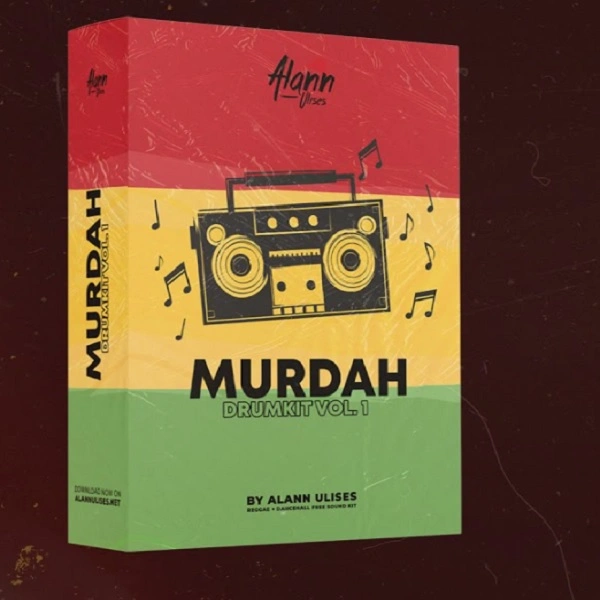
MURDAH DRUMKIT VOL.1
Audio Preview
Description
The MURDAH DRUMKIT VOL.1 by Alann Ulises is a collection of samples aimed at enhancing your music production in Reggae and Dancehall genres.
This sample pack includes a variety of high-quality sounds that can be integrated into any DAW, such as FL Studio, Ableton, Pro Tools, and Studio One.
The pack features: Drumloops: Rhythmic loops that capture the essence of Reggae and Dancehall, providing a solid foundation for your tracks.
Kicks: Punchy and deep kick drums that add a powerful low-end presence to your beats.
Snares: Crisp and snappy snares that cut through the mix, perfect for creating dynamic grooves.
Hi Hats: Sharp and rhythmic hi-hat samples that bring a sense of movement and energy to your productions.
Percussion: A variety of percussive elements that add texture and complexity to your rhythms.
Fills: Drum fills that help to build anticipation and excitement in your tracks.
FX: Sound effects that can be used to add unique character and flair to your music.
Tips
- Layering Drumloops: Combine different drumloops to create a fuller, more complex rhythm section. Adjust the volume and panning of each loop to find the perfect balance.
- Enhancing Kicks: Use EQ to boost the low frequencies of the kick samples, giving them more punch and presence. Layer multiple kick samples to achieve a thicker sound.
- Snare Variation: Alternate between different snare samples within the pack to add variety and keep your beats interesting. Use one snare for the main hits and another for ghost notes.
- Hi Hat Patterns: Create intricate hi-hat patterns by combining closed and open hi-hat samples. Use velocity changes and slight timing adjustments to add a human feel to your hi-hat sequences.
- Percussion Placement: Use the percussion samples to add syncopation and groove to your tracks. Place them in between the main drum hits to fill out the rhythm and add depth


