
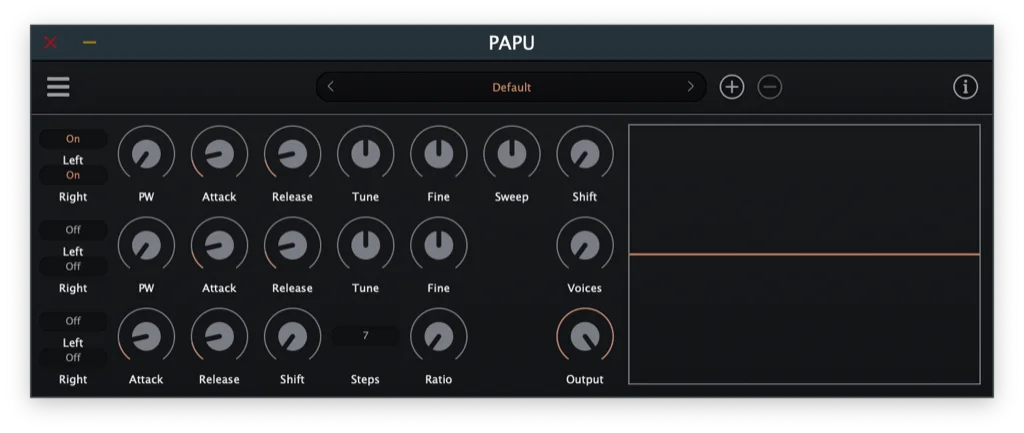
Nintendo Gameboy PAPU
Key Features
- Emulates the Nintendo Gameboy PAPU sound source as a focused virtual instrument.
- Two pulse-wave channels support the sharp melodies, bass lines, and harmony parts associated with classic handheld music.
- A dedicated wave channel expands the tonal palette beyond the pulse voices.
- A noise channel provides a direct route to chip-style percussion, hits, and abrasive texture.
- Real-time waveform display gives visual feedback while shaping sounds.
- Factory presets are included in the current generation after the 2026 updates.
- Current builds cover Windows, macOS, and Linux with modern DAW plug-in formats.
Description
Nintendo Gameboy PAPU is a virtual instrument from SocaLabs that emulates the original handheld's Pseudo Audio Processing Unit for direct, chip-style synthesis in a DAW. Its current design supplies two pulse channels, a wave channel, and a noise channel, so melodies, bass lines, bleeps, and percussion can be built from the limited palette associated with Game Boy music.
The pulse channels provide a practical starting point for the bright leads and simple harmonic parts that define many chiptune arrangements, while the noise channel is useful for short percussive accents and abrasive electronic texture. A waveform display keeps the output visible while you shape the instrument, and the 2026 update history notes factory presets alongside a refreshed interface.
PAPU is intentionally focused rather than a broad modern workstation: it models the character and channel limits of a particular game-system sound source. That constraint suits producers who want to arrange around a small set of unmistakably digital voices instead of reaching for layered, polished synth patches.
SocaLabs currently provides direct Windows, macOS, and Linux downloads from the individual PAPU page, with a 1.2.10 release listed in August 2026. The page also lists current plug-in formats for each operating system, including VST3 and CLAP across the supported platforms, plus AU on macOS.
Frequently Asked Questions
What does PAPU emulate?
PAPU emulates the Pseudo Audio Processing Unit used by the original Nintendo Gameboy. SocaLabs describes the instrument as providing two pulse channels, one wave channel, and one noise channel.
Can PAPU make both melodies and drum-like sounds?
Yes. The pulse and wave channels are suited to pitched parts such as leads, basses, and simple harmonies, while the noise channel can create chip-style percussion and noisier accents.
Which plug-in formats does the current release support?
The official page lists VST, VST3, and CLAP for Windows; VST, VST3, AU, and CLAP for macOS; and VST3, LV2, and CLAP for Linux. Windows and macOS formats are listed as 64-bit.
Is PAPU intended as a full modern synthesizer?
No. Its design centers on the restricted channel palette of the Game Boy sound hardware, which is useful when you want a deliberately compact chiptune workflow rather than a large multi-layer synth architecture.


