PloseAssist
Key Features
- Automatically identifies plosive bursts in voice recordings instead of requiring a manual threshold setting.
- Reduces only the low-frequency portion of the detected P and B pop, leaving unaffected speech and vocals intact.
- Amount control adjusts the intensity of each cut for lighter or more assertive cleanup.
- Sub adds extra reduction below 100 Hz for especially boomy close-mic plosives.
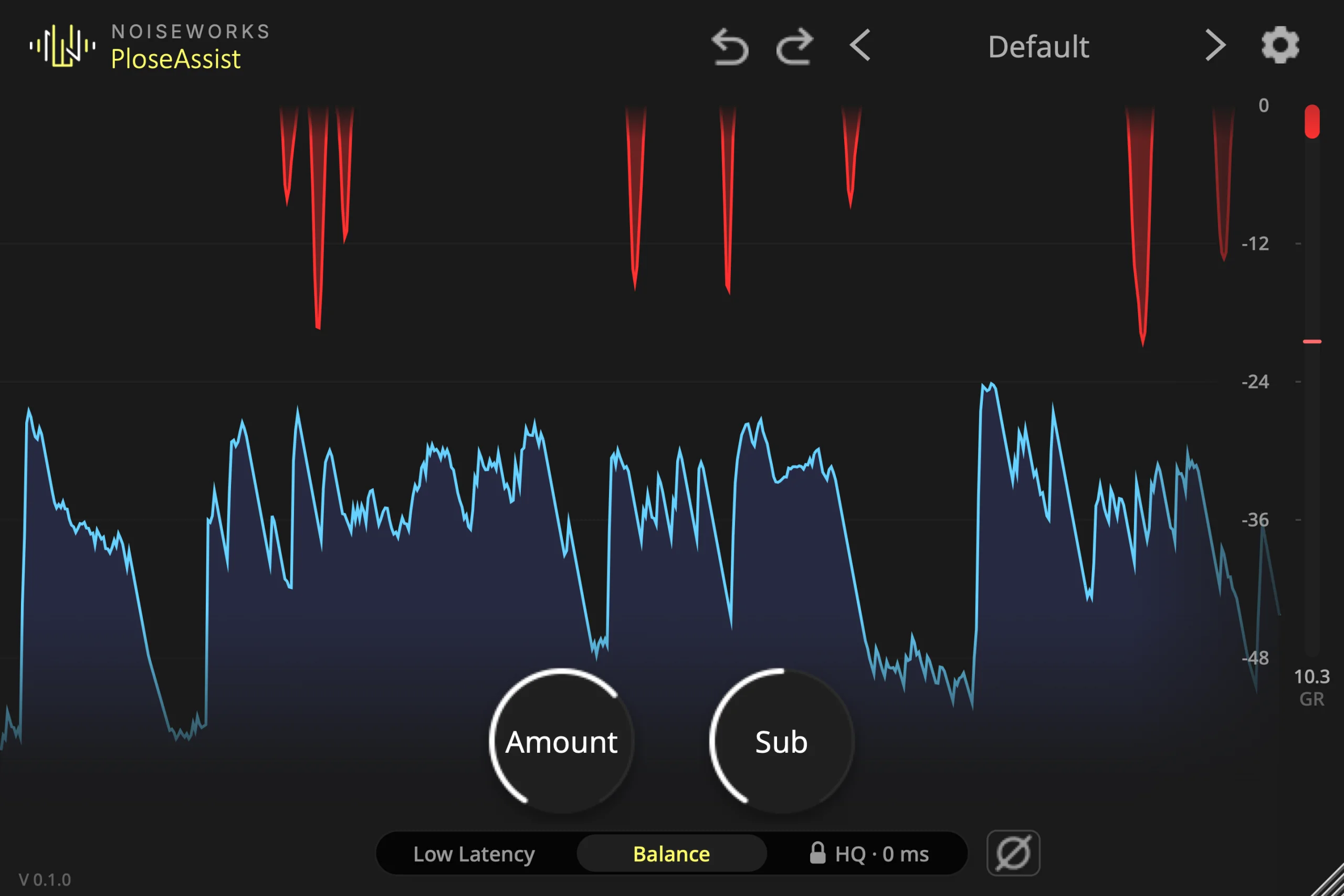
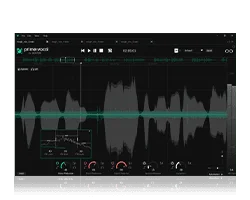
- Scrolling display, gain-reduction meter, and Delta monitoring make each removal audible and visible.
- Low Latency and Balance modes cover recording, editing, and mixing workflows.
- Processes mono, stereo, and multichannel tracks up to 7.1.
Description
PloseAssist is a de-plosive plugin from NoiseWorks for cleaning low-frequency pops from vocal and spoken-word recordings. It automatically detects the short bursts associated with P and B sounds, then turns down the affected low end only for that moment rather than filtering the whole voice.
The single-purpose workflow suits dialogue, podcasts, voice-over, singing, and rap sessions where close microphones can exaggerate plosives. Because detection is automatic, it can be placed on a voice track without setting a threshold first, while the Amount control remains available when a recording needs a lighter or stronger reduction.
The display marks each reduction as it happens, and the Delta option lets you audition the material being removed. Sub adds extra reduction below 100 Hz for especially boomy pops, helping you decide whether the processing is removing the thump without thinning the performance.
PloseAssist offers Low Latency for recording and Balance for editing or mixing, so the same processor can cover monitoring and cleanup duties. It works on mono, stereo, and multichannel tracks up to 7.1, making it useful beyond a conventional mono vocal channel.
NoiseWorks provides it as an email-registered download for macOS and Windows, with a free license key delivered from the official product page.
Frequently Asked Questions
How does PloseAssist differ from leaving a high-pass filter on a vocal track?
PloseAssist detects the short low-frequency bursts caused by plosives and reduces them only while they occur. A high-pass filter affects the low end continuously, whereas this processor is designed to leave the rest of the voice unchanged when no pop is detected.
Can I adjust the amount of plosive reduction?
Yes. Amount controls how strongly each detected pop is cut, while Sub adds extra reduction below 100 Hz for boomy recordings. Delta monitoring lets you hear the material being removed while you refine those choices.
Is PloseAssist suitable while recording?
NoiseWorks provides a Low Latency mode for recording and a Balance mode for editing and mixing. The plugin also reports its latency to the DAW for automatic delay compensation.
How do I get the PloseAssist license?
The official NoiseWorks page provides a free license key by email and notes that getting the product also subscribes the user to its newsletter. The product page is the verified destination for starting that registration and download flow.