
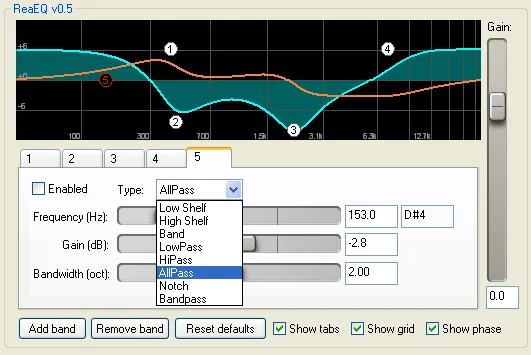
ReaEQ
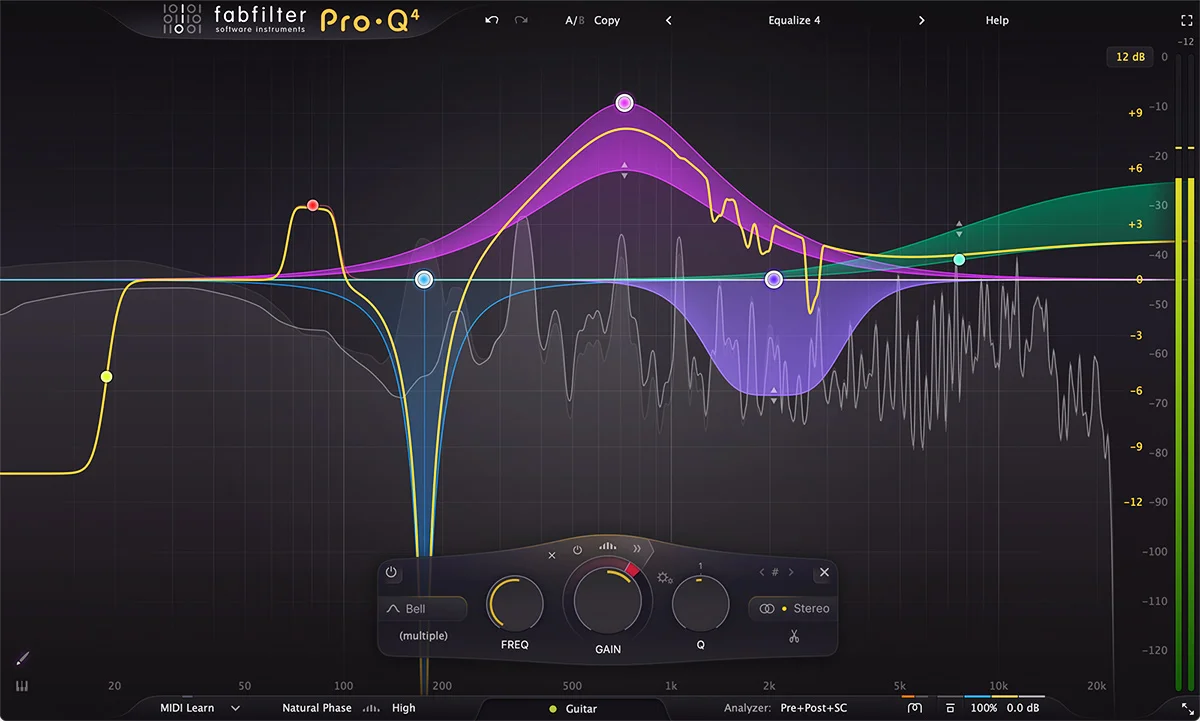
Key Features
- Unlimited IIR EQ bands let a single instance cover simple tonal shaping and more detailed corrective work.
- Each added band can be a shelf, bell, low-pass, high-pass, notch, band-pass, or all-pass filter.
- Frequency-response and phase-response views make curve decisions easier to inspect.
- The optional expanded graph gives more room for precise point placement and adjustment.
- Per-band bypass supports quick, focused comparisons while building a curve.
- Mouse modifiers and the mousewheel adjust a point's bandwidth directly from the graph.
- The official ReaPlugs package supplies separate 32-bit and 64-bit Windows VST installers.
Description
ReaEQ is Cockos' straightforward parametric equalizer, available in the free Windows ReaPlugs VST FX Suite for use outside REAPER. It lets you add as many IIR filter bands as a job needs, from broad shelves and peaks to high-pass, low-pass, notch, band-pass, and all-pass filters.
The response graph shows both frequency and phase response, while the optional full-graph view makes it easier to place and fine-tune points. Per-band bypass keeps A/B decisions focused, and mousewheel or modifier gestures adjust bandwidth directly from the graph.
Its appeal is a light, transparent workflow for corrective cuts, uncomplicated tone shaping, and utility filtering without a fixed band limit. An independent KVR user review particularly values the flexible band count and transparent results for precise cuts and high- or low-pass filtering.
ReaEQ is the ReaPlugs edition, not a current cross-platform plug-in release: Cockos' standalone download page lists Windows VST installers in 32-bit and 64-bit versions, with WINE support noted. Producers on macOS or Linux should use a native alternative or ReaEQ inside REAPER rather than expect this external VST package to install natively.
Frequently Asked Questions
How many bands can ReaEQ use?
Cockos describes ReaEQ as an unlimited-band IIR equalizer. You can add the number of filter points your task requires rather than working within a fixed band count.
Which filter types does ReaEQ provide?
The official ReaPlugs page lists shelves, bands, low-pass, high-pass, notch, band-pass, and all-pass filters. That covers both broad tonal moves and focused corrective filtering.
Does ReaEQ have visual feedback?
Yes. Cockos lists frequency-response and phase-response displays, and version 2.36 added a spectrum analyzer. The full graph view can also be enabled for more precise editing.
Can ReaEQ be used outside REAPER?
Yes, through Cockos' ReaPlugs VST FX Suite. The standalone page lists Windows VST installers in 32-bit and 64-bit versions and notes WINE support; it does not present a native macOS or Linux ReaPlugs installer.


