
SAFEEqualiser
Key Features
- Semantic control lets you type descriptive words like warm, bright, or crisp to instantly load matching EQ settings
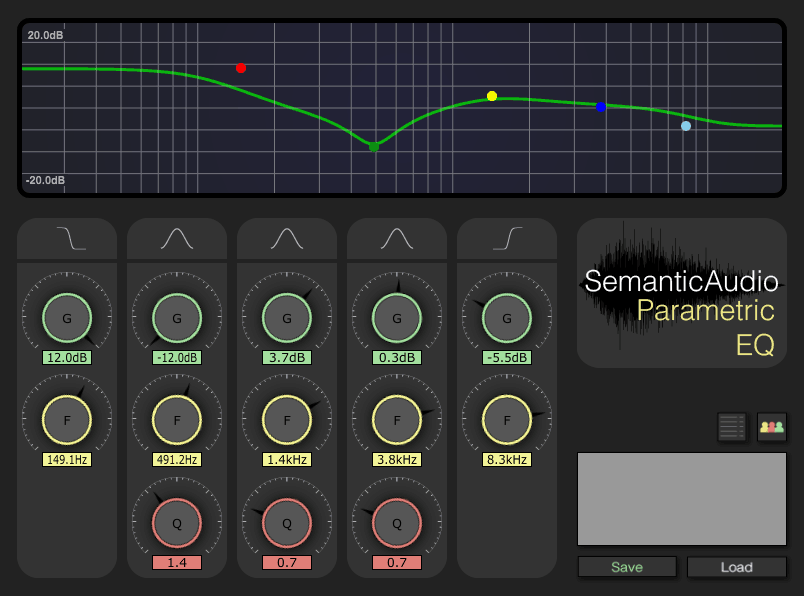
- Three parametric bands plus dedicated low shelf and high shelf filters cover the full frequency spectrum
- Community-driven preset database grows more accurate as more producers contribute their own descriptors
- Exceptionally low CPU usage at approximately 0.2%, allowing dozens of instances in a single session
- Two-way system lets you both load existing semantic presets and save your own tonal descriptions
- Open-source codebase built on the JUCE framework with full source available on GitHub
- Cross-platform support with VST for Windows (32-bit and 64-bit) and Audio Unit for macOS
Description
SAFEEqualiser is a research-backed parametric EQ that lets you dial in tonal changes using plain-language descriptors instead of hunting through frequency values. Developed by the Digital Media Technology group at Birmingham City University and the Centre for Digital Music at Queen Mary University of London, it is part of the SAFE (Semantic Audio Feature Extraction) suite.
Type a word like "warm," "bright," or "crisp" into the text field and the plugin adjusts its three parametric bands plus low and high shelf filters to match that description. Settings are drawn from a community-built database hosted on the SAFE server, so the more producers who contribute descriptors, the more accurate the results become for everyone.
The EQ itself is lightweight, consuming roughly 0.2% CPU, making it practical to run multiple instances across a session without taxing your system. Its interface is intentionally minimal, prioritizing speed and accessibility over flashy visuals.
Beyond loading descriptors, you can also save your own. Achieve a particular tonal shape, type a descriptor, and hit save to contribute back to the shared database — a crowd-sourced approach that means SAFEEqualiser evolves as its user base grows.
For producers who think in musical terms rather than decibels and hertz, SAFEEqualiser bridges the gap between intention and execution. It is best suited to broad tonal shaping and quick creative decisions rather than surgical frequency work.
Video Preview

Frequently Asked Questions
How does the semantic control in SAFEEqualiser actually work?
When you type a descriptor like "warm" or "bright," the plugin queries a server-side database built from contributions by other producers. The server returns averaged EQ parameter settings that match your term, adjusting the three parametric bands and the low and high shelf filters automatically.
Does SAFEEqualiser require an internet connection?
The plugin connects to the SAFE server to load and save semantic descriptors, so an internet connection is needed for that functionality. If you block the connection with a firewall, the plugin still works as a standard 5-band parametric EQ, though users have reported faster response times when the server connection is disabled.
Can I use SAFEEqualiser for precise surgical EQ work?
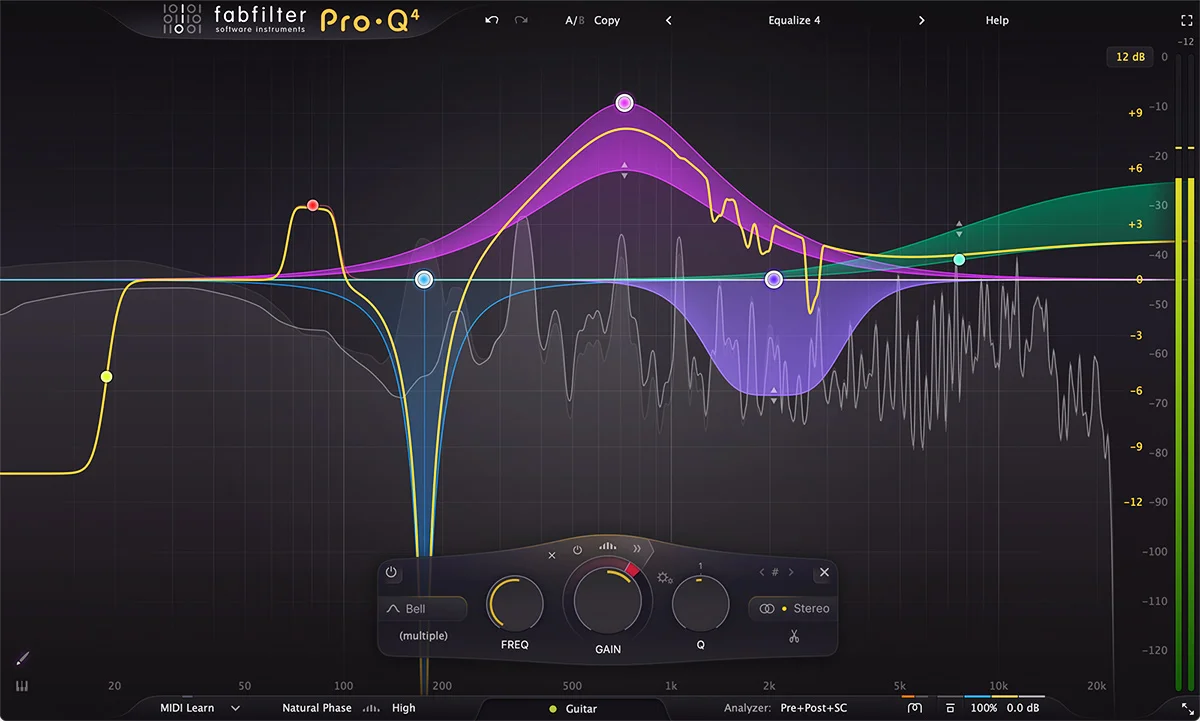
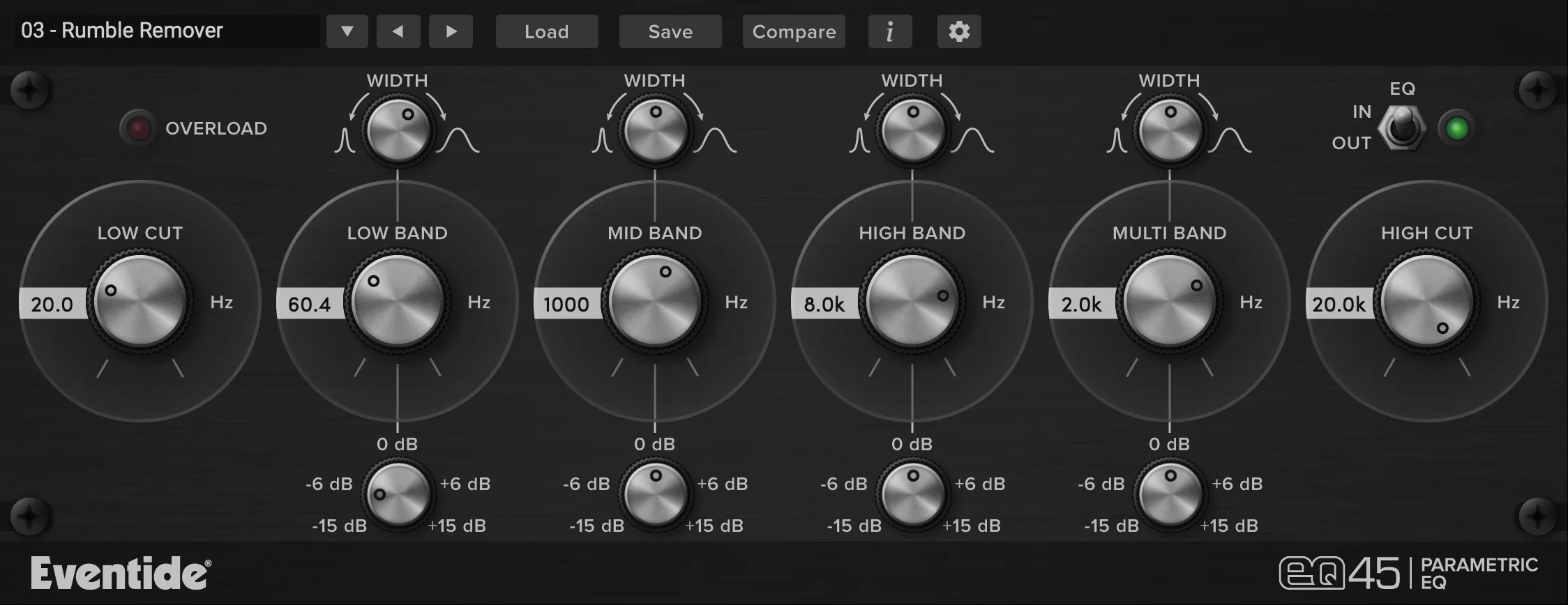
SAFEEqualiser is designed for broad tonal shaping rather than surgical mixing. With only three parametric bands plus low and high shelf filters, it lacks the band count and precision controls found in dedicated mixing EQs. It works best for quick creative decisions and overall tonal adjustments.
Is SAFEEqualiser still maintained and receiving updates?
SAFEEqualiser was developed as part of an academic research project, and the source code is available on GitHub under the semanticaudio organization. While the plugin is stable at version 1.26, active development has slowed since the research project concluded.


