
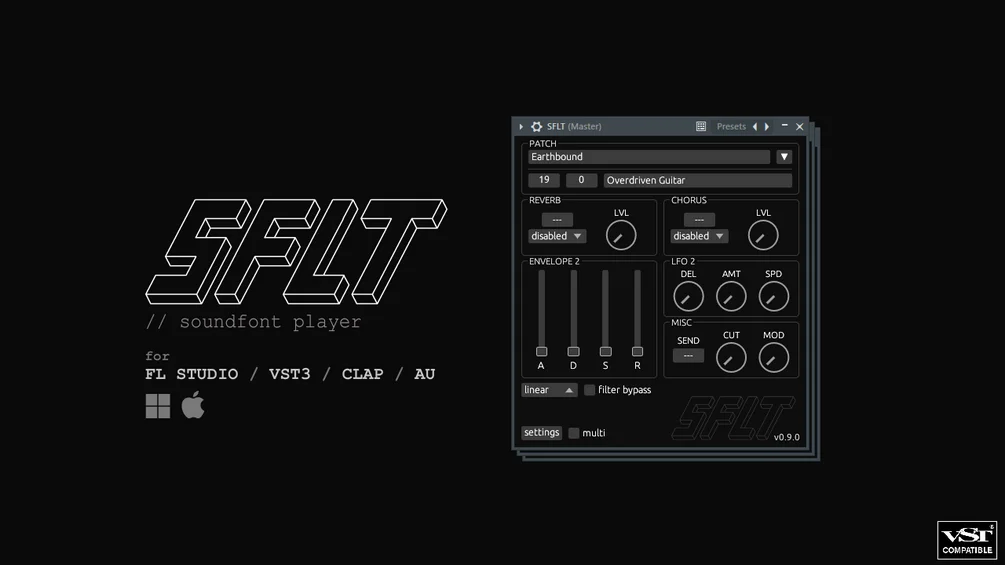
SFLT
Key Features
- Comprehensive SoundFont 2.01 playback is aimed at musicians with existing SF2 libraries rather than users building new multisample instruments from scratch
- Fast file and preset browsers make large SoundFont folders easier to sort, filter, audition, and load than older one-file-at-a-time players
- Linear, nearest, Hermite, and Gaussian resampling modes let you choose between crisp modern playback and more period-accurate retro character
- Native FL Studio integration adds slide notes, per-note panning, portamento behavior, and a velocity response modeled after FL's original SoundFont Player
- VST3, CLAP, and AU builds support broader DAW workflows, with Note Expression and MPE available in compatible hosts
- Multitimbral mode, dynamic preset changes, SF3 support, and Scala microtuning extend it beyond a simple legacy SF2 loader
- GPLv3 source code is included with the download, making the beta more transparent for users who care about long-term maintainability
Description
SFLT is a SoundFont player instrument from Ash Taylor built for producers who still use SF2 libraries inside modern DAWs. It focuses on strong SoundFont 2.01 compatibility, fast browsing, and a more detailed playback engine than older bare-bones SF2 players.
The workflow is especially practical if you have a large folder of old game, GM, or tracker-era SoundFonts. SFLT adds sortable file and preset browsers, drag-and-drop SF2 loading, multiple resampling modes, Note Expression and MPE support, and multitimbral preset changes without turning the plugin into a full sampler workstation.
FL Studio users get the most specialized version because the native FL build supports slide notes, per-note panning, portamento, and a velocity response modeled after FL's original SoundFont Player. The VST3, CLAP, and AU builds stay closer to the official SoundFont spec for use in other hosts.
The main caveat is that SFLT is still in public beta. Reverb and chorus modules are placeholders, linked modulators are not supported, AU is Apple Silicon only for now, and the native FL build is currently Windows-only, but the official Gumroad page lists the product at $0 with optional tipping rather than a temporary coupon.
Frequently Asked Questions
What makes SFLT different from older SoundFont players?
SFLT is built around SoundFont 2.01 compatibility but adds a more modern browsing and playback workflow. The key differences are sortable file and preset browsers, drag-and-drop loading, several resampling modes, Note Expression/MPE support, and multitimbral preset changes.
Should FL Studio users install the native version or the plugin version?
The native FL Studio version is the better choice if you work primarily in FL because it supports slide notes, per-note panning, portamento, and FL-style velocity behavior. The VST3, CLAP, and AU versions are intended for other DAWs and follow the SoundFont spec more closely.
Does SFLT support macOS now?
Yes, the current public beta includes macOS support in VST3, CLAP, and AU formats. The official page notes that the Mac port does not yet include the native FL Studio version, and the AU build is currently Apple Silicon only.
What are the main beta limitations?
The built-in reverb and chorus modules are not implemented yet, so dry signals need external effects when you want ambience or modulation. Linked modulators are also unsupported, and VST3 MIDI Program Change messages are limited by the VST3 format.


