
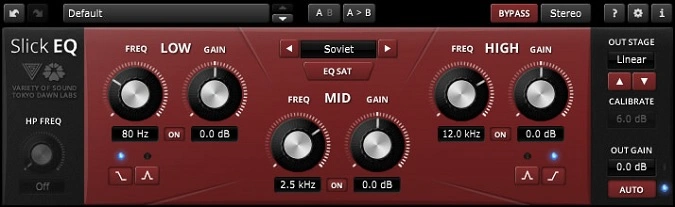
SlickEQ
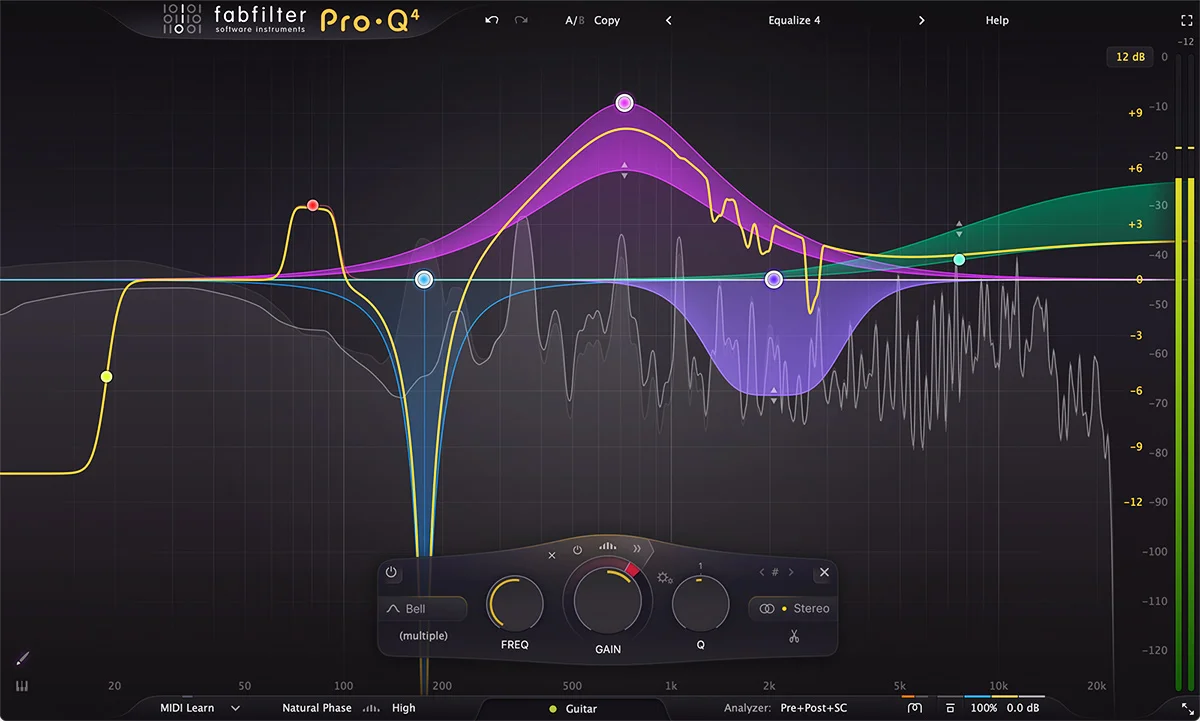
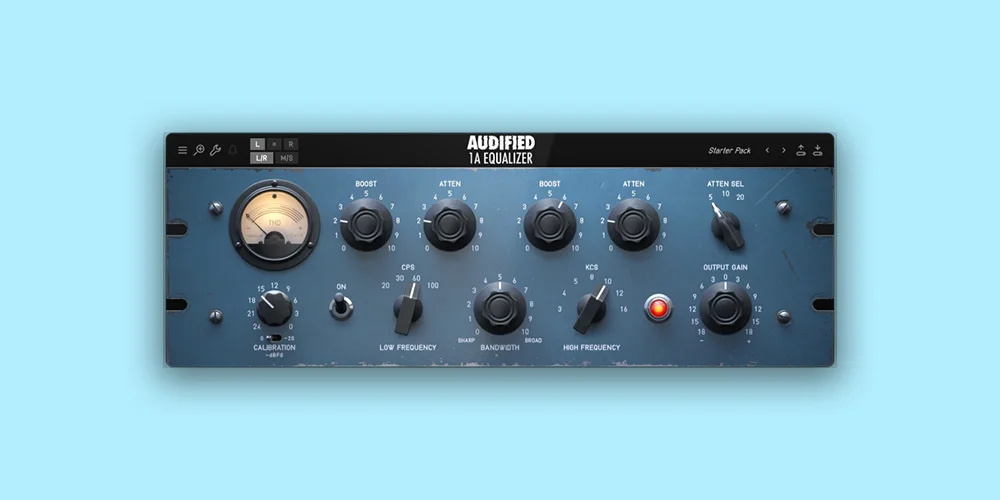
Key Features
- Four analog-modeled EQ modes (American, British, German, Soviet) with optional non-linearity for distinct tonal characters
- Five output saturation stages including Silky, Mellow, Deep, and Toasted for adding harmonic warmth
- Loudness-compensated auto gain that maintains perceived volume while adjusting EQ curves
- 64-bit multirate processing architecture that eliminates frequency warping and aliasing artifacts
- Stereo, mono, and mid/side processing modes for targeted tonal shaping across the stereo field
- Semi-parametric three-band layout with 18dB/Oct high-pass filter for intuitive tonal control
- Built-in A/B comparison, undo/redo, and advanced preset management for efficient mix workflows
Description
TDR VOS SlickEQ is a mixing and mastering equalizer built through a collaboration between Variety of Sound (Herbert Goldberg) and Tokyo Dawn Labs (Vladislav Goncharov and Fabien Schivre). Its semi-parametric layout with three main filter bands and an 18dB/Oct high-pass filter provides fast, musical control over tonal shaping.
Four distinct EQ models — American, British, German, and Soviet — each deliver unique curve behaviors and harmonic characteristics. The optional non-linearity and five output saturation stages (Linear, Silky, Mellow, Deep, and Toasted) add subtle analog warmth and coloration without heavy-handed distortion.
An advanced 64-bit multirate processing structure eliminates common digital EQ artifacts like frequency warping, quantization distortion, and aliasing. The loudness-compensated auto gain keeps perceived volume consistent while dialing in boosts and cuts, helping you hear the actual tonal change rather than being fooled by volume differences.
SlickEQ supports stereo, mono, and mid/side processing modes, making it versatile across mixing and mastering workflows. The mid/side option lets you shape the center image and stereo width independently without external encoding.
Beyond the core EQ, the plugin includes undo/redo, A/B comparison, advanced preset management, editable labels, and mouse-wheel support. These workflow features make it practical for fast-paced mix sessions where recalling and comparing settings matters.
Video Preview


Tips
- Use the auto-gain function to maintain consistent perceived loudness while adjusting EQ settings.
- Experiment with different EQ models to find the best fit for your track's character.
- Utilize the mid/side processing mode to enhance stereo width and depth.
- Apply subtle saturation using the output stage models to add analog warmth and harmonic content.
- Take advantage of the undo/redo and A/B comparison features to fine-tune your EQ settings.
- Use the high-pass filter to clean up low-end rumble and unwanted frequencies.
- Adjust the output stage drive to control the amount of harmonic content without altering input/output levels.
Frequently Asked Questions
What is the difference between SlickEQ and SlickEQ Gentleman's Edition?
The free SlickEQ includes three semi-parametric bands, four EQ models, and five output stages. The Gentleman's Edition adds a realtime frequency analyzer, a parametric Tilt filter, low-pass filter, a fifth EQ model (Japanese), three additional output stages, and Smart Operations like Match Pink and De-resonate.
How do the four EQ models in SlickEQ differ from each other?
Each model emulates a different console EQ character. American delivers broad, smooth curves suited to gentle tonal shaping. British provides tighter, more assertive bands. German offers precise, clinical behavior. Soviet gives a distinctive coloration with its own curve response and harmonic profile.
What does the auto gain feature in SlickEQ actually do?
The auto gain compensates for perceived loudness changes when you boost or cut frequencies. This prevents the common bias where louder signals sound "better" and helps you evaluate your EQ moves purely on tonal quality rather than volume differences.
Can SlickEQ be used for mastering or is it only for mixing?
SlickEQ is designed for both mixing and mastering. Its mid/side processing mode, saturation stages, and loudness-compensated auto gain make it well-suited to mastering workflows where subtle, musical adjustments and precise level management are critical.


