
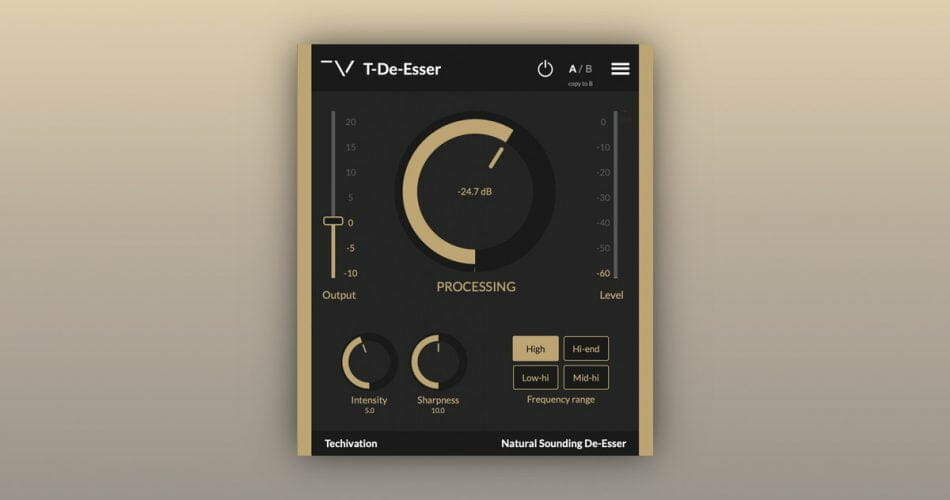
T-De-Esser
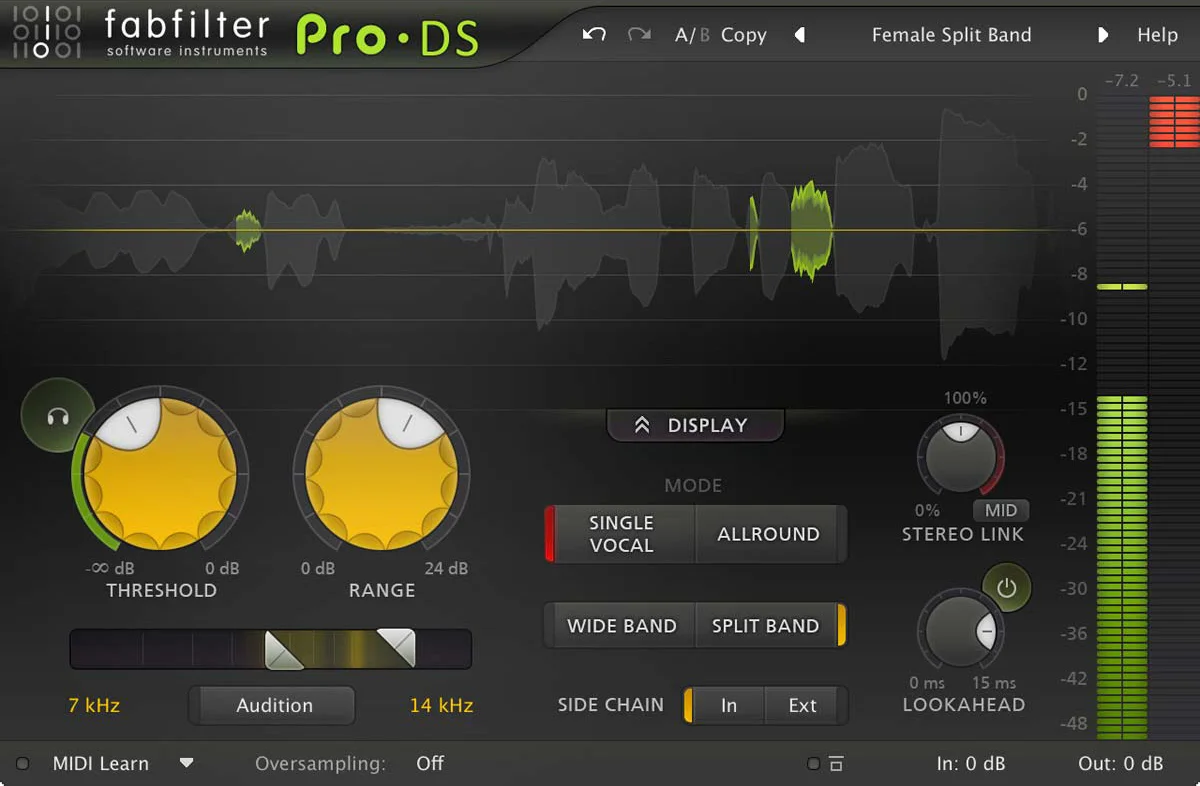
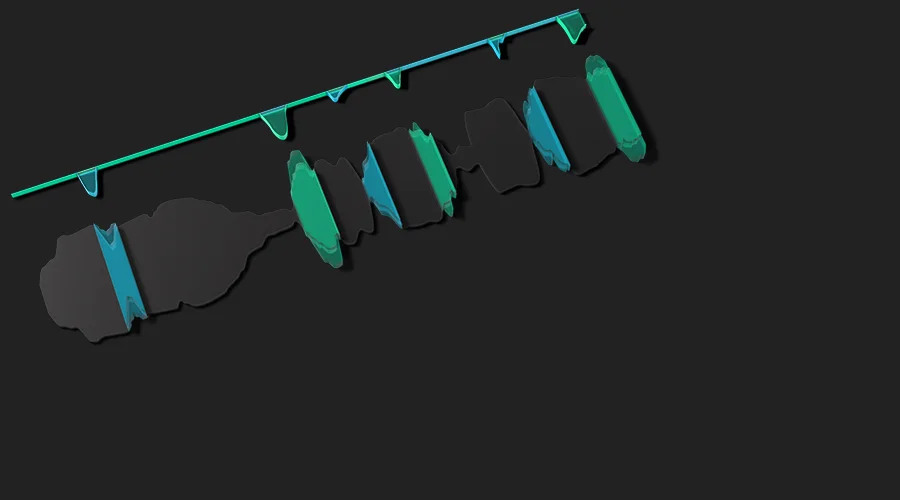
Key Features
- Four selectable frequency bands (Low-Hi, Mid-Hi, Hi-End, High) for precise targeting of problematic frequency ranges
- Adjustable Sharpness control sets the compression knee from gradual to aggressive for natural or assertive de-essing
- Up to 8x oversampling maintains transparent audio quality even at heavy reduction settings
- Built-in Mix knob for parallel processing, blending dry and wet signals to preserve transient character
- Diff and Filter listening modes let you audition exactly what frequencies are being reduced
- Scalable UI from 50% to 150% with built-in undo/redo and A/B comparison
- Supports macOS (Intel and Apple Silicon), Windows, and iPadOS with VST, VST3, AU, AUv3, and AAX formats
Description
T-De-Esser 2 by Techivation is a streamlined de-esser plugin that tames sibilance and harsh high frequencies while keeping the source material sounding natural and musical. It replaces the original T-De-Esser MK1 with significantly improved audio processing and a refined interface.
The plugin centers around three core controls: Processing sets the detection threshold, Intensity adjusts how aggressively sibilance is reduced, and Sharpness fine-tunes the compression onset for smoother or more assertive correction. Four selectable frequency bands (Low-Hi, Mid-Hi, Hi-End, and High) let you zero in on exactly where the problem lives.
Beyond standard vocal de-essing, T-De-Esser 2 excels at taming cymbal harshness on drum overheads, smoothing close-miked acoustic instruments, and controlling sharp transients from synthesizers. The built-in Mix knob enables parallel processing, and up to 8x oversampling ensures transparent results at any reduction depth.
A Nashville-based engineer noted the plugin works particularly well when slammed on drums in parallel, adding pop to snare hits while controlling cymbal bleed. The minimalist interface deliberately omits spectral analysis, encouraging ear-based decisions over visual reliance.
T-De-Esser 2 supports VST, VST3, AU, AUv3, and AAX formats on macOS (10.11+, Intel and Apple Silicon) and Windows (7+, 64-bit). An iPadOS version via AUv3 is also available.
Video Preview


Frequently Asked Questions
What is the difference between T-De-Esser 2 and the original T-De-Esser?
T-De-Esser 2 replaces the original MK1 with significantly improved audio processing and functionality. It adds oversampling up to 8x, a Mix knob for parallel processing, Diff and Filter listening modes, and a scalable interface, while refining the core de-essing algorithm for more transparent results.
Can T-De-Esser 2 be used on instruments other than vocals?
Yes, it works well beyond vocal de-essing. Users regularly apply it to drum overheads to reduce cymbal harshness, close-miked acoustic guitars and pianos to smooth sharp tones, and synthesizer tracks to tame piercing high-frequency content. The four frequency band modes make it easy to target the right range for each source.
Does T-De-Esser 2 add latency to the signal chain?
The plugin introduces minimal latency on its own, but enabling higher oversampling settings (4x or 8x) will add some processing delay. For tracking or live monitoring, keeping oversampling off or at 2x is recommended, while higher settings work best during mixing when latency compensation is handled by the DAW.
What do the four frequency band modes do?
The four modes (Low-Hi, Mid-Hi, Hi-End, and High) determine which frequency range the de-esser targets. Low-Hi covers a broader spectrum suitable for general harshness, Mid-Hi focuses on the upper midrange, Hi-End targets the sibilance zone around 6-10 kHz, and High addresses the very top of the frequency spectrum for air and brightness control.


