
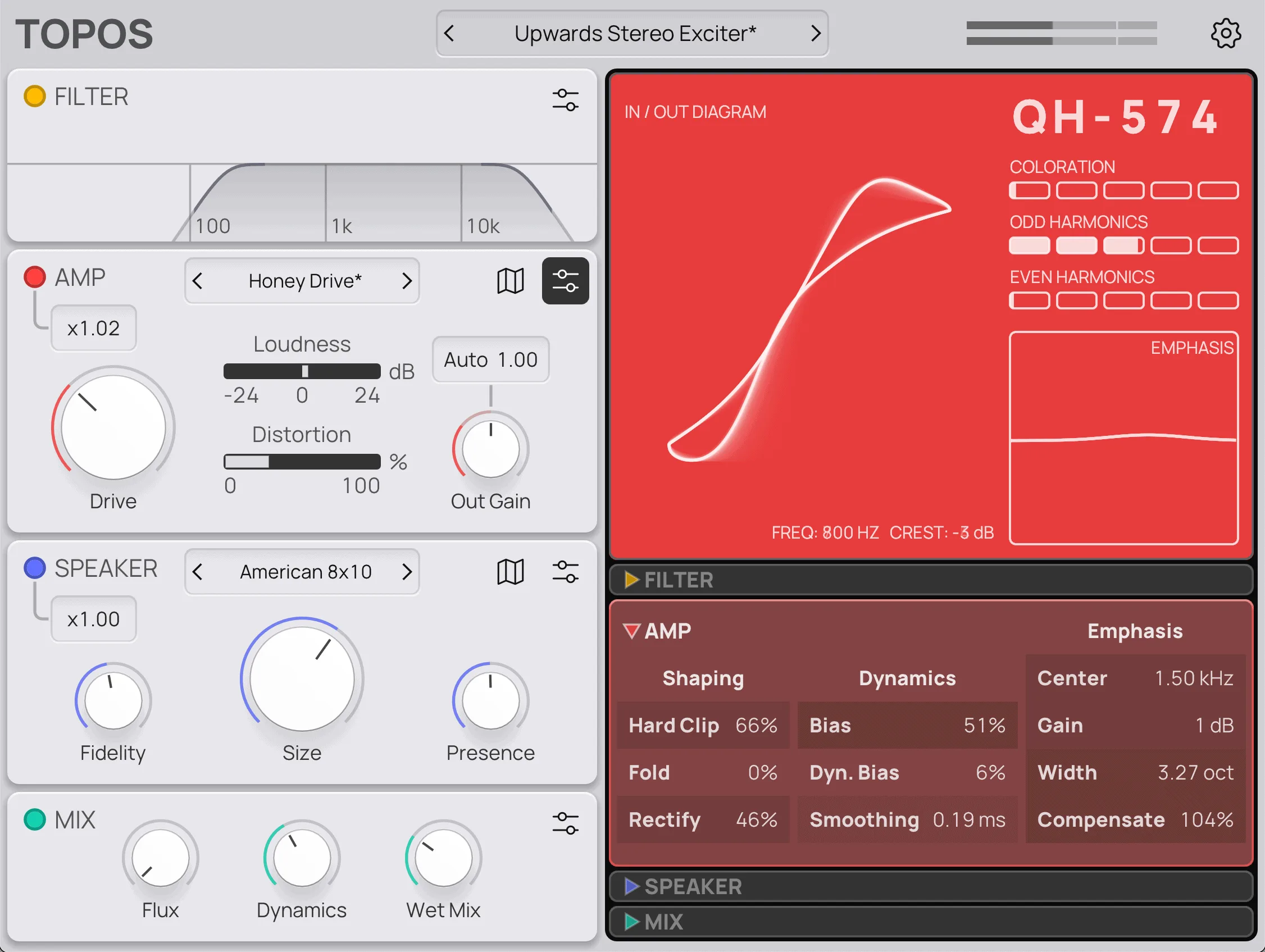
Topos: Play
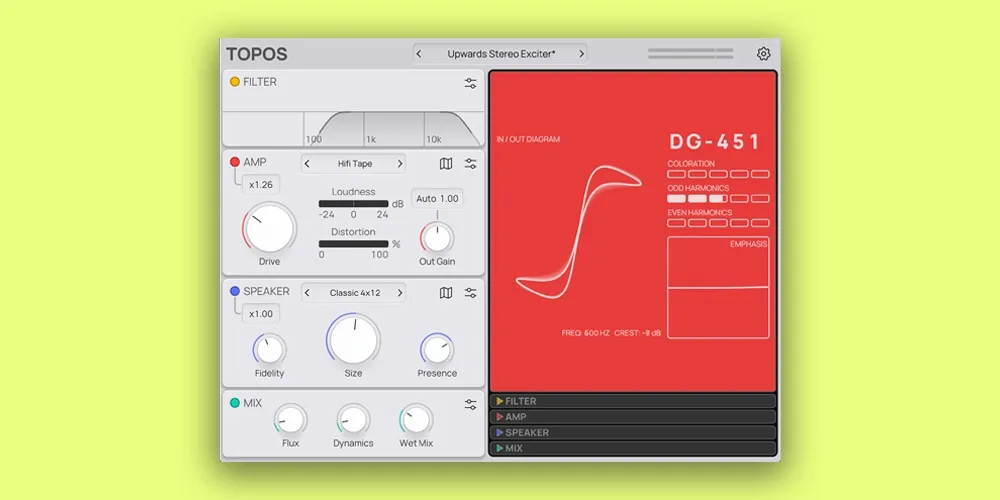
Key Features
- Streamlined edition of Forever 89 Topos built around saturation, amp coloration, and speaker simulation
- Low-pass and high-pass input filtering for focusing the signal before the drive stage
- Amp-style saturation stage for clean warmth, driven tone, and heavier distortion colors
- Physical-modeling speaker section with fidelity, size, and presence shaping for placement and texture
- Dynamic response designed to keep harmonic changes musical instead of simply making the signal louder
- Tiny macOS and Windows installers with no iLok, subscription, account, license, or mailing-list requirement
- Paid Topos upgrade unlocks the deeper amp and speaker map workflow when more detailed control is needed
Description
Topos: Play by Forever 89 is a streamlined saturation, amp, and speaker-simulation effect for shaping tone fast. It uses the same sound engine as the paid Topos plugin, but pares the workflow down so you can add warmth, grit, speaker color, and dynamic movement without opening the full map-based editor.
The signal path starts with low-pass and high-pass filtering, then moves into an amp-style saturation stage and a physical-modeling speaker section. That combination makes it useful beyond guitars: drums, synths, vocals, buses, and full loops can all pick up extra placement, punch, or deliberately odd frequency character.
Its strength is broad tone exploration rather than surgical mix correction. The official page emphasizes fast character, dynamic response, and simple controls, while third-party launch coverage notes that it can move from subtle sweetening to wild crunch without account signup, licensing, or a mailing-list gate.
Topos: Play is best treated as a quick color box for producers who want harmonic density and speaker-flavored transformation in one insert. The full Topos version unlocks deeper amp and speaker map control, but Play keeps the essential tone-shaping path available in a tiny macOS or Windows download.
Video Preview


Frequently Asked Questions
How is Topos: Play different from the paid Topos plugin?
Topos: Play uses the same sound engine but has a simplified interface and fewer options. The paid Topos license unlocks the deeper amp and speaker map controls for more detailed tone design.
Does Topos: Play need a license key?
No. The official page says Topos and Topos: Play use the same download, and adding a license key unlocks the additional paid features. Without a license key, the download runs as the streamlined Play edition.
What sources does Topos: Play work well on?
Forever 89 and launch coverage describe it as useful on more than guitars. It can add warmth, crunch, speaker color, or unusual frequency character to drums, synths, vocals, buses, and full loops.
Is Topos: Play more of a subtle mix tool or a creative effect?
It can do both, but its best use is quick color and character. Low drive settings can sweeten or thicken a source, while heavier settings and speaker shaping push it toward obvious distortion and sound design.


