TouchMod IN
Key Features
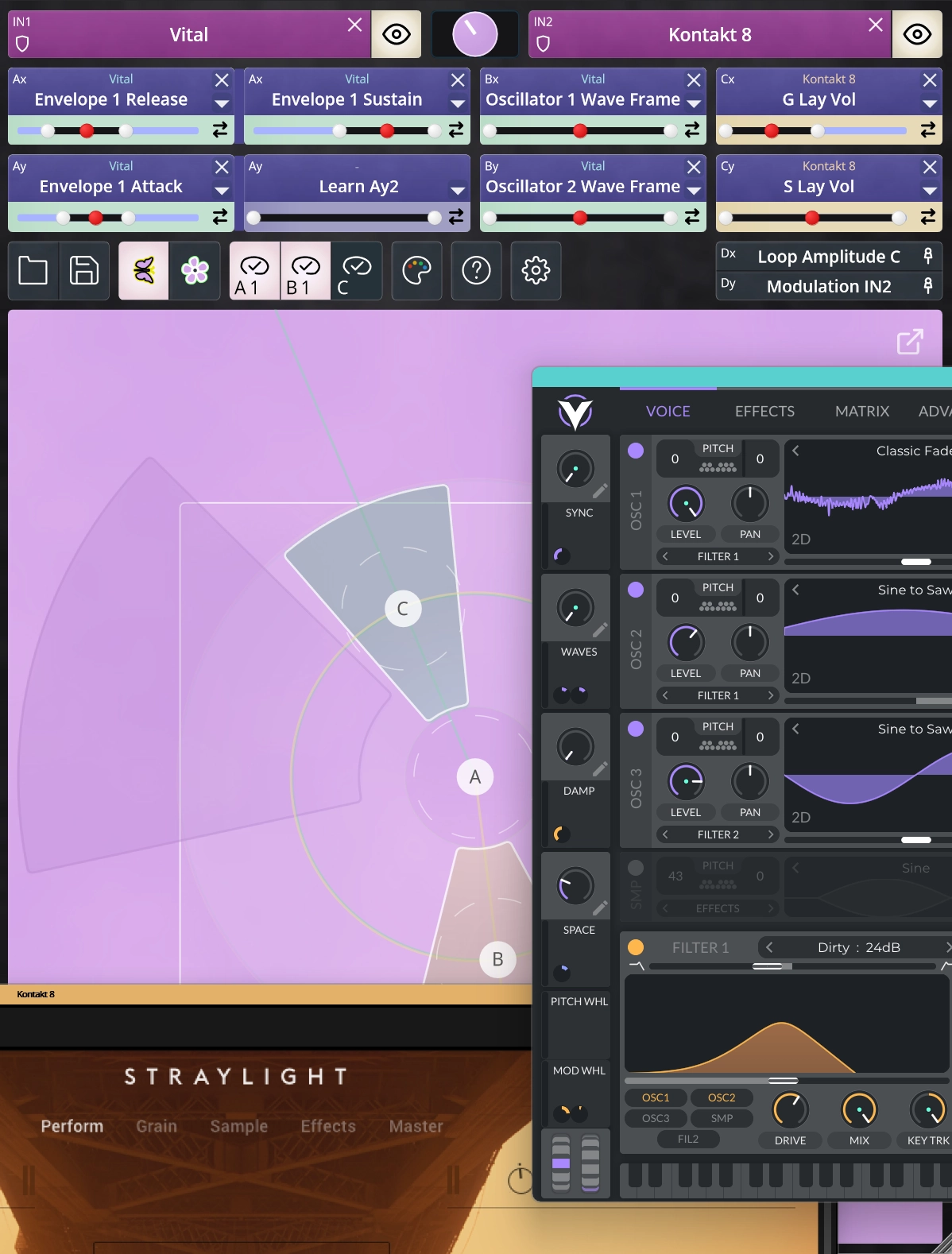
- Hosts two VST3 instruments at once and blends or controls both from the same touch surface
- Four-finger multitouch with up to eight parameters controlled simultaneously
- Assign parameters with Learn mode or pick from a full parameter list, including host-exposed controls hidden from the plugin's own interface
- Record touch gestures and loop them as parameter movements, with adjustable playback speed and range
- Works wirelessly with the free TouchMod Remote iPad app over WiFi, so the touchscreen stays separate from the DAW display
- Choose between two pad layouts, Butterfly and Flower, with draggable segment sizes and reversible axis direction
- Runs a compatibility scan on first launch; more than 95% of tested plugins load reliably out-of-process for extra stability
Description
TouchMod IN is a Windows VST3 plugin that adds multitouch control to virtual instruments. It turns synths, samplers, and other VST3 instruments into a touch surface you can play with your hands, using an iPad or a Windows touchscreen.
Each finger controls an independent XY area, and one finger can move two parameters at once. With up to four fingers active at the same time, that means up to eight parameters can move together in a single gesture, whether you are shaping a filter while adjusting modulation depth or blending two sound layers on the fly.
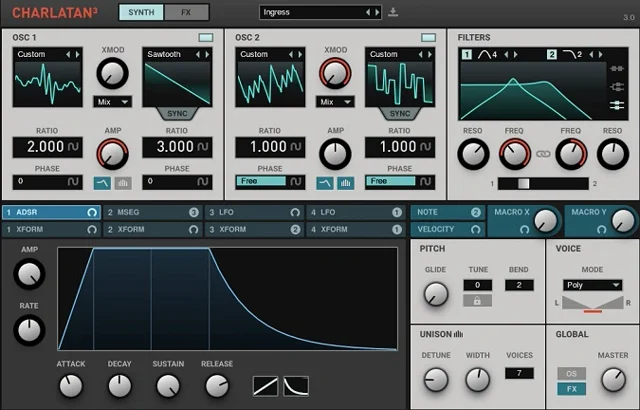
TouchMod IN can host two VST3 instruments in one setup and control parameters from both from the same touch surface. That makes it possible to layer two synths or a sampler and a synth, then move between them without leaving the touch pad.
Parameters can be assigned with Learn mode or picked from a full parameter list, including host-exposed controls that are not visible in the instrument's own interface. Touch gestures can also be recorded and looped, with playback speed and movement range adjustable in real time.
The pad runs on a Windows touchscreen, or on an iPad over WiFi using the free companion app TouchMod Remote. That setup keeps the iPad as a dedicated wireless pad while the DAW and plugin windows stay on the main screen.
TouchMod IN is free to download during its launch promotion, which runs until September 15, 2026. Anyone who downloads before that date keeps a perpetual license and future updates.
Frequently Asked Questions
Do I need a touchscreen to use TouchMod IN?
A touchscreen or pen display gives the intended experience, but it is not required. You can also control TouchMod IN with a mouse; a touchscreen mainly matters for multi-finger, expressive live modulation.
Why is TouchMod IN only available for Windows?
TouchMod IN relies on multitouch behavior — multiple simultaneous contact points and independent XY control — that macOS does not support reliably at the level the plugin needs. Essession focuses on Windows, where touch and pen displays handle multiple contact points consistently.
Can I run TouchMod IN directly on an iPad?
No. TouchMod IN connects to the plugins running on your desktop, which keeps latency low and lets it read parameters at high resolution. The free TouchMod Remote app turns an iPad into a wireless touch surface for TouchMod IN, but the plugin itself always runs on the computer.
How do I install TouchMod IN?
Extract the downloaded zip and copy the TouchMod IN.vst3 folder into C:\Program Files\Common Files\VST3\, then restart your DAW and rescan plugins if needed. The included worker files (TouchModPluginWorker.exe, MetadataScannerWorker.exe) must stay in the same folder as the plugin.
What happens if I download TouchMod IN after September 15, 2026?
The current launch promotion, including the free perpetual license, runs until September 15, 2026. Essession has stated TouchMod will not stay free indefinitely, so downloading before that date is what locks in lifetime access and future updates at no cost.