
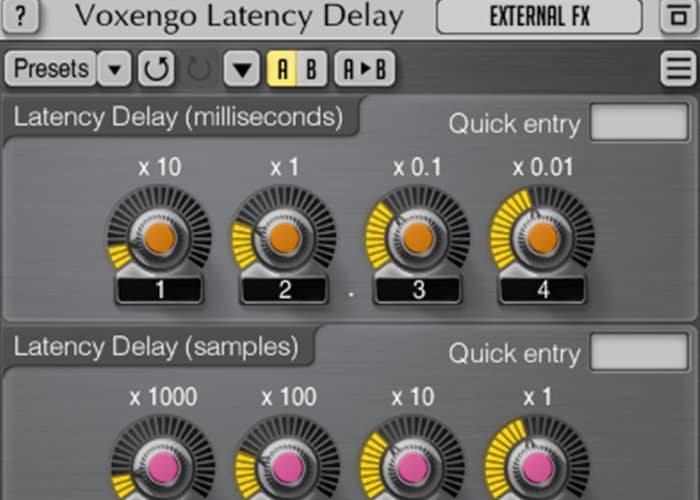
Voxengo Latency Delay
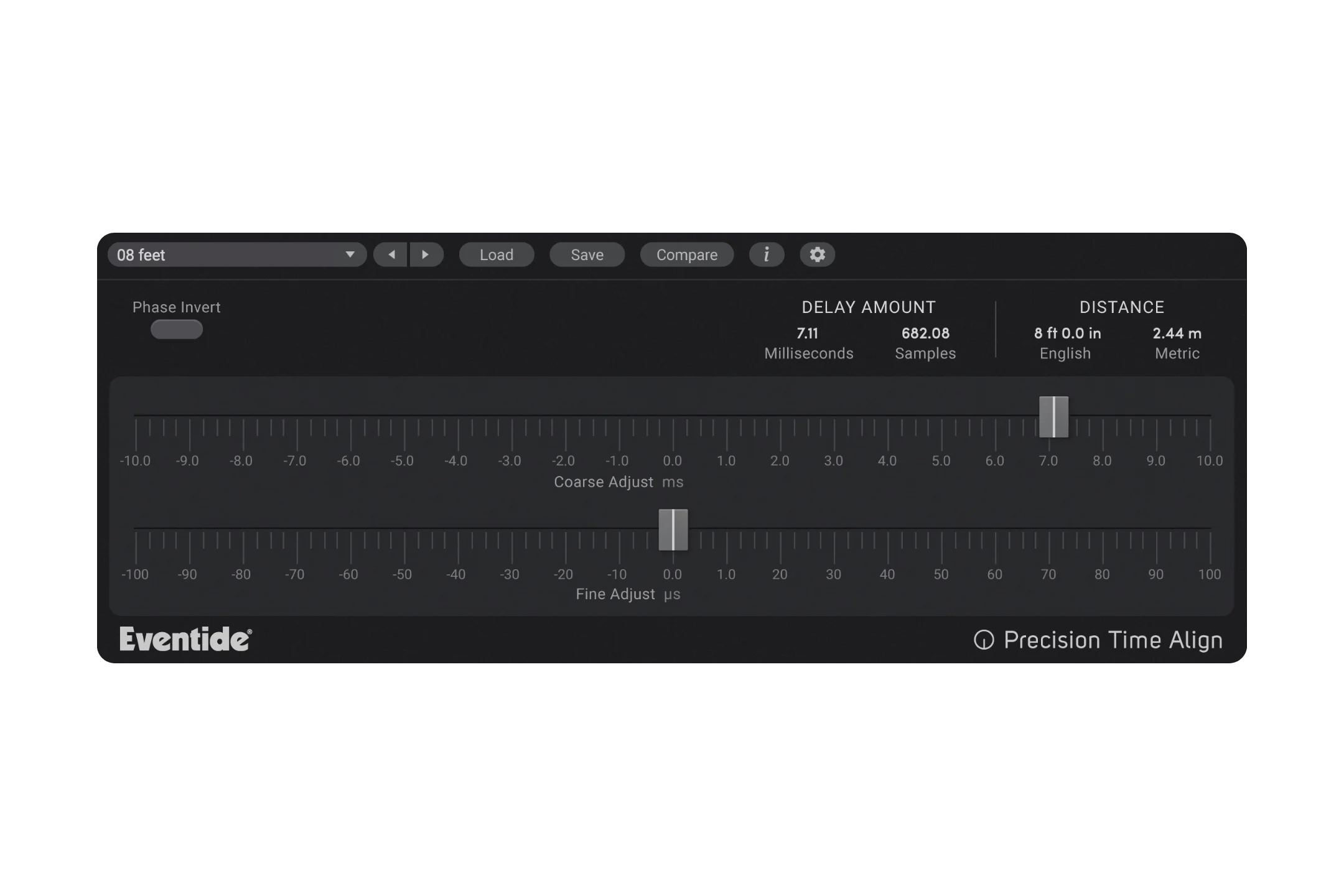
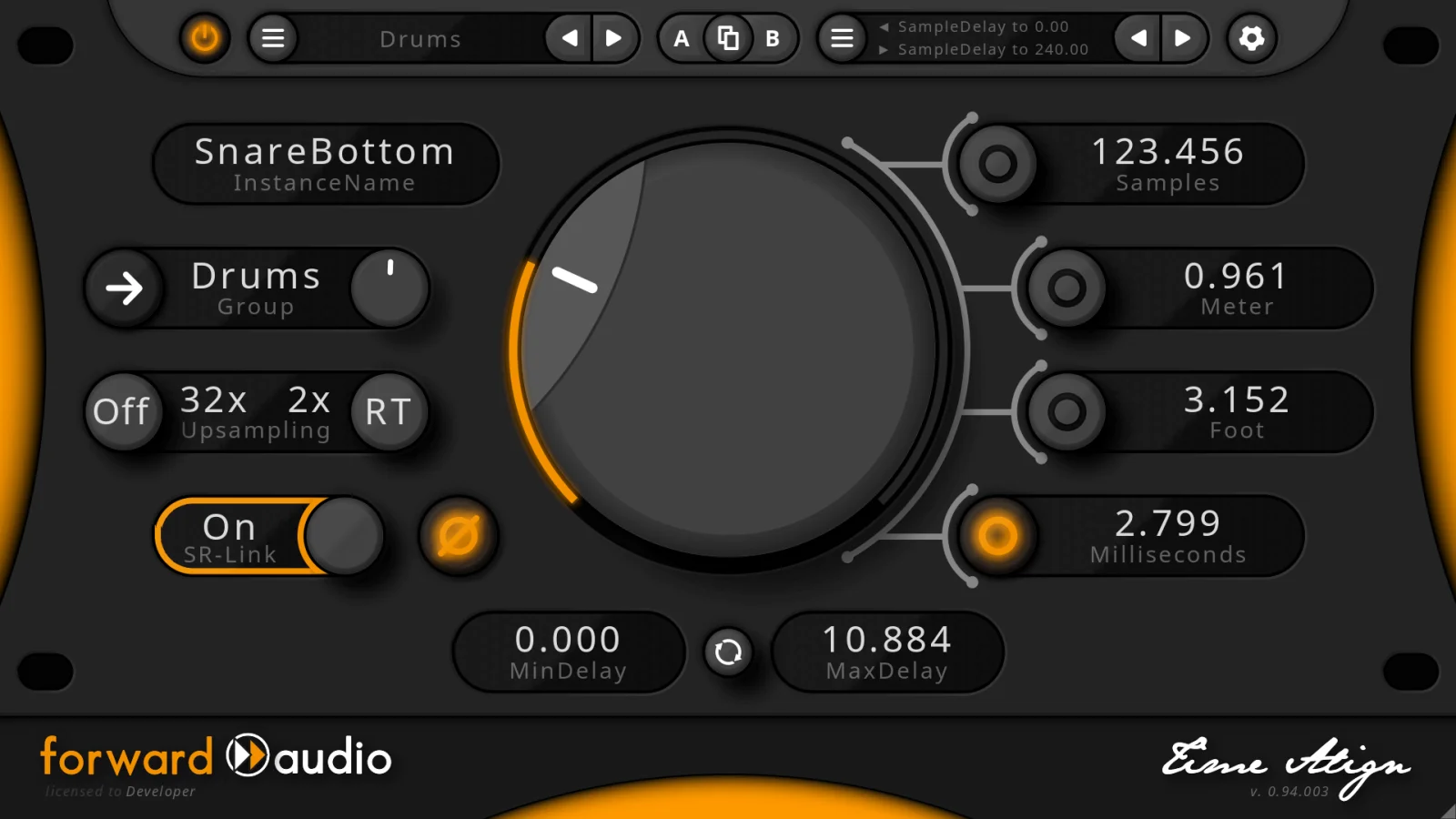
Key Features
- Sample-accurate and millisecond-accurate latency offset controls for precise time alignment
- Compensates unreported plugin, instrument, and hardware insert latency within any PDC-capable DAW
- Stereo and multi-channel processing for surround and complex routing configurations
- Resizable, color-customizable interface with multiple built-in color schemes and Retina/HighDPI support
- A/B comparison and undo/redo history for quick before-and-after evaluation
- Full preset manager for saving and recalling compensation settings across sessions
- Native Apple Silicon support with optional AVX2 optimization on compatible processors
Description
Voxengo Latency Delay is a utility plugin designed to compensate for unreported latency in your DAW signal chain. It works by introducing a fixed 10,000-sample delay and then subtracting a user-specified offset in samples or milliseconds, effectively time-aligning tracks that have fallen out of sync due to plugins or processes that fail to report their latency to the host.
The plugin addresses a surprisingly common problem in modern production workflows. Many plugins, bridged 32-bit instruments, and external hardware inserts introduce latency without properly communicating it to the DAW's delay compensation engine, causing timing drift that robs a mix of its groove and punch.
Latency Delay offers both sample-accurate and millisecond-accurate offset controls, giving precise flexibility whether you are correcting a known sample count or measuring real-time offset. It also supports multi-channel processing, so it works on stereo and surround configurations alike.
Beyond basic compensation, creative users have found that placing it before a compressor enables a manual look-ahead technique, feeding the sidechain an earlier copy of the signal for smoother, more transparent dynamics control. This trick turns any compressor into a look-ahead compressor without adding extra plugins.
The plugin runs on Windows and macOS with native Apple Silicon support, loads in VST3, AudioUnit, and AAX hosts, and ships with Voxengo's standard feature set including A/B comparison, preset management, undo/redo history, and a resizable, color-customizable interface.
Video Preview


Frequently Asked Questions
How does Voxengo Latency Delay actually compensate for unreported latency?
The plugin reports a fixed 10,000-sample latency to your DAW. It then delays the audio signal by 10,000 minus the value you specify, so the DAW's built-in delay compensation handles the rest. Your host must support automatic plugin delay compensation for this to work.
Can Voxengo Latency Delay be used as a look-ahead for compressors?
Yes. By placing it first in the plugin chain and routing the pre-delayed signal to a compressor's sidechain, you effectively give the compressor advance notice of incoming transients. Users report that 50-80 ms of look-ahead produces transparent, volume-automation-like compression results.
Does the plugin work in DAWs without automatic delay compensation?
Not effectively on its own. The plugin relies on the host's PDC engine to account for the 10,000-sample buffer it introduces. In a DAW without PDC you would need to manually insert Latency Delay on every channel and calculate offsets yourself, which is impractical for most projects.


