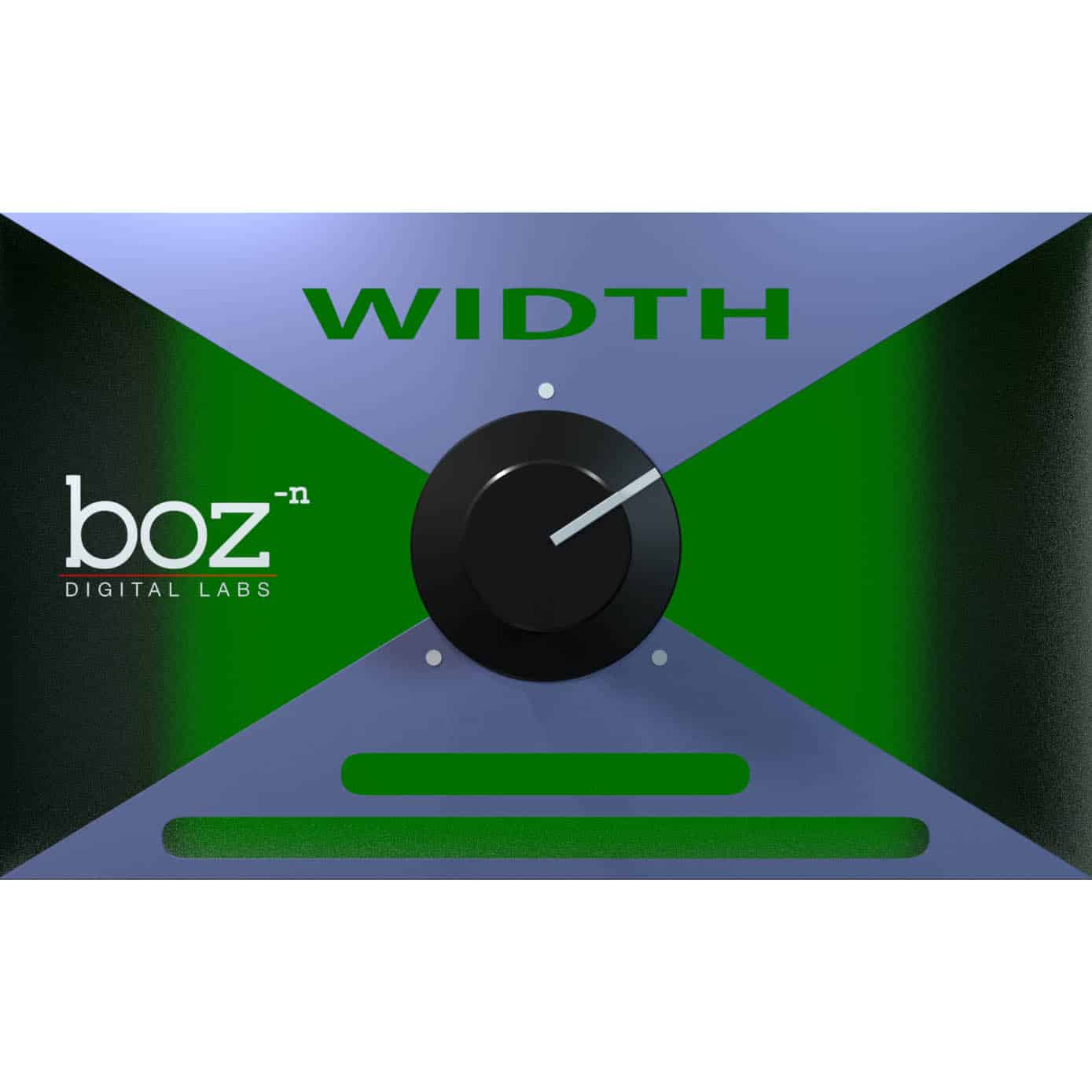
Width Knob
Key Features
- Single-knob stereo width control with continuous range from 100% L/R through mono to 100% R/L (stereo flip)
- True combined stereo panning in a single plugin, replacing clumsy balance panner workarounds in most DAWs
- Fully automatable for creating dynamic mix contrast between verses, choruses, and builds
- Visual feedback via color-changing GUI that shifts as you adjust the stereo width setting
- Mono compatibility checking by collapsing any stereo signal to center with a single knob turn
- Stereo channel flip capability for correcting reversed left/right channels or creative sound design
- Lightweight utility plugin with near-zero CPU usage, suitable for loading on every channel strip
Description
Width Knob by Boz Digital Labs is a dedicated stereo width control plugin designed for stereo, group, aux, and bus channels. Inspired by the built-in stereo width knob in Cockos REAPER, it delivers true combined stereo panning through a single intuitive control.
The plugin operates on a continuous range from 100% left/right down through mono and beyond to a fully flipped 100% right/left stereo image. This means it can narrow a stereo signal, collapse it to mono, or smoothly reverse the left and right channels entirely.
Unlike stereo widener plugins, Width Knob does not expand the stereo field beyond its original boundaries. Its strength lies in reducing and manipulating the existing stereo image, making it ideal for tightening low-frequency instruments to the center, blending hard-panned harmonies, and checking mono compatibility.
The single-knob interface changes color as you adjust the width, providing instant visual feedback on your current setting. Width Knob is fully automatable, which makes it a powerful tool for creating dynamic contrast in your mixes by moving elements in and out of the stereo field during different song sections.
Note that this plugin is not yet compiled natively for Apple Silicon Macs, but it runs under Rosetta 2 on M1/M2 systems. Downloads require a Boz Digital Labs account registration.
Video Preview

Frequently Asked Questions
Does Width Knob widen the stereo image beyond its original width?
No. Width Knob only reduces stereo width or flips the stereo image. It ranges from 100% original width down to mono and then to a fully reversed L/R image. If you need to expand a signal wider than its original stereo field, you would need a separate stereo widening plugin.
Can Width Knob be used on mono tracks?
Width Knob is designed for stereo tracks, buses, groups, and aux channels only. Using it on a mono track will have no audible effect since there is no stereo information to manipulate.
Does Width Knob work on Apple Silicon Macs?
The plugin is not yet compiled natively for Apple Silicon (M1/M2/M3). However, it runs under Rosetta 2 emulation on Apple Silicon Macs. Boz Digital Labs has stated they are in the process of rewriting it for native Apple Silicon support.
How can Width Knob improve my mixes?
The most common use is narrowing stereo bass instruments toward the center for a punchier low end. You can also automate Width Knob to create dynamic contrast, keeping elements narrow in verses and wide in choruses. The stereo flip feature is useful for correcting reversed left/right channels in recordings.