
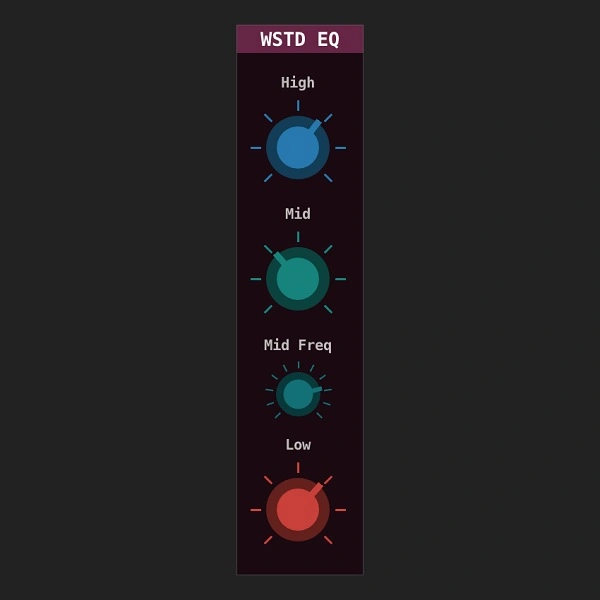
WSTD EQ
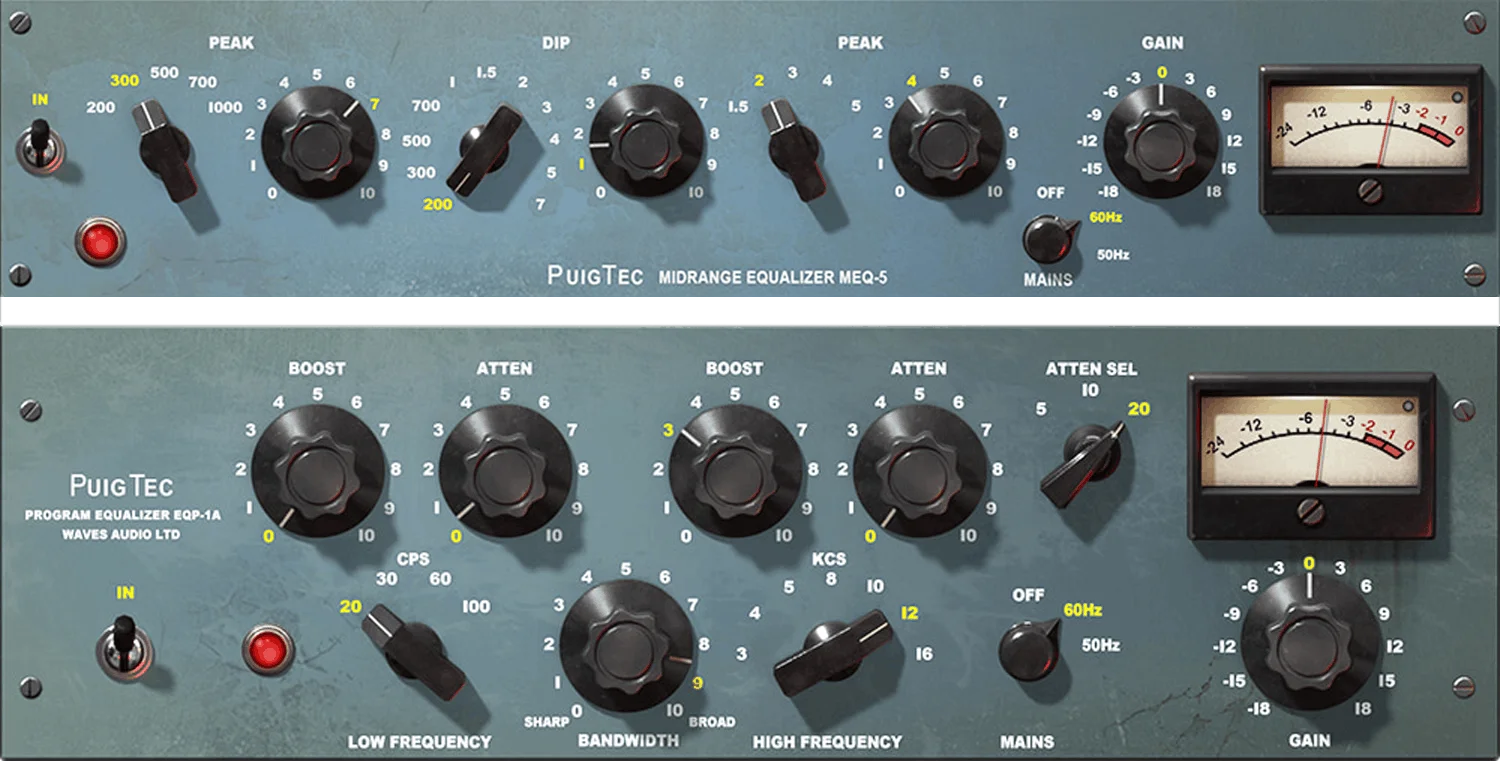
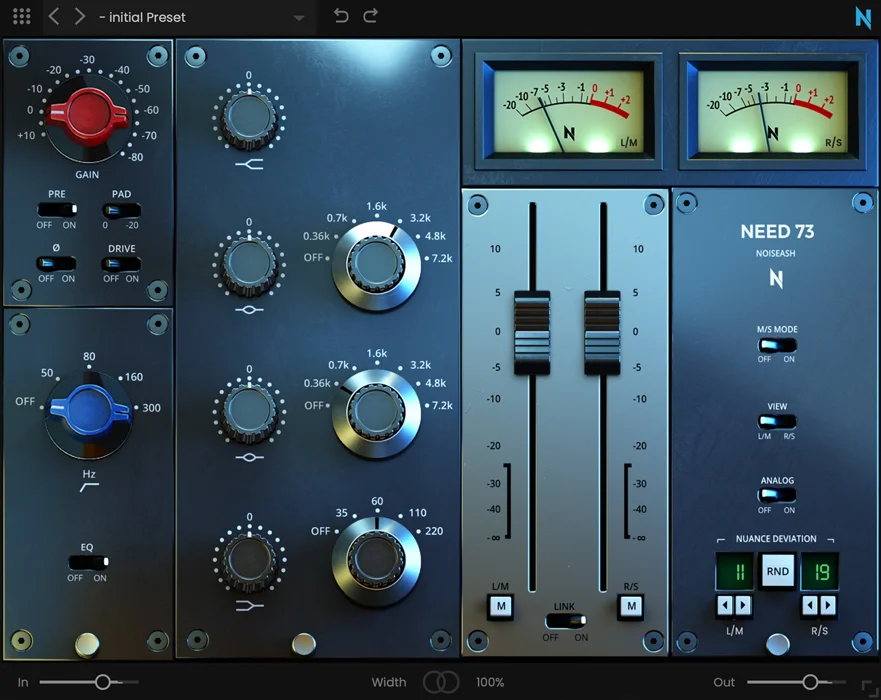
Key Features
- Character 3-band EQ with +/-15dB per band and full-mute at the far-left position
- Sweepable mid-band frequency with added resonance at the extremes for extra crunch
- Proportional-Q behavior that increases resonance as gain rises, producing musical boosts
- Available in LV2, VST2, VST3, CLAP, and standalone (JACK) formats across Windows, macOS, and Linux
- Minimalist three-knob interface designed for fast, ear-first tone shaping
- Fully open-source (GPL-3.0) and DRM-free with community-supported development
- Lightweight C++ build using the DISTRHO Plugin Framework (DPF) with minimal CPU overhead
Description
WSTD EQ by Wasted Audio is a character-driven 3-band equalizer that deliberately adds coloration to your signal. If you need a neutral, transparent EQ for surgical mixing, this is not the plugin for you.
Each of the three bands offers a generous +/-15dB range with full mute at the far-left position. The low and high bands sit at fixed frequencies, while the mid band lets you sweep the center frequency to dial in exactly where you want the emphasis.
The mid band is tuned to introduce extra resonance at its extremities, adding a crunchy bite that makes it stand out in a mix. This behavior resembles a proportional-Q design, where resonance naturally increases with gain, producing a more musical result when you push the boost.
Built with the DPF framework and fully open-source under the GPL-3.0 license, the plugin runs on Windows, macOS, and Linux. It ships in LV2, VST2, VST3, and CLAP formats, plus a standalone build via JACK.
WSTD EQ excels as a quick tone-shaping tool during mixing sessions where you want to impart analog-style warmth and grit rather than clinical precision. Its minimalist three-knob interface encourages ear-first decisions instead of visual analysis.
Video Preview
Tips
- Use the mid band to add presence and clarity to vocals by boosting the mid frequencies.
- Apply a low cut to remove unnecessary sub and low-end frequencies, which can help clean up the mix.
- Boost the high band to add brightness and air to instruments like cymbals and hi-hats.
- Experiment with the proportional Q design to achieve a more natural sound when boosting frequencies.
- Utilize the plugin’s simplicity to make quick adjustments without overthinking, which can help maintain a fresh perspective on the mix.
- Combine WSTD EQ with other Wasted Audio plugins like WSTD 3Q for more advanced processing options.
Frequently Asked Questions
How does the proportional-Q design in WSTD EQ affect the sound?
As you increase the gain on any band, the resonance (Q) tightens automatically. This means gentle boosts create broad, subtle tonal shifts, while heavier boosts concentrate energy into a narrower peak. The result is a more natural, musical sound that avoids the harsh ringing you might get from a fixed-Q EQ pushed to extremes.
Can I adjust the frequency on the low and high bands?
No. The low and high bands are set at fixed frequencies by design. Only the mid band offers a sweepable frequency control. This intentional limitation keeps the workflow fast and encourages you to rely on your ears rather than over-tweaking parameters.
Is WSTD EQ suitable for precise corrective mixing?
WSTD EQ is designed to add character and coloration, not for surgical corrections. If you need transparent, narrow-band notch cuts or linear-phase precision, a parametric EQ with full frequency and Q controls will serve you better. WSTD EQ shines when you want to quickly shape tone and add vibe.
Does the plugin support Apple Silicon natively?
The macOS builds are compiled as universal binaries, so they run natively on both Intel and Apple Silicon Macs. The latest version is v1.1.1, released December 2025.


