AURA
Key Features
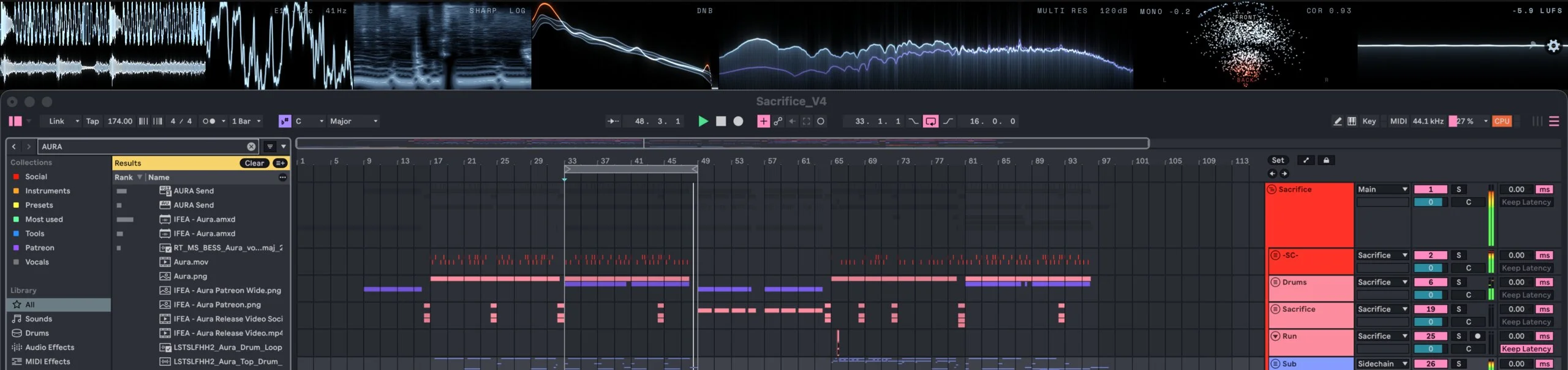
- Places a dockable analyzer strip above other windows, so key metering stays visible while the DAW is not frontmost.
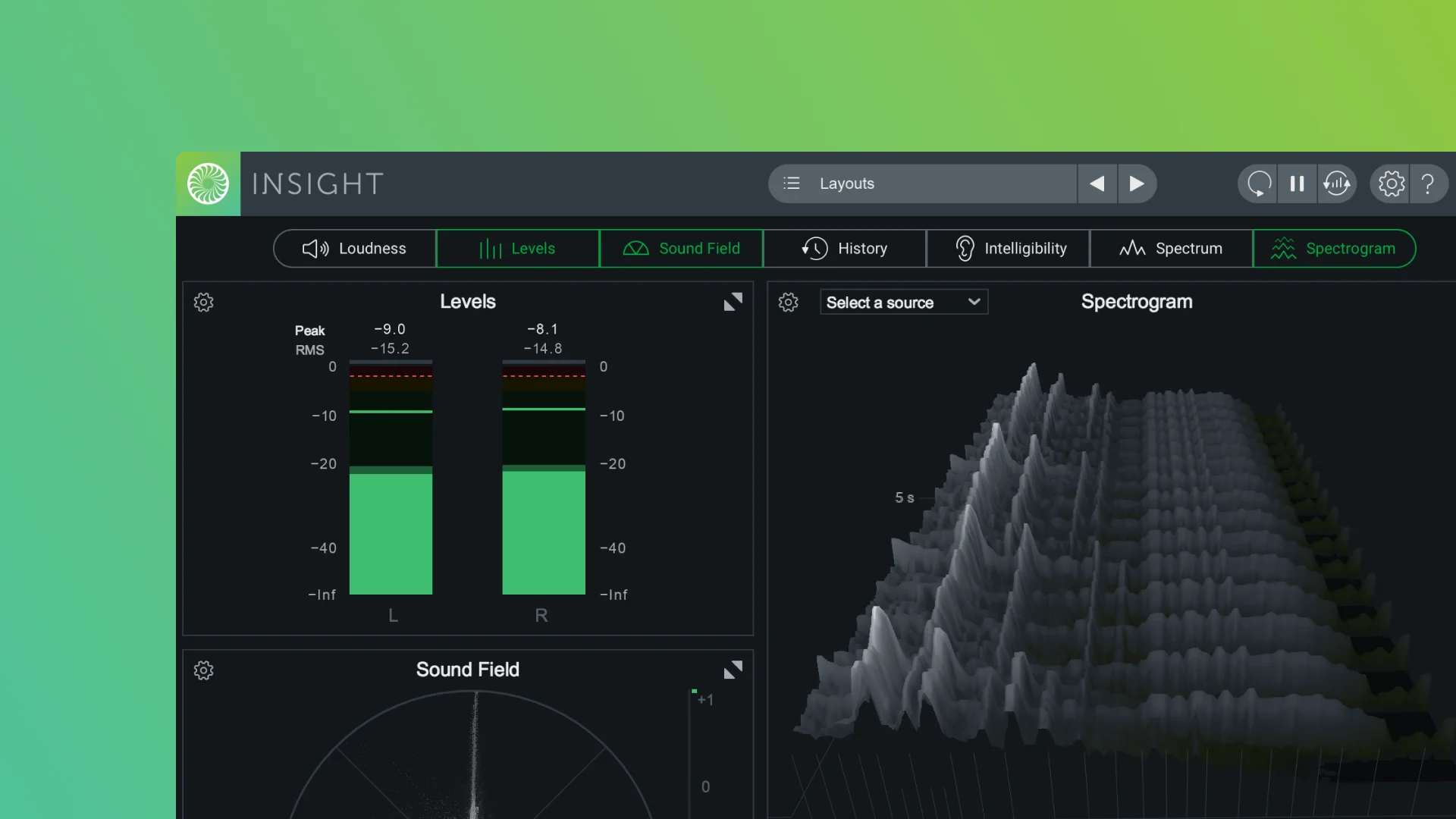
- Combines waveform, oscilloscope, spectrogram, spectrum, stereo, loudness, and balance modules in one configurable layout.
- Lets modules be reordered, resized, moved, or popped into independent windows for a multi-display metering setup.
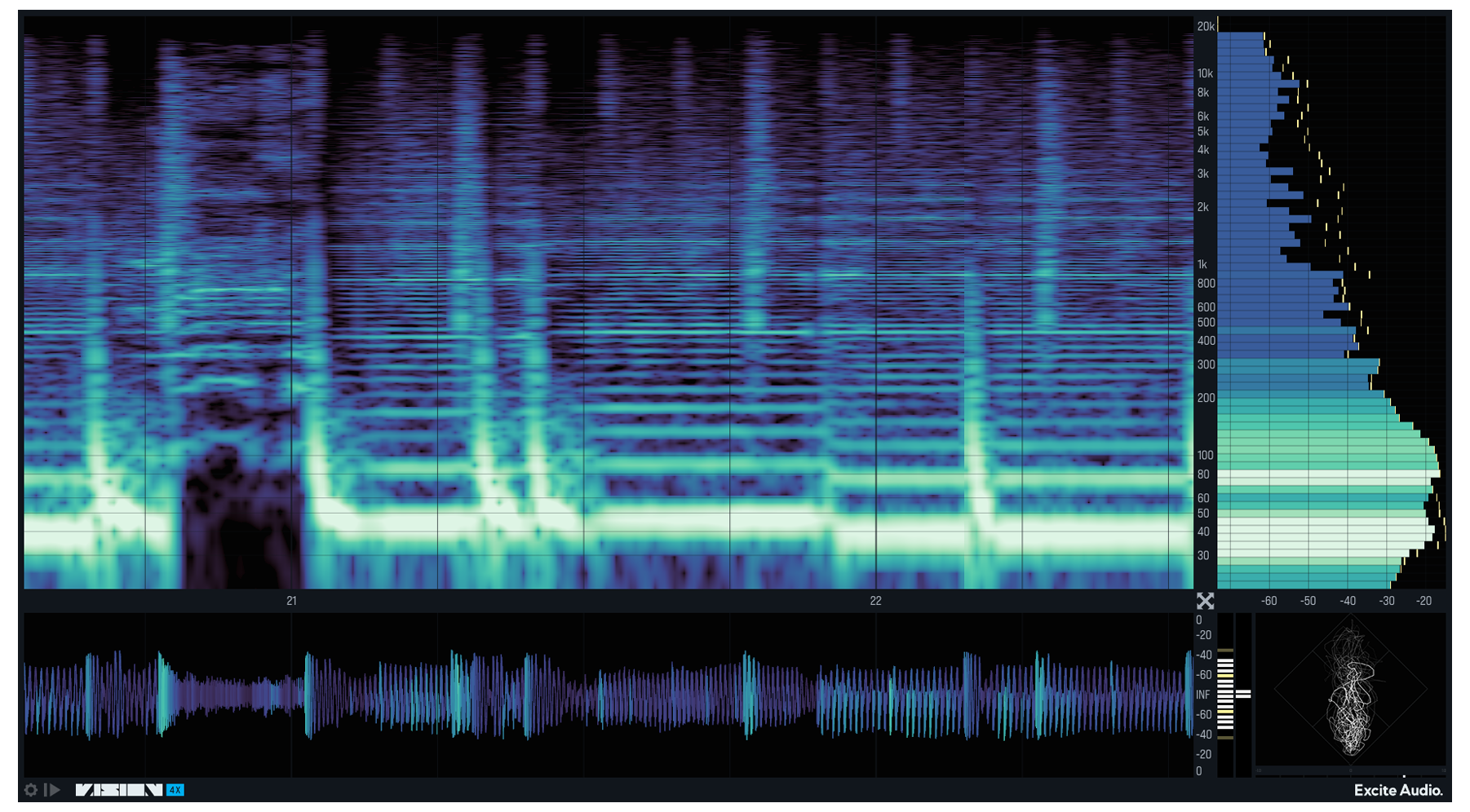
- Provides FFT analysis up to 32768 with tilt, smoothing, and peak hold, plus shift-hover soloing to audition the viewed band.
- Retains 30 seconds to five minutes of recent audio, allowing missed material to be dragged into a DAW as a WAV.
- Supports direct system-audio monitoring and up to eight selectable sources, so it can analyze more than one DAW bus or an app outside the DAW.
- Adds 21 color palettes, opacity control, and saved profiles for different mixing, reference, and teaching views.
Description
AURA by iFeature is a floating audio analyzer that can sit along the top of the screen above a DAW, browser, or other macOS window. It works as a standalone app or a VST3/AUv2 plugin, keeping waveform, spectrum, stereo, loudness, and balance information visible without turning the analyzer into another window to manage.
Its seven modules can be reordered and resized to suit a mix, sound-design, or teaching session. Waveform, oscilloscope, spectrogram, spectrum, stereo, loudness, and balance views cover the most useful visual checks, while the Spectrum module adds FFT sizes up to 32768, smoothing, tilt, and peak hold.
AURA also keeps a rolling 30-second-to-five-minute audio buffer. If a useful sound happens before record is armed, the buffer can be dragged straight into a DAW as a WAV instead of being lost.
The workflow is more flexible than a conventional insert meter: modules can be popped out into separate windows, source sends can be switched between up to eight inputs, and system-audio monitoring lets the standalone app inspect a browser or music player without a DAW. Twenty-one palettes, opacity control, saved profiles, and shift-hover spectrum soloing make it practical for long sessions rather than only occasional troubleshooting.
The official iFeature page describes AURA as free for good, and the developer's shop lists the exact product at €0. Access is handled through iFeature's product and cart flow, which also exposes the current Mac and Windows formats.
Frequently Asked Questions
Is AURA only a plugin, or can it run without a DAW?
AURA can run as an app as well as in VST3 or AUv2 hosts. The official page says the app can monitor the Mac's own output, so it can visualize a browser or music player without routing audio through a DAW.
Which analyzers are included in AURA?
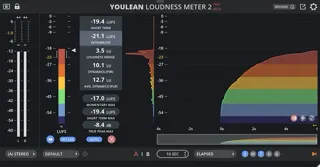
AURA has Waveform, Oscilloscope, Spectrogram, Spectrum, Stereo, Loudness, and Balance modules. The Balance module compares a mix against 11 genre curves or a custom reference, while the Loudness module uses BS.1770-4 measurements.
Can AURA recover audio that was not recorded?
Yes. Its waveform buffer keeps the most recent 30 seconds through five minutes of audio, depending on the chosen setting. The developer says the retained audio can be dragged directly into a DAW as a WAV.
Can I customize the layout for different sessions?
Yes. Modules can be reordered and resized, and a module can be double-clicked into its own window. AURA also offers saved profiles, opacity adjustment, and 21 palettes, making it possible to maintain different views for mixing, reference checks, or teaching.