
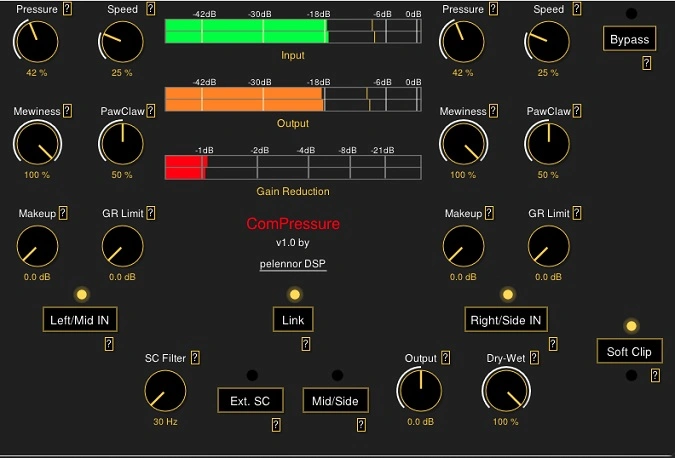
ComPressure
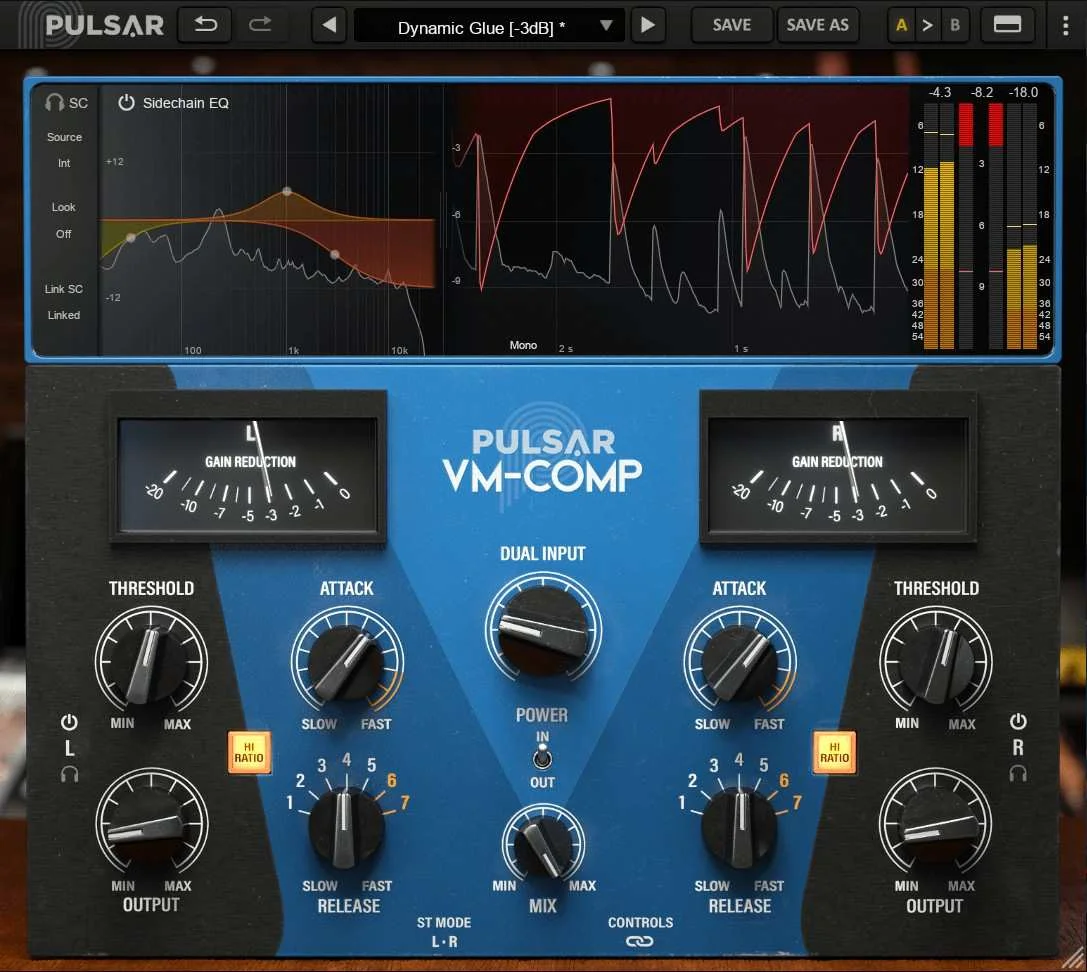
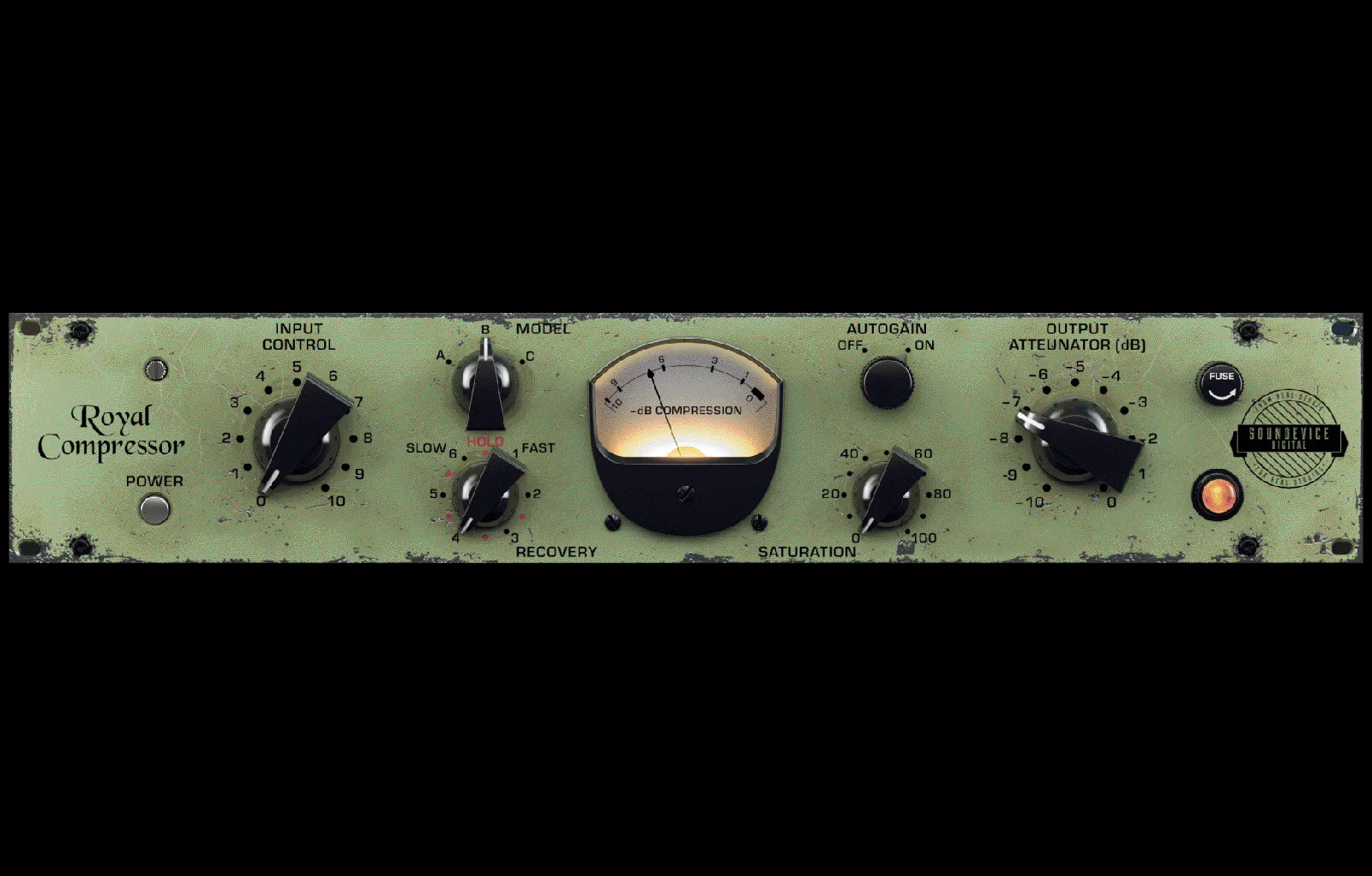
Key Features
- Dual-channel compression with switchable left/right or mid/side processing for flexible stereo and bus duties
- Vari-mu style Mewiness control that adds tube compression character ranging from subtle warmth to extreme squash
- Program-dependent Speed control that combines attack and release into a single dual-stage parameter
- PawClaw transient shaping knob that lets you preserve or clamp transients independently of compression depth
- Gain reduction limit for pushing into heavy compression without completely destroying dynamic range
- High-pass sidechain filter and external sidechain input for advanced ducking and frequency-aware compression
- Per-channel bypass switches, independent makeup gain, and linkable parameters for precise stereo control
Description
ComPressure by Pelennor DSP is a dual-channel compressor plugin built on the Airwindows Pressure5 algorithm by Chris Johnson. It processes audio in either left/right or mid/side mode, making it well suited for bus compression and stereo image control.
Rather than conventional threshold, attack, and release controls, ComPressure uses a distinctive parameter set. The Pressure knob sets compression depth, Speed handles program-dependent attack and release in one dual-stage control, Mewiness dials in vari-mu tube compression character, and PawClaw shapes transient response from open to clamped.
The mid/side processing option is particularly useful for mastering and bus duties where you want different compression behavior on the center and sides of a stereo signal. A gain reduction limit lets you push into heavier compression territory without completely flattening dynamics.
Additional utilities include a defeatable soft clipper for output protection, a high-pass sidechain filter to keep low frequencies from driving the compressor, and an external sidechain input for ducking and advanced routing. Each channel has independent bypass, makeup gain, and linkable parameters for matched stereo processing.
ComPressure is available in VST3 and CLAP formats for Windows (64-bit) and VST3 and AU for macOS (64-bit). The plugin is open source and hosted on GitHub, with the developer accepting donations through Gumroad.
Tips
- Use the "Pressure" control to adjust the amount of compression applied to your audio material.
- Experiment with the "Speed" control to find the right attack and release times for your track.
- Adjust the "Mewiness" control to add a vari-mu style compression character to your sound.
- Use the "PawClaw" control to manage transients, allowing more or less transient to pass through.
- Utilize the high-pass sidechain filter to prevent low frequencies from triggering the compressor.
- Take advantage of the external sidechain input for more advanced compression techniques.
- Use the gain reduction limit to achieve extreme compression effects without losing dynamic range.
- Apply the soft clipper to protect your hearing and avoid distortion.
- Link parameters between channels for consistent compression settings across your mix.
- Use the bypass switches to compare the compressed and uncompressed signals.
Frequently Asked Questions
What is the Mewiness control in ComPressure?
Mewiness emulates the behavior of vari-mu or tube compressors, controlling how extreme the compression characteristic becomes. Turning it up introduces more of the soft, rounded compression associated with vintage variable-mu hardware, while lower settings keep the response more transparent.
How does ComPressure differ from a standard compressor?
Instead of the typical threshold, ratio, attack, and release controls, ComPressure uses Pressure (compression depth), Speed (program-dependent attack/release), Mewiness (tube character), and PawClaw (transient control). This parameter layout comes from the Airwindows Pressure5 algorithm and takes a slightly different approach to shaping dynamics.
Can ComPressure be used for mid/side compression?
Yes. ComPressure can switch between left/right and mid/side processing modes. In mid/side mode each channel compresses the center and side information independently, which is useful for mastering and bus processing where you want to control stereo width and center focus separately.
What does the PawClaw control do?
PawClaw is a transient shaping control. Set to the left, it allows more transient material to pass through the compressor. Set to the right, it clamps down harder on transients. This gives you control over the punchiness of the compressed signal independent of the overall compression depth.


