
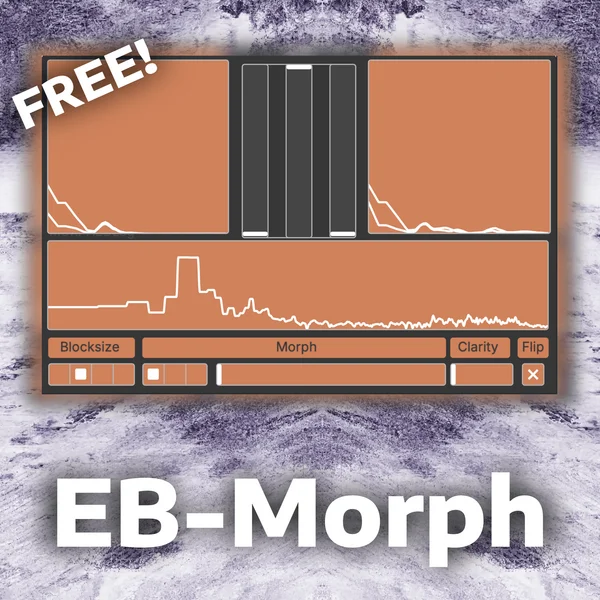
EB-Morph
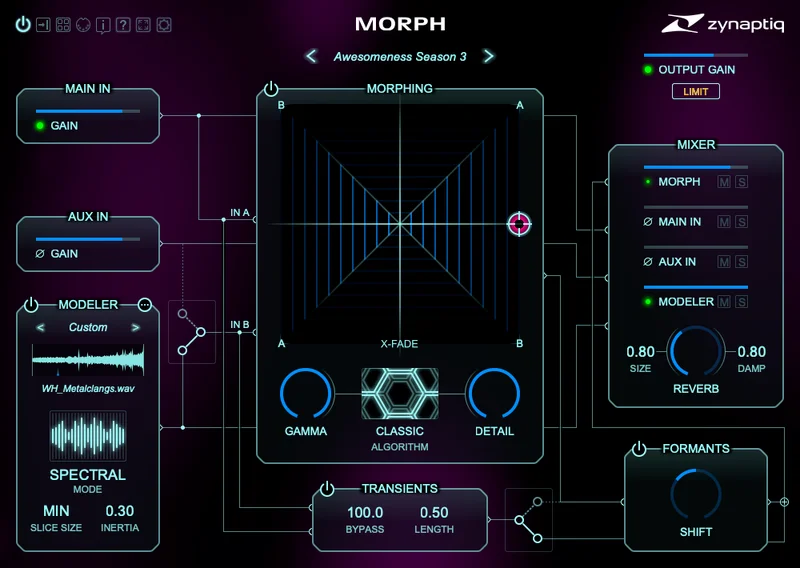
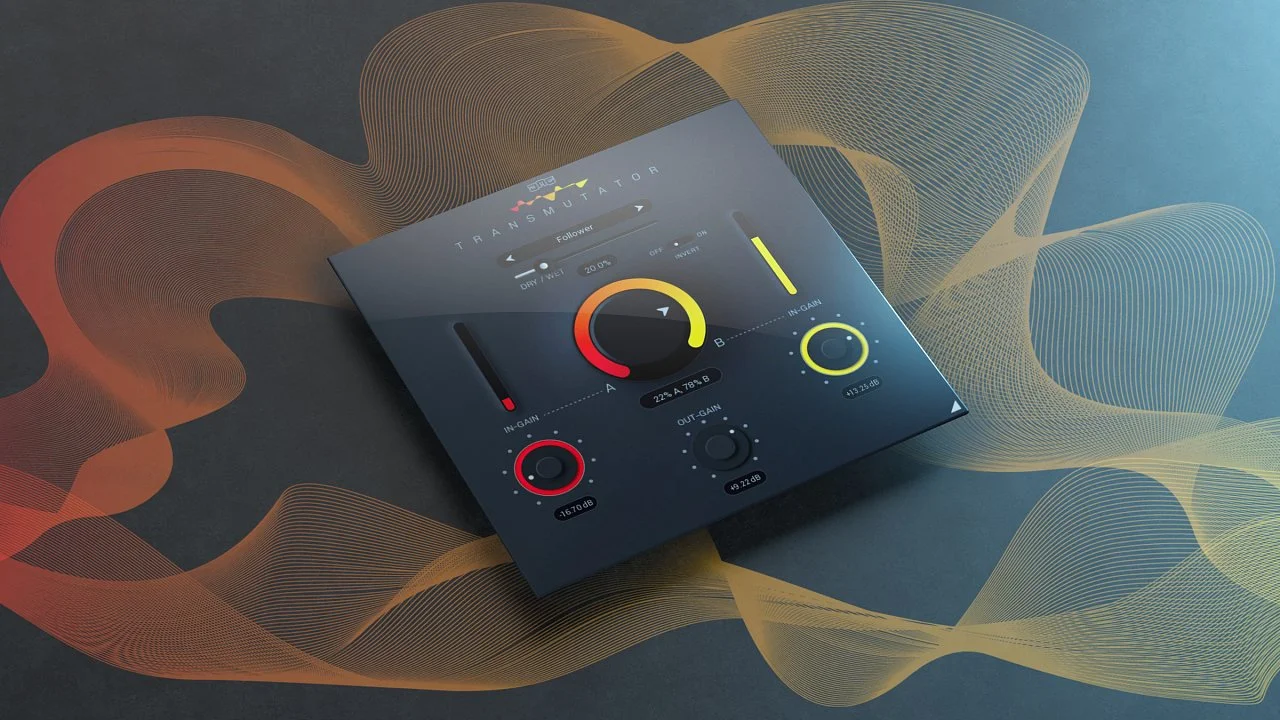
Key Features
- Cepstral-domain morphing for combining the timbre and harmonic shape of two audio sources.
- Sidechain-based workflow that lets one signal act as the second morph input.
- Blocksize control for changing the analysis window and the smoothness/detail of the morph.
- Morph Position control for balancing how much of each source appears in the result.
- Clarity control for moving between more distinct and more smeared blended textures.
- Flip control for swapping the carrier and modulator relationship.
Description
EB-Morph is a cepstral morphing effect for blending two audio sources through PlugData. Put it on an effect channel, feed a second signal into the sidechain, and it reshapes the timbre and harmonic detail between the carrier and modulator instead of simply crossfading them.
The plugin is built for experimental transitions, hybrid textures, robotic voice treatments, and sound-design moments where one source needs to become another. Its controls stay deliberately compact, with block size, morph position, clarity, and flip parameters covering the main balance between detail, smear, source order, and the overall character of the blended result.
Because EB-Morph runs inside PlugData, it is best treated as a lightweight patch-based effect rather than a conventional installer-based plugin. PlugData can run as a standalone app or as a VST3, AU, LV2, or CLAP host/plugin environment on Windows, macOS, and Linux, so the practical setup depends on routing PlugData correctly inside the user’s DAW.
Video Preview


Frequently Asked Questions
Does EB-Morph run as a normal standalone plugin?
EB-Morph is a PlugData patch, so it runs inside PlugData rather than as a traditional self-contained installer. Use PlugData in standalone mode or load PlugData as a plugin in your DAW, then open the EB-Morph patch there.
What kind of routing does EB-Morph need?
The effect is designed around a main input plus a sidechain input. Put it on the sound you want to process and route the second source into the sidechain so the Morph Position and Flip controls can blend the two signals.
Is EB-Morph better for mixing or sound design?
It is mainly a creative sound-design tool. The cepstral morphing approach is useful for surreal transitions, voice-to-instrument blends, and evolving textures rather than transparent corrective mixing.


