
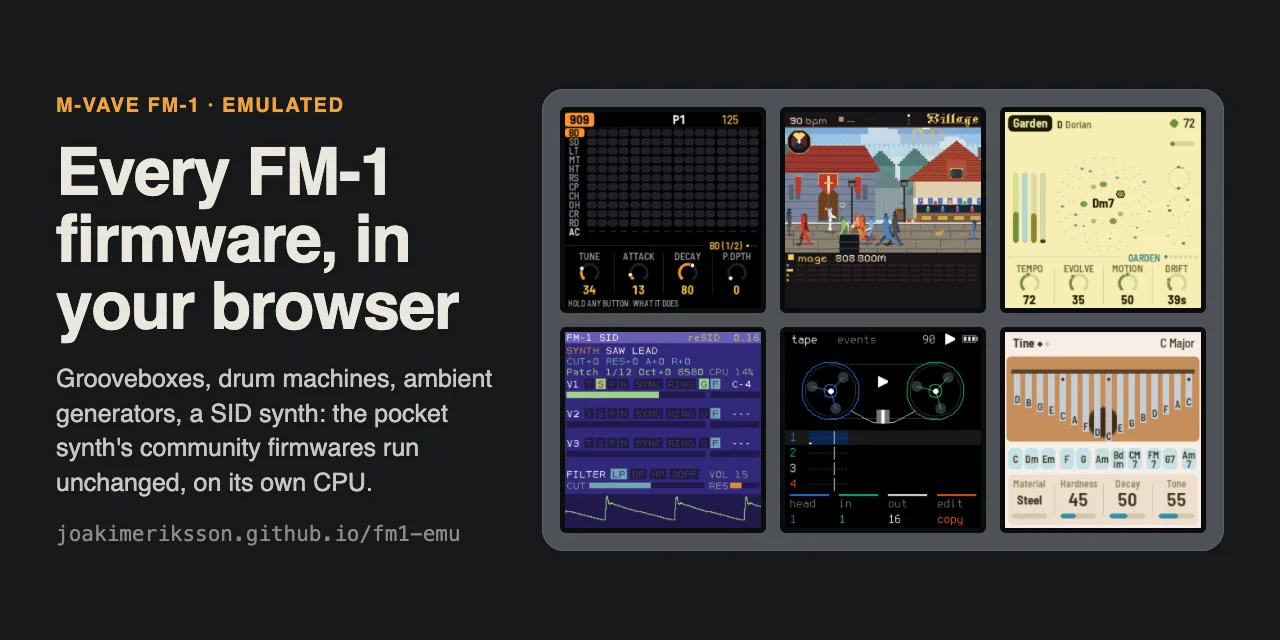
FM-1 Emulator
Key Features
- Emulates the FM-1 CPU, screen, controls, audio, and MIDI input in a browser so compatible firmware packages run unchanged.
- Lets you play with a computer keyboard, mouse, touch screen, or a supported MIDI controller instead of the physical unit.
- Provides a changing catalogue of community firmwares, from DX-style FM synthesis and sequencers to grooveboxes, ambient tools, and chord instruments.
- Keeps saved flash settings and patches separately for each firmware version, with portable save export and import.
- Includes an Apple-silicon Mac instrument plugin in AU, VST3, and CLAP formats for loading a firmware directly in a DAW.
- Stores the selected firmware and saved patches with the DAW project, and makes the master control available for automation.
Description
FM-1 Emulator is a browser-based recreation of the M-VAVE FM-1 pocket synth that runs the instrument's firmware unchanged, without requiring the hardware. Choose a firmware, start the virtual unit, and play from a computer keyboard, mouse, touch screen, or a supported MIDI input.
Rather than presenting one fixed sound engine, it supplies a platform for the FM-1 community's synthesizers, grooveboxes, drum tools, ambient generators, chord instruments, and more. The page preserves separate saved flash data for each firmware version and can export or import a portable save file.
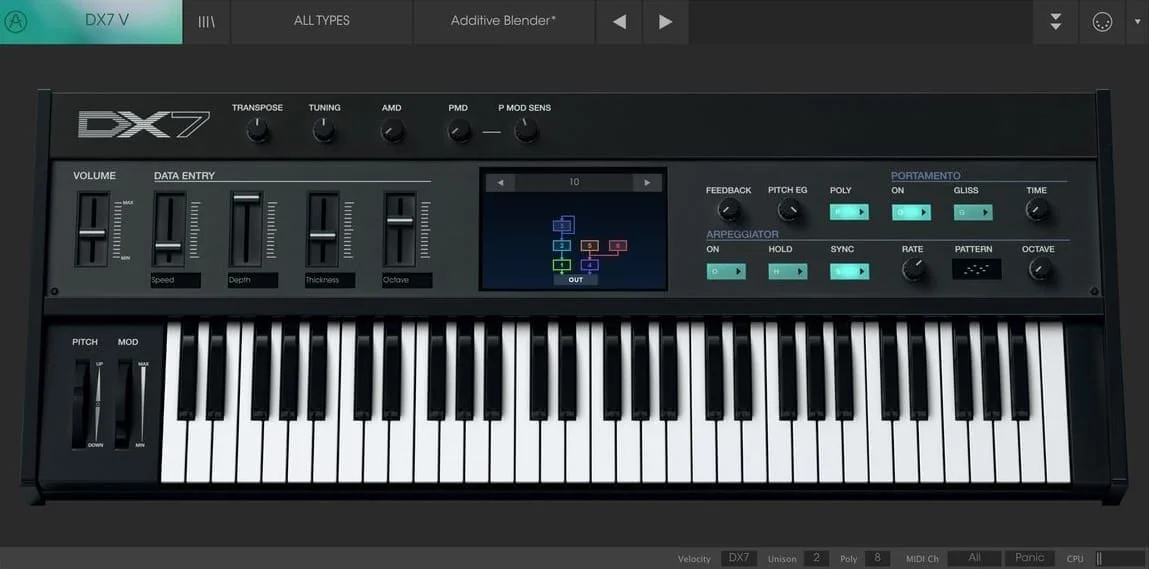
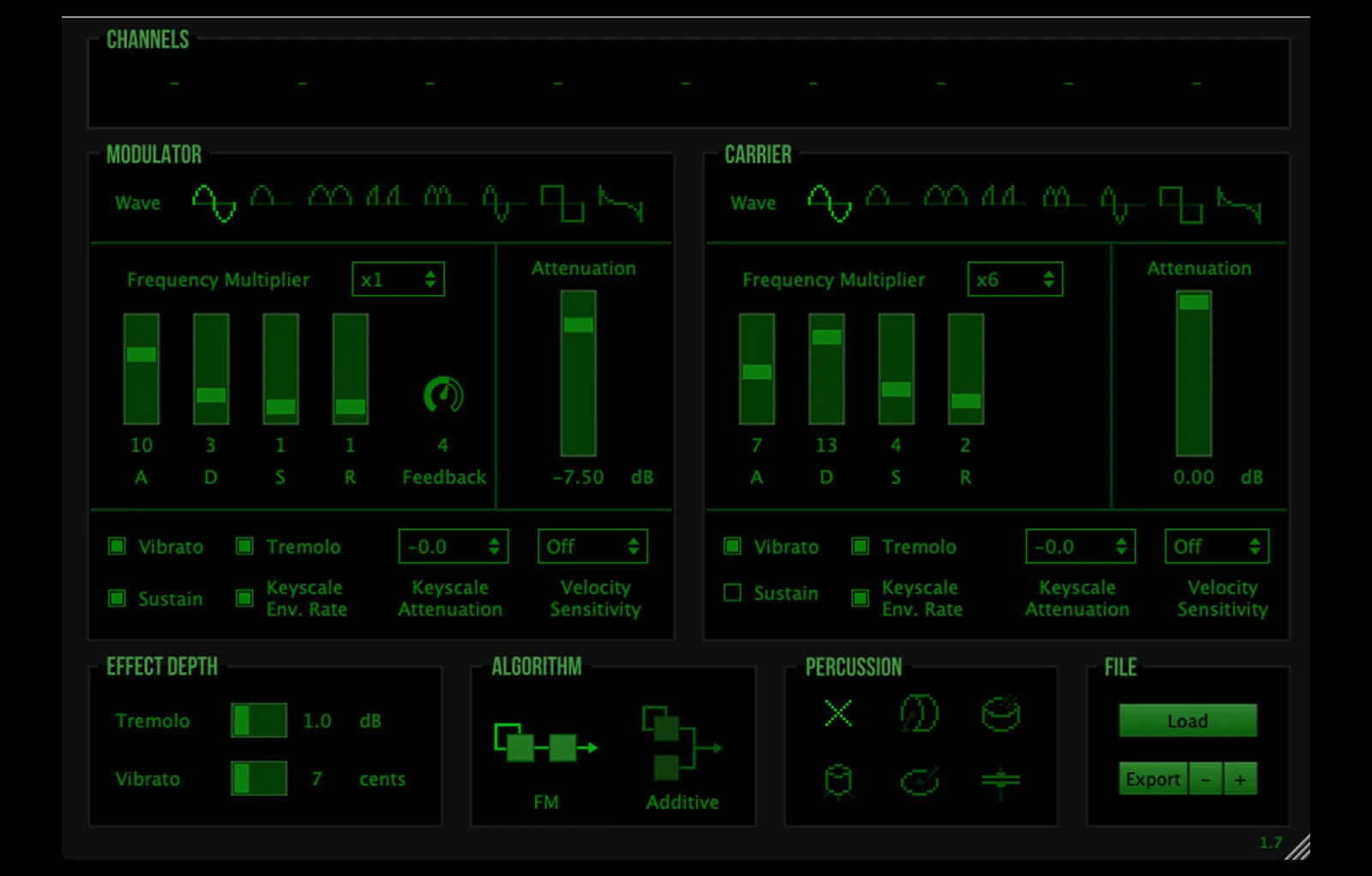
The stock M-VAVE firmware is a DX7-style FM synth, while the default Felucca firmware adds a four-operator FM engine, sequencer, arpeggiator, and effects. The live catalogue also reaches beyond straight FM sounds, so it is especially useful for auditioning a firmware's workflow before committing to an FM-1 device.
For DAW work, FM-1 Emulator is also released as an AU, VST3, and CLAP instrument for Apple-silicon Macs. It loads a firmware or saved setup in the plugin window, accepts DAW MIDI, preserves its firmware and patches with the song, and exposes the master control for automation.
The browser edition is the quickest way to explore the project, while the GitHub release page provides the current native and plugin builds. The project is MIT licensed; the firmwares remain the work of their respective authors and are fetched from their own sources when started.
Frequently Asked Questions
Can I use FM-1 Emulator without an M-VAVE FM-1?
Yes. The browser page emulates the FM-1's controls, screen, audio, and CPU, so you can start a supported community firmware and play it from your computer. A keyboard, mouse, touch screen, or supported Web MIDI input can control the emulated instrument.
Does it include the stock M-VAVE firmware?
The emulator can run the stock firmware, but it does not host or fetch that package. Download the FM-1.fwsc file from M-VAVE, choose the stock firmware on the emulator page, and open your copy there.
Which browsers support MIDI input?
The developer lists Chrome, Edge, and Firefox as browsers with Web MIDI support for the emulator. Safari has no Web MIDI support, so its MIDI controls are unavailable there.
Can I load FM-1 Emulator in a DAW?
Yes, the current plugin release provides AU, VST3, and CLAP formats for Apple-silicon Macs. Its plugin window loads a firmware or saved setup, receives DAW MIDI, and saves the firmware and its patches with the song.


