
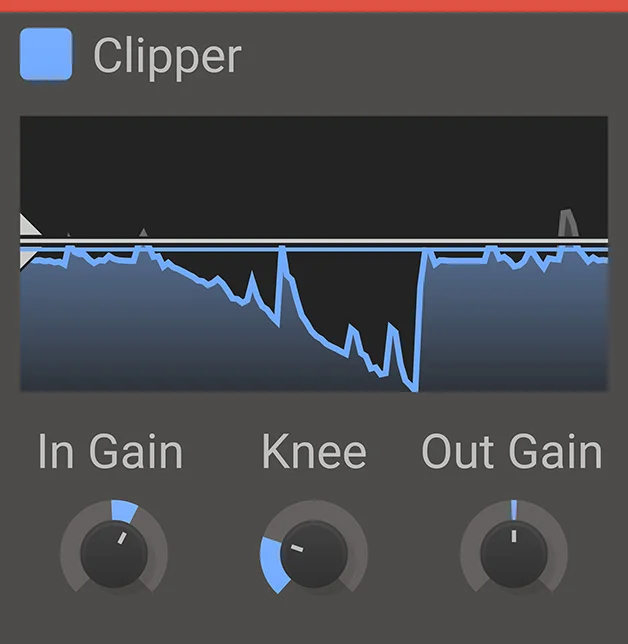
Kilohearts Clipper
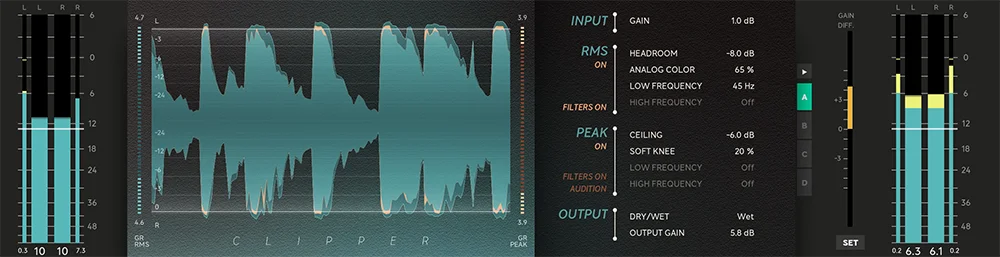
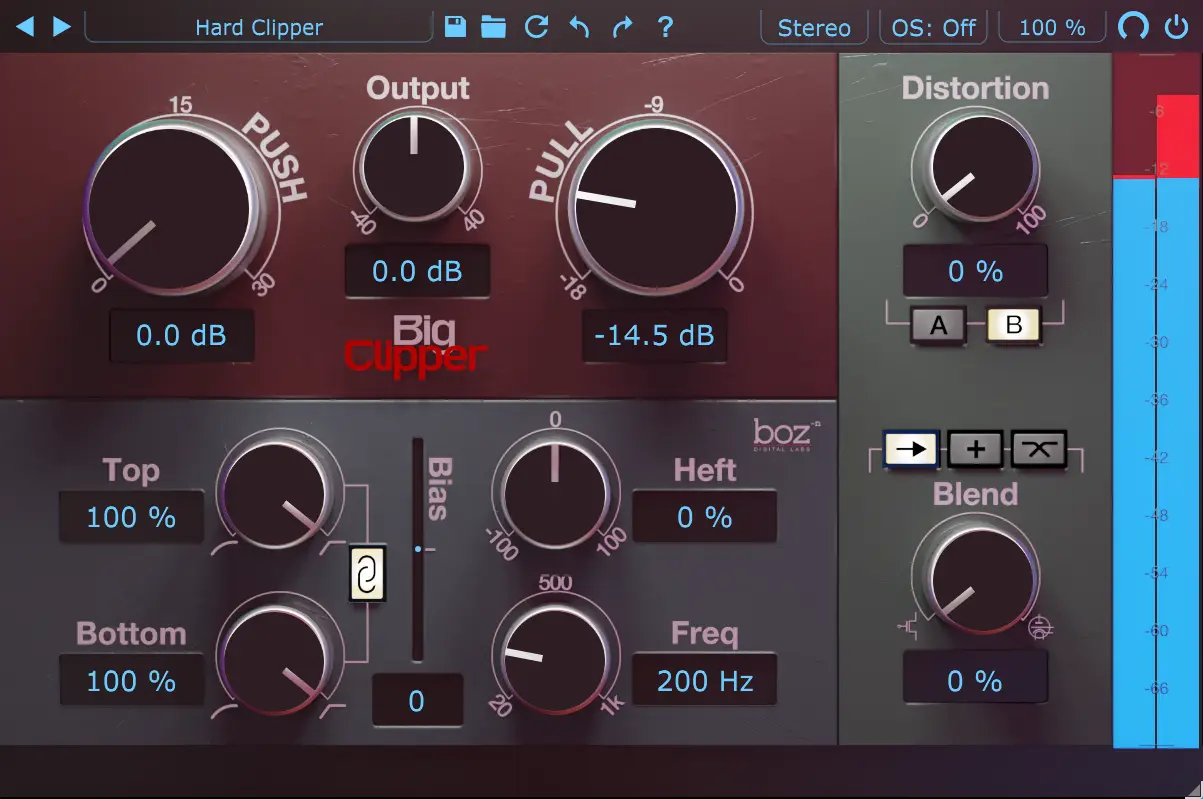
Key Features
- Per-sample clipping engine designed to trim peaks quickly and leave more headroom.
- Four-control interface keeps the workflow focused on input drive, threshold, knee shape, and output level.
- Soft-knee adjustment moves from smoother clipping to harder, more obvious peak surgery.
- Waveform-based threshold control makes it easy to see where the clipping point sits.
- Works as a normal DAW plugin and as a Snapin inside Phase Plant, Multipass, and Snap Heap.
- Useful for transparent transient control, louder drums, 808 shaping, and deliberate harmonic distortion.
Description
Kilohearts Clipper is a compact peak-trimming effect for controlling transients, adding loudness, or pushing a source into harder digital coloration. It works as a regular DAW plugin on macOS and Windows, and it can also run as a Snapin inside Kilohearts hosts.
The plugin is deliberately simple: In Gain, Knee, Out Gain, and a threshold control on the waveform display handle the whole clipping curve. Raising Knee softens the edge for smoother clipping, while a hard-knee setting gives the sharper per-sample behavior that can turn peaks into audible harmonic weight.
That makes it useful on drums, 808s, basses, synths, and mix elements that need fast peak discipline before a limiter. It can stay relatively transparent for headroom management, but its more interesting side is creative transient reshaping where extra body, distortion, and tone are part of the goal.
The official Kilohearts page currently marks Clipper as free with an account, and the Kilohearts Essentials page lists it inside the free effects collection. The download should stay pointed at Kilohearts because access is handled through the user's Kilohearts account rather than a public installer URL.
Video Preview

Frequently Asked Questions
What controls does Kilohearts Clipper include?
The official page lists Threshold, In Gain, Knee, and Out Gain. Threshold sets where clipping starts, In Gain drives the signal into clipping, Knee softens the clipping curve, and Out Gain sets the level after processing.
Can Clipper be used outside the Kilohearts Snapin hosts?
Yes. Kilohearts says its Snapins can be used as regular plugins in a DAW, and BPB specifically lists VST, AAX, and AU formats for Clipper. The Snapin version is mainly for users who want to combine it inside Phase Plant, Multipass, or Snap Heap.
What does the Knee control change?
BPB notes that increasing Knee rounds off the clipping edge for softer clipping. With Knee set to zero, the plugin behaves more aggressively and can add stronger distortion, harmonics, body, and tonality.
Why does the download stay external?
Kilohearts currently gates Clipper behind its account system. BPB says users sign up, verify the account, and then download the macOS or Windows installers from the Kilohearts account Downloads tab.


