
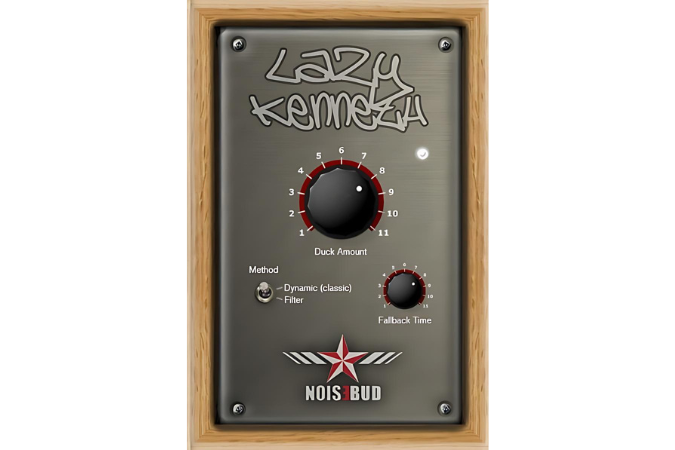
Lazy Kenneth
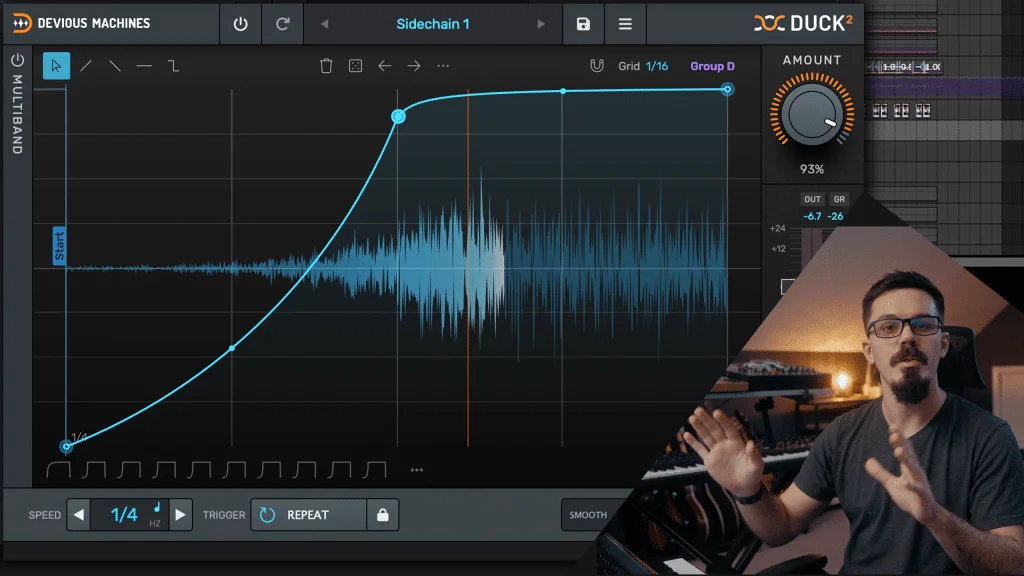
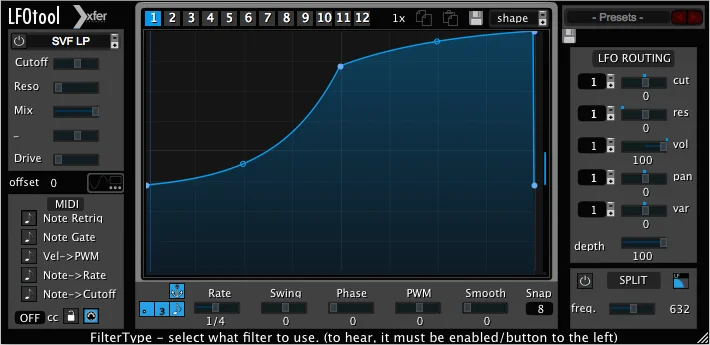
Key Features
- Automatic tempo-synced sidechain ducking that follows four-on-the-floor kick patterns without requiring any sidechain routing
- Duck Amount control for dialing in the exact depth of the volume dip on each beat
- Fallback Time parameter that adjusts how quickly the ducked signal recovers to its original level
- Method switch that toggles between two distinct ducking curve shapes for different pumping characters
- Can be placed on multiple tracks simultaneously for an aggressive full-mix pumping effect
- Zero-configuration operation that reads host tempo and immediately produces rhythmic ducking
Description
Lazy Kenneth by Noisebud is a dedicated sidechain ducking effect that automatically ducks audio in time with four-on-the-floor kick patterns. It eliminates the need to set up complex sidechain routing by simply detecting the tempo from your DAW and applying rhythmic volume ducking on every beat.
Designed specifically for 4/4 electronic genres like techno, house, trance, minimal, and tribal, Lazy Kenneth handles the collision between heavy basslines and kick drums that often muddies a mix. Place it on your bass track and it instantly carves space for the kick on every downbeat.
The plugin originated as a joke aimed at a mastering client who never bothered with sidechain compression, even when his mixes suffered from cluttered low frequencies. Creator Johannes Groenqvist found that many DAWs still lack easy sidechain routing, so Noisebud turned the gag into a legitimate production tool.
Controls are deliberately minimal: Duck Amount sets the depth of the volume dip, Fallback Time determines how quickly the signal returns to full level, and a Method switch toggles between two ducking curve shapes. Users consistently praise the plugin for doing one thing extremely well, describing it as simple and effective.
Lazy Kenneth works as a 32-bit VST plugin for Windows hosts and can be bridged for use in 64-bit environments. Built with SynthEdit, it ships as a lightweight 3.9 MB download that loads instantly in any compatible host.
Video Preview

Frequently Asked Questions
Does Lazy Kenneth work with time signatures other than 4/4?
No, Lazy Kenneth is designed exclusively for four-on-the-floor patterns where a kick drum lands on every quarter note. If your track uses different rhythmic patterns or time signatures, you would need a more flexible volume-shaping tool that allows custom ducking curves.
Can I use Lazy Kenneth in a 64-bit DAW?
Lazy Kenneth is a 32-bit VST plugin, but it can be used in 64-bit hosts through a bridging solution like jBridge or the built-in bridge provided by some DAWs. Performance is generally stable when bridged, though native 64-bit operation is not supported.
What is the difference between the two Method modes?
The Method switch toggles between two distinct ducking curve shapes. Each mode produces a slightly different character of pumping effect, so you can choose whichever sounds more natural or more aggressive for your particular mix context.
Can I use Lazy Kenneth on tracks other than the bassline?
Yes, you can place Lazy Kenneth on any track except the kick drum itself. Applying it to pads, synths, percussion, and other elements simultaneously creates a more pronounced pumping effect across the entire mix, which is a common technique in EDM production.


