
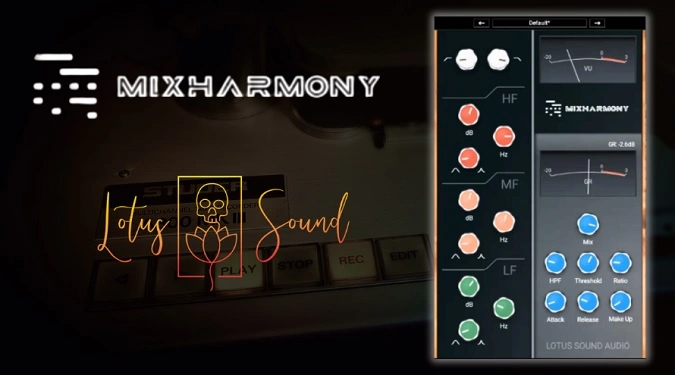
MixHARMONY
Key Features
- Three-band parametric EQ with full-range frequency control (20 Hz to 20 kHz per band) plus high-pass and low-pass filters
- Compressor section with dedicated gain reduction meter and sidechain high-pass filter up to 200 Hz to prevent low-end pumping
- Mix knob for parallel compression blending between wet and dry signals without extra bus routing
- Approximately 20 factory presets tailored for vocals, drums, guitars, and mix bus processing
- Classic British console-inspired tone with musical EQ curves and smooth compression character
- VU meter for real-time level monitoring to maintain proper gain staging
- Lightweight single-window workflow combining EQ and dynamics for faster mixing decisions
Description
MixHARMONY by Lotus Sound Audio is a channel strip plugin modeled after classic British large-format mixing consoles, combining a three-band parametric EQ with a full-featured compressor in a single streamlined interface. It brings the warm, musical character of vintage British hardware to any DAW session running on macOS or Windows.
The EQ section provides high-pass and low-pass filters alongside dedicated HF, MF, and LF parametric bands, each with independent gain, Q factor, and frequency controls spanning the full 20 Hz to 20 kHz range. This wide overlap between bands gives you the flexibility to shape frequencies without being locked into rigid crossover points.
The compression section includes standard threshold, ratio, attack, and release controls with a dedicated gain reduction meter for visual feedback. A sidechain high-pass filter lets you roll off low frequencies entering the compressor up to 200 Hz, preventing bass-heavy material from triggering unwanted pumping on mix bus applications.
A mix knob blends the compressed signal with the unprocessed dry signal, making it easy to dial in parallel compression without additional routing. Around 20 factory presets cover common mixing scenarios across vocals, drums, guitars, and full mixes.
The interface follows a traditional hardware-style layout with a VU meter for level monitoring, keeping everything visible and accessible. MixHARMONY is available as VST3 for Windows and AU/VST3 for macOS, though it does not support Pro Tools AAX format.
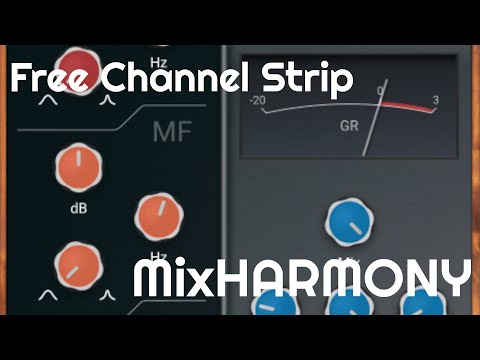
Video Preview

Tips
- Use the high-pass filter to remove unwanted low frequencies before compression.
- Experiment with the mix knob to achieve parallel compression effects.
- Utilize the factory presets as starting points for different instruments and mixing scenarios.
- Adjust the Q factor in the EQ section to either narrow or widen the affected frequency range.
- Monitor levels with the VU meter to avoid clipping and ensure balanced output.
Frequently Asked Questions
Does MixHARMONY work with Pro Tools?
No. MixHARMONY is available as VST3 for Windows and AU/VST3 for macOS only. It does not support AAX format, so it is not compatible with Avid Pro Tools.
Can the EQ bands overlap in frequency range?
Yes. Each of the three parametric bands (HF, MF, LF) covers the full 20 Hz to 20 kHz spectrum, so you can set multiple bands to the same frequency area for more aggressive boosts or cuts. This differs from channel strips that lock each band into a fixed range.
What does the sidechain high-pass filter on the compressor do?
It removes low frequencies from the compressor's detection circuit without affecting the actual audio output. Rolling off bass up to 200 Hz prevents kick drums and sub-bass from triggering excessive compression, which is especially useful on mix bus applications where low-end energy can cause audible pumping.
Is MixHARMONY compatible with GarageBand?
Yes. The macOS AU component version loads in GarageBand, Reaper, Logic Pro, and any other DAW that supports Audio Unit plugins.


