
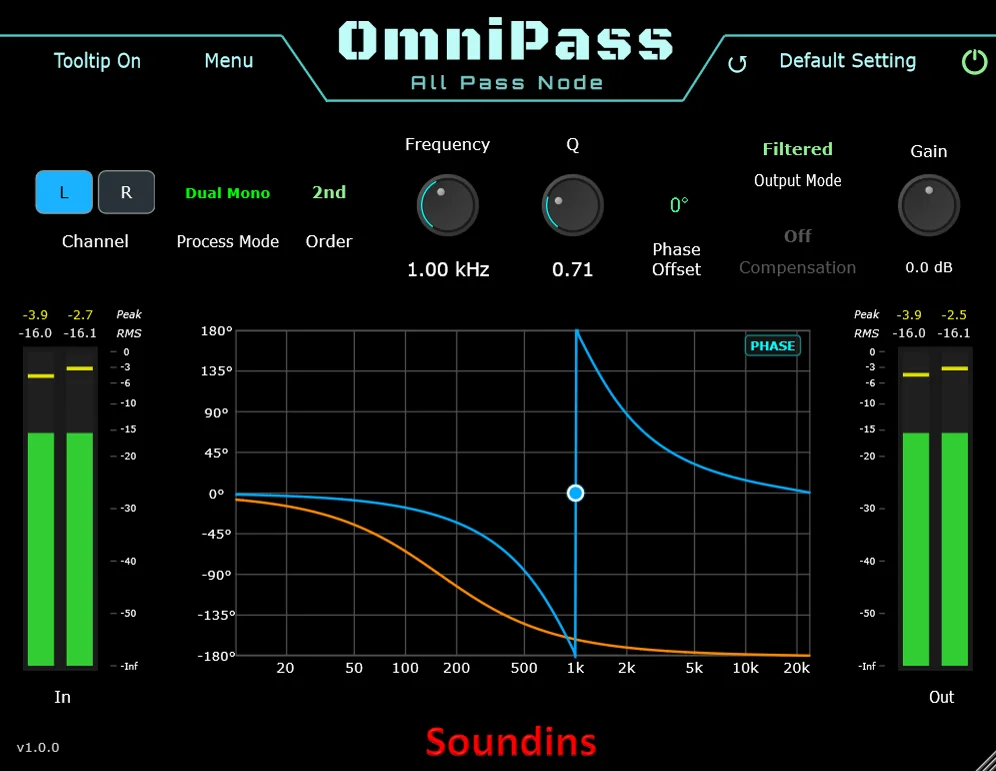
OmniPass
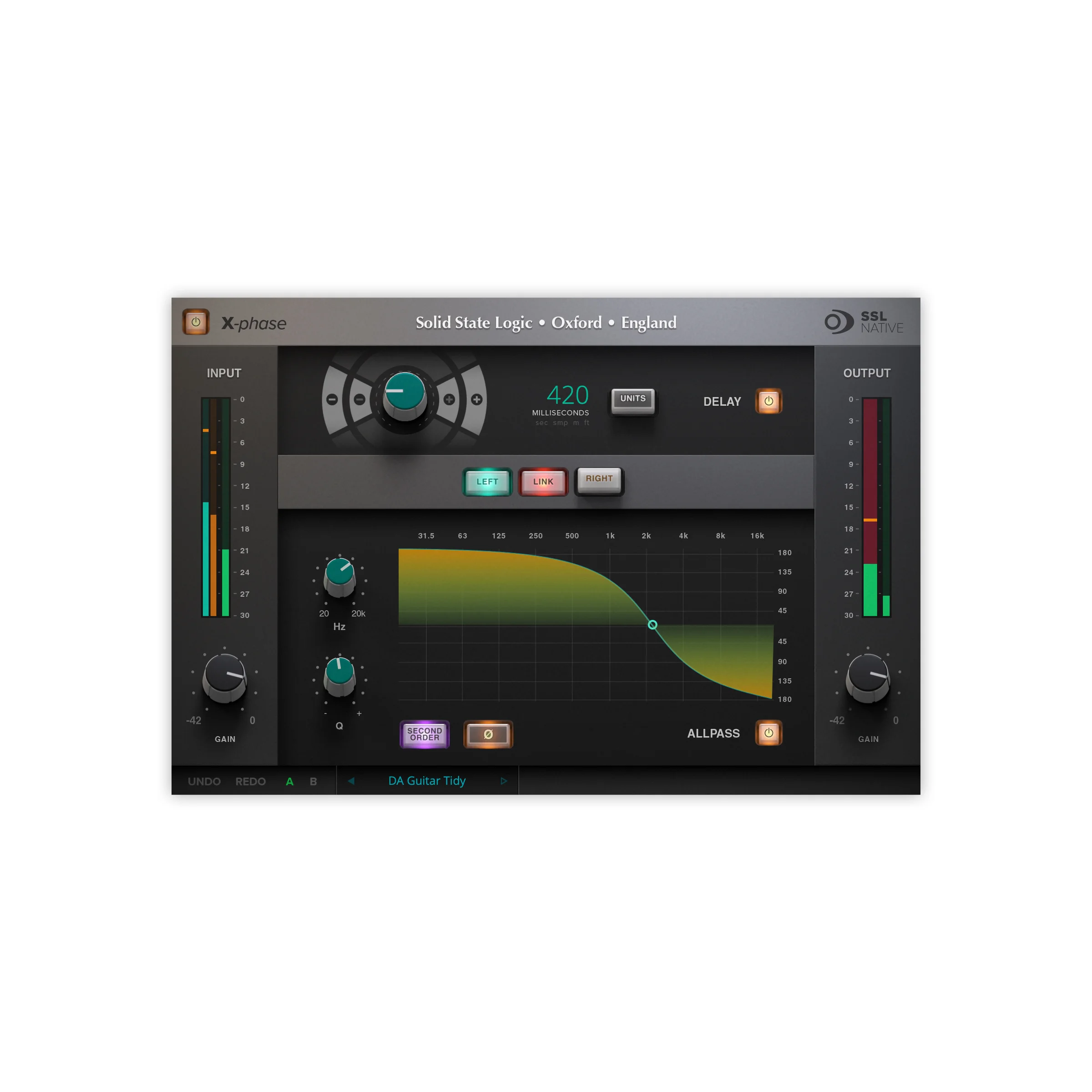
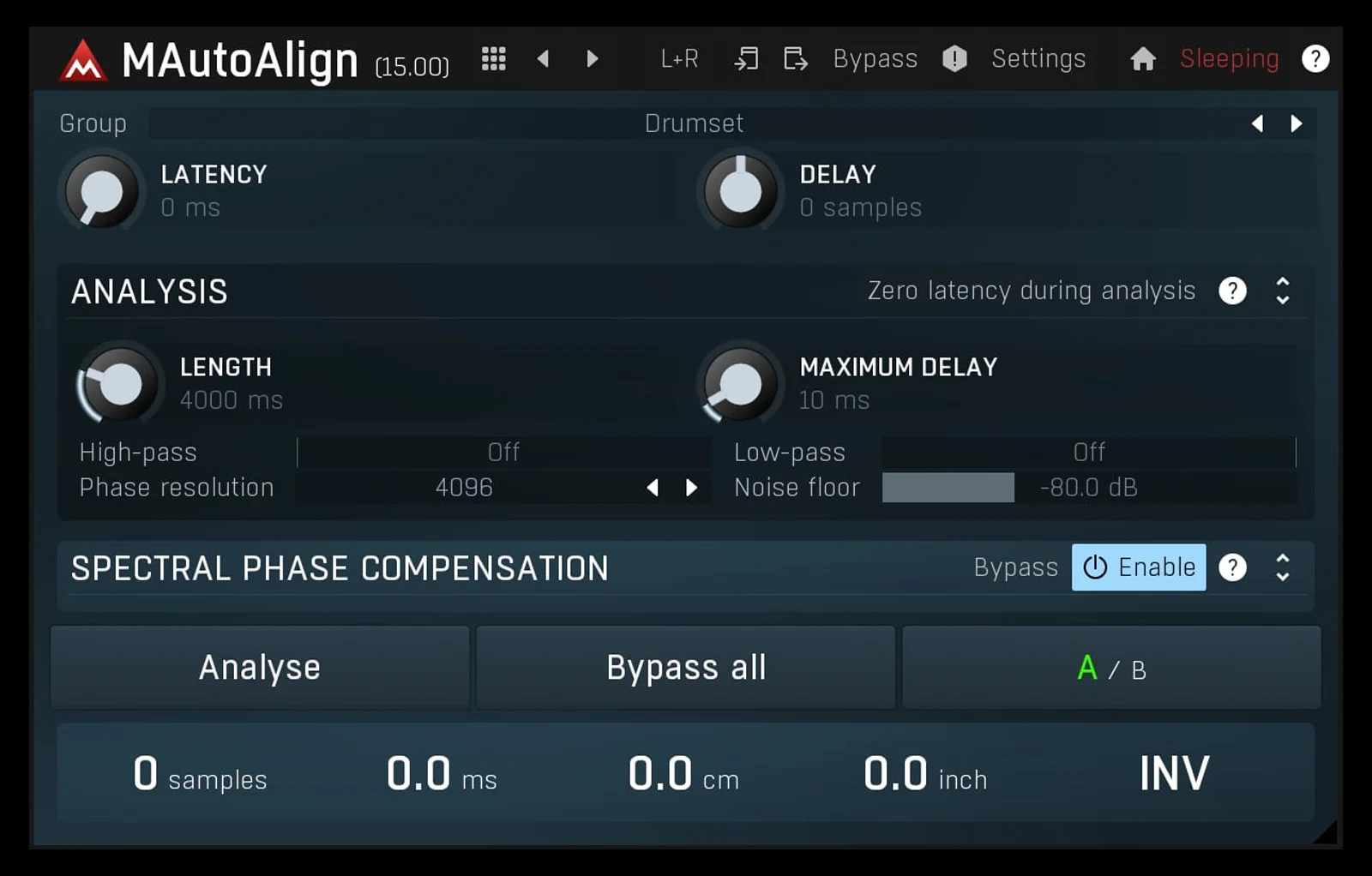
Key Features
- First- and second-order all-pass modes provide phase rotation around an adjustable center frequency
- Center Frequency and Q controls can be adjusted directly from the interactive phase or magnitude response graph
- Phase Offset applies a calculated 180-degree offset instead of a simple polarity flip
- Filtered and In + Filtered output modes support transparent correction or intentional interference effects
- Optional 6 dB compensation helps manage level changes when the processed signal is combined with the input
- Dual Mono, Stereo, and Matched linking modes cover independent stereo work and mono material in stereo buffers
- Peak/RMS input and output meters, peak hold, presets, bypass, tooltips, and ten undo steps support practical session work
Description
OmniPass is an all-pass filter for frequency-dependent phase alignment without the boost or cut associated with a conventional EQ. It is designed for multi-mic recordings, multi-source setups, and live speaker alignment when a simple delay or polarity flip cannot correct the relationship between signals.
Choose first- or second-order processing, set a center frequency and Q, and use the response display to see the resulting phase or magnitude curve. A dedicated Phase Offset control applies a 180-degree offset through the filter calculation rather than acting as a basic polarity switch.
For mixing and correction, OmniPass offers Filtered and In + Filtered output modes, plus optional 6 dB compensation for the gain change that can arise when the second-order processed signal is combined with the input. Dual Mono, Stereo, and Matched linking modes make it possible to work independently per channel, link frequency and Q, or keep settings matched for mono material carried in a stereo buffer.
It also includes peak and RMS input/output metering, peak hold, preset saving, tooltips, bypass, and ten undo steps. The result is a focused utility for diagnosing and reshaping phase relationships while keeping the broad magnitude response flat, with enough routing and visual feedback for corrective work or deliberate interference-based sound design.
Frequently Asked Questions
How is OmniPass different from a normal EQ?
A normal EQ changes the level of selected frequencies. OmniPass is an all-pass filter, so its intended role is changing the phase relationship across frequencies while maintaining a flat magnitude response.
When is an all-pass filter more useful than track delay?
Track delay shifts the whole signal by the same amount. OmniPass changes phase by frequency, which can help when the issue is not a single timing offset, such as a complex relationship between microphones or sources.
What does the In + Filtered mode do?
It sums the input with the all-pass-processed signal inside the plugin. In second-order mode, that can produce cancellation around the center frequency, making the mode useful for deliberate comb-like and interference-based sound design as well as experimentation.
Which channel-linking mode should I use for mono audio on a stereo track?
The developer describes Matched mode for mono material routed through stereo buffers. It makes the filter settings follow the active channel, while Dual Mono is for independent left/right adjustment and Stereo links frequency and Q.


