PodcastPlugins
Key Features
- Two-plugin workflow for individual speaker tracks and the master podcast bus
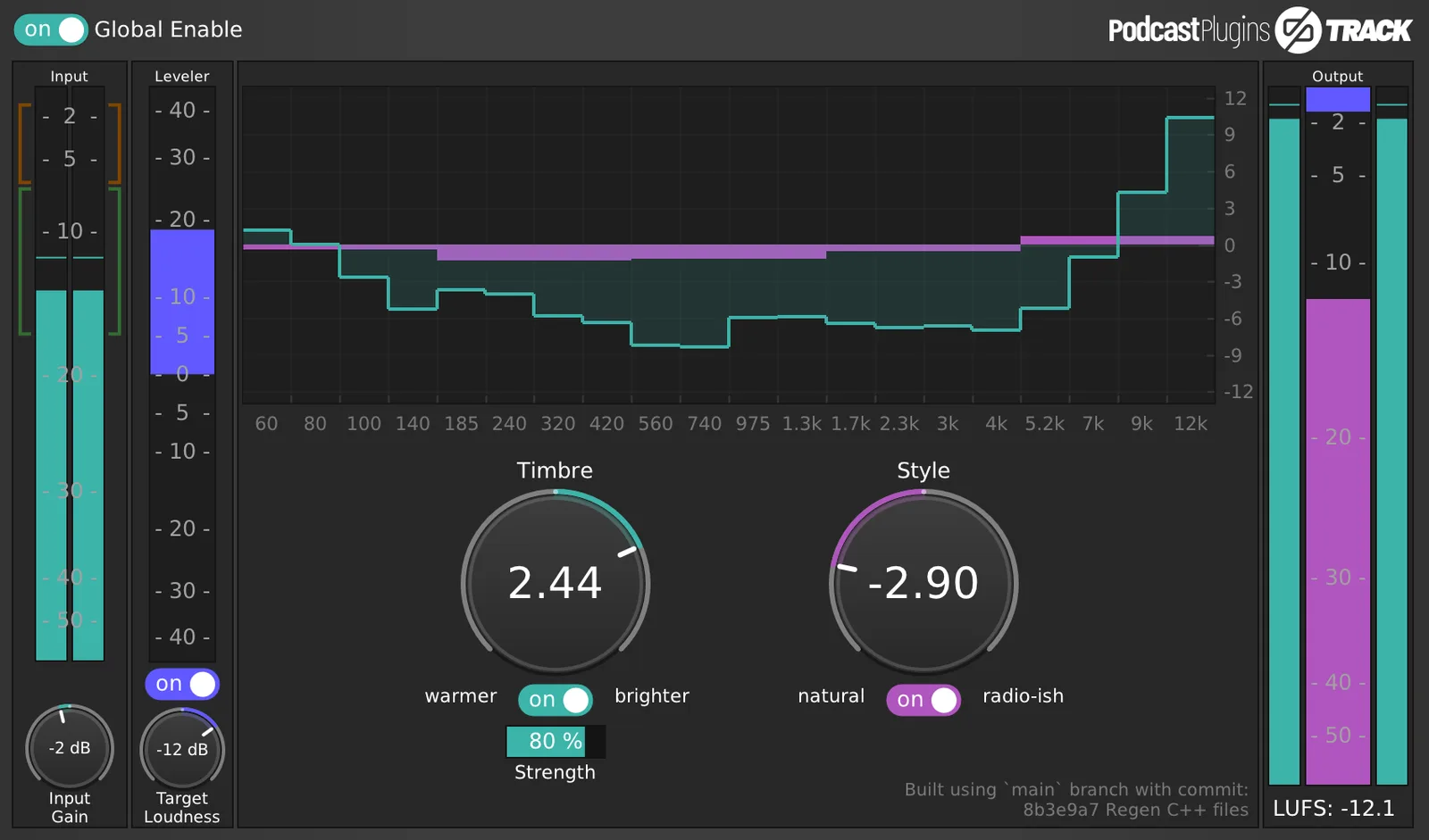
- Track plugin combines leveling, equalisation, and dynamics for each voice
- Master plugin adds final tone shaping, level control, and dynamics across the full speech mix
- Simple Timbre and Style controls for warmer, brighter, natural, or more compressed speech tones
- Global enable and disable workflow for checking the full processing chain quickly
- Cross-platform release binaries for Linux, macOS, and Windows
- Open-source GPL-3.0 project with source code available on GitHub
Description
PodcastPlugins is a spoken-word enhancement bundle for podcasters who want finished dialogue without building a full vocal chain from scratch. It includes separate Track and Master plugins, so each speaker can be cleaned and balanced individually before the final podcast bus gets its own level and tone pass.
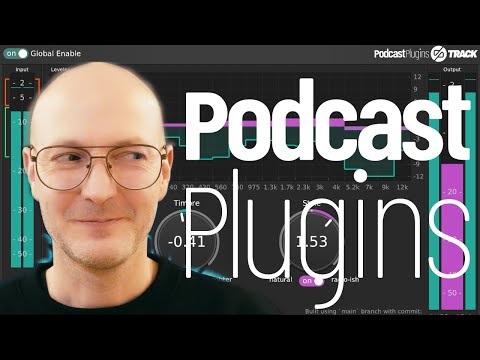
The workflow is intentionally simple: Track handles level, equalisation, and dynamics on individual speaker tracks, while Master shapes the combined mix and manages final loudness and dynamics. The interface favors broad, readable controls such as Timbre and Style instead of exposing a dense compressor and EQ panel.
That makes PodcastPlugins best suited to editing interviews, narration, livestream archives, and creator audio where speed matters more than surgical repair. It is not a replacement for deep restoration tools, but it gives non-engineers a direct path to warmer, brighter, more controlled, or more broadcast-shaped speech.
The project is open source on GitHub and ships release binaries for Linux, macOS, and Windows. The current release lists AudioUnit, CLAP, LV2, VST2, and VST3 builds, with modest CPU and graphics requirements.
Video Preview
Frequently Asked Questions
What is included in the PodcastPlugins bundle?
The bundle includes PodcastPlugins Track and PodcastPlugins Master. Track is intended for each speaker's individual audio track, while Master is intended for the DAW master bus.
Is PodcastPlugins meant for music vocals or spoken-word production?
It is designed specifically for speech enhancement and podcast workflows. You can experiment with it on sung vocals, but its controls and processing targets are centered on spoken voices.
Does PodcastPlugins require a DAW?
Yes, the release provides plugin formats for compatible audio hosts. The README describes loading Track and Master inside a DAW project after installation.
Why are there separate Track and Master plugins?
Track handles processing per speaker, which is useful when different microphones or voices need different treatment. Master then applies final shaping and level control to the combined podcast mix.