
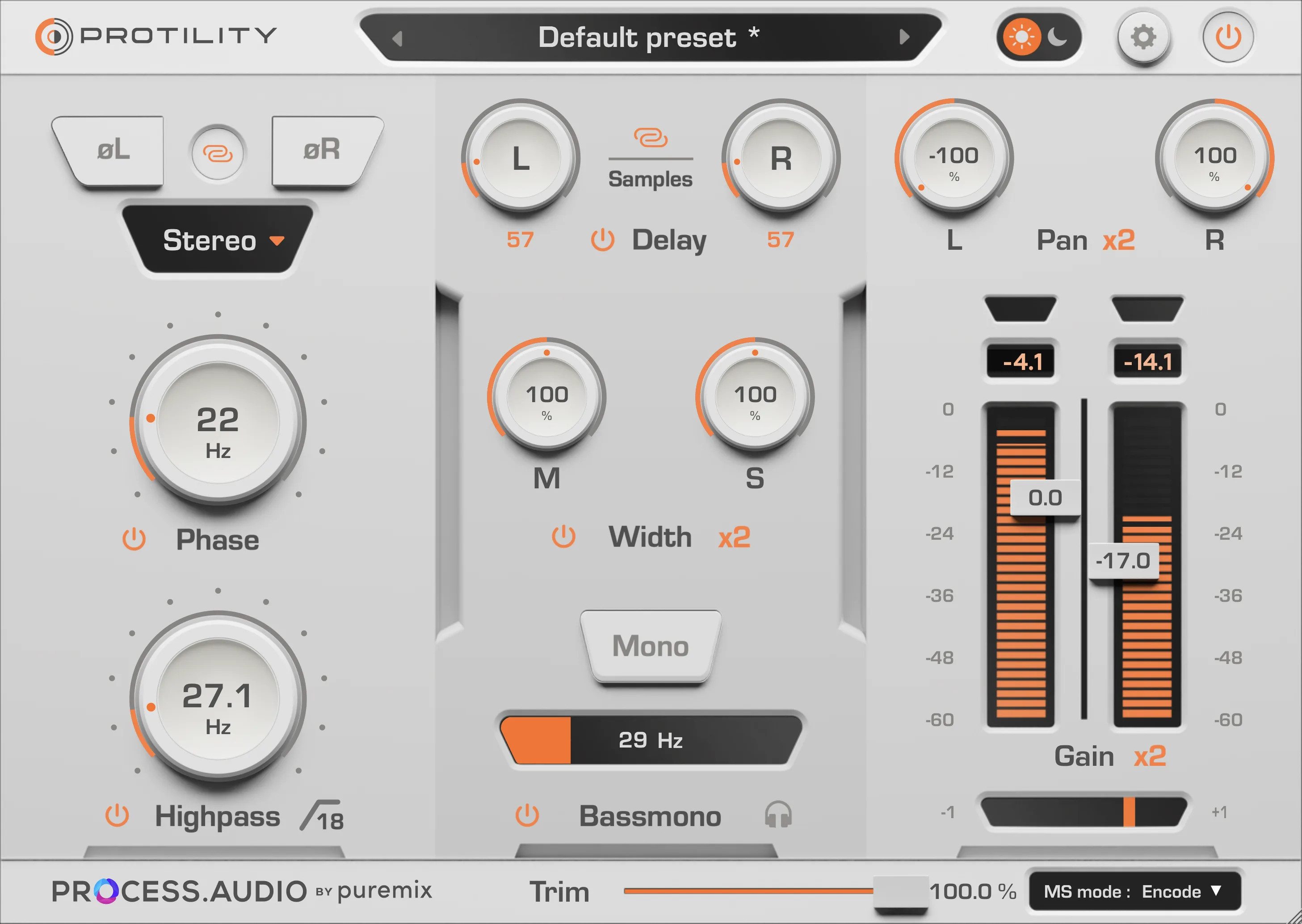
Protility
Key Features
- All-in-one track utility for gain staging, panning, trimming, phase checks, stereo width, and mono compatibility
- Bass mono control focuses low frequencies while keeping higher stereo content wider when needed
- Sample delay and low-frequency phase controls help correct timing and phase alignment problems
- High-pass filter removes unnecessary low-end rumble before EQ, compression, or creative processing
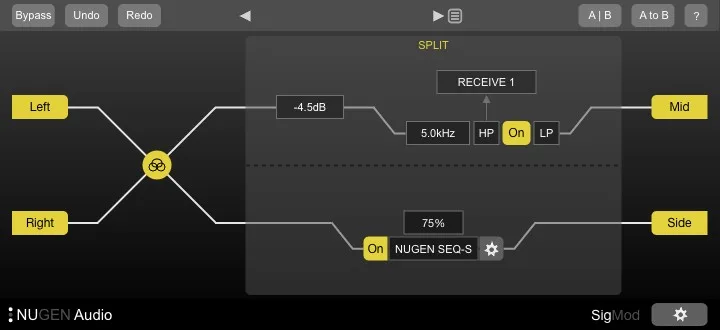
- Mid-side encode and decode functions support wider stereo workflows and independent M/S processing chains
- Peak metering, clipping LEDs, light and dark themes, and preset management support repeatable mix-prep settings
Description
Protility is a utility plugin from Process.Audio for track preparation, gain staging, stereo cleanup, and phase correction. It puts the small corrective moves that often happen before EQ or compression into one focused interface, so you can tidy a channel before deeper mix processing starts.
The toolset covers phase invert, low-frequency phase adjustment, high-pass filtering, sample delay, width, mono and bass mono control, pan, gain, trim, metering, and mid-side encoding. That makes it especially useful on basses, stereo synths, layered recordings, buses, and any source where low-end focus or mono compatibility needs a quick check.
Version 1.1.0 adds mid-side encode/decode options and expanded width handling, which pushes Protility beyond a basic gain plugin. The interface also includes light and dark modes, labelled values, and a preset manager for saving common cleanup settings across sessions.
Process.Audio currently lists Protility as a free download on the official product page, and the manual describes it as requiring no license. The public download buttons redirect to the Process.Audio site rather than a direct installer file.
Frequently Asked Questions
Where does Protility fit in a plugin chain?
It makes the most sense near the start of a channel or bus. Use it before heavier EQ, compression, or creative effects when you want to correct level, low-end width, phase, or stereo balance first.
What is the difference between mono and bass mono in Protility?
Mono collapses the full signal, while bass mono targets only the low-frequency range. That lets you tighten subs and bass fundamentals without necessarily narrowing the whole track.
Can Protility replace a dedicated stereo imaging plugin?
It covers practical width and mono-compatibility work, including side-level width control and bass mono handling. Dedicated imaging plugins may offer deeper multiband shaping, but Protility is better suited to quick corrective decisions on many tracks.
Does Protility need a license manager?
The official manual describes Protility as a free utility plugin with no license required. The public site still routes downloads through Process.Audio pages, so users should use the official product page for the current installer flow.


