
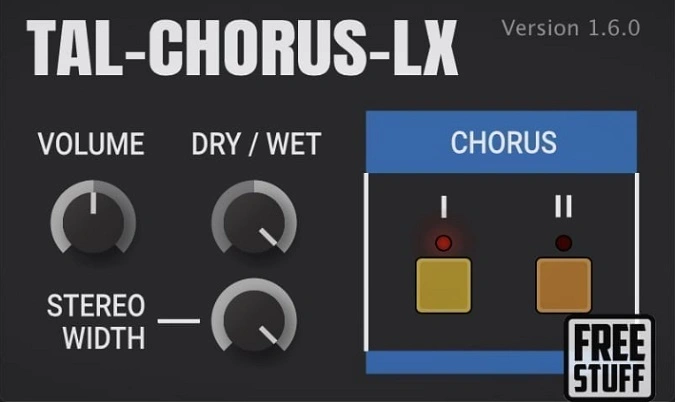
TAL-Chorus-LX
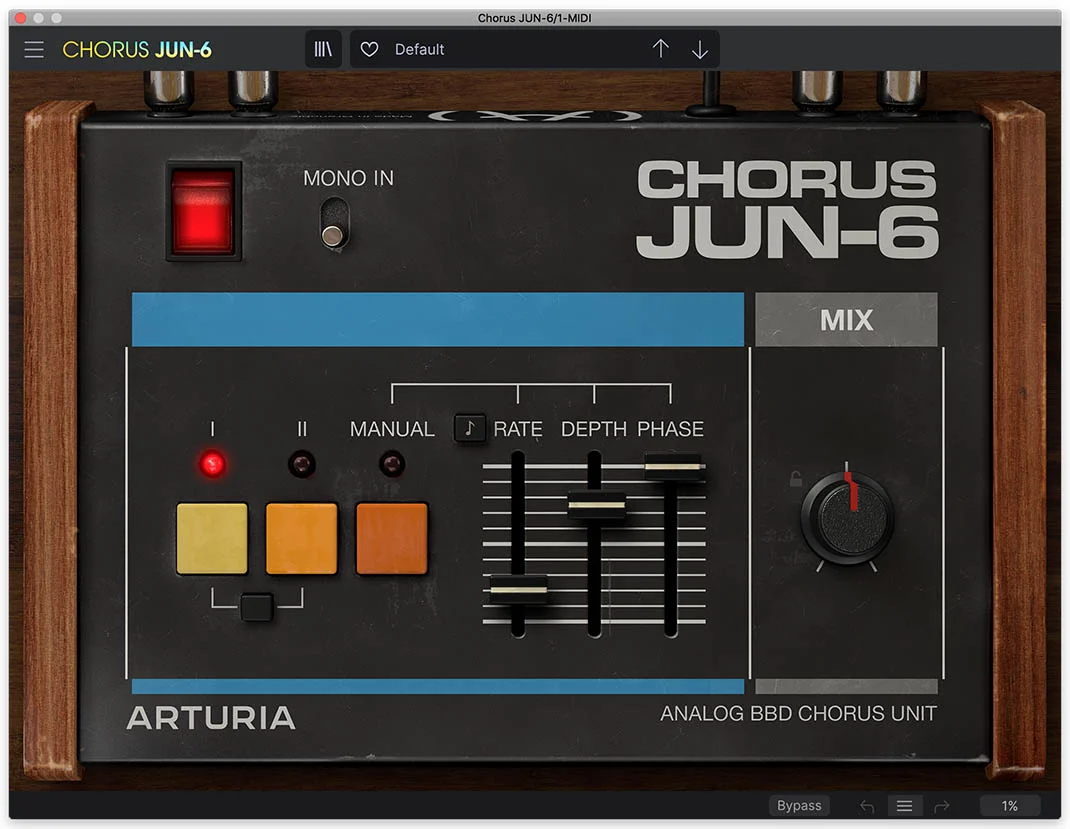
Key Features
- Authentic Juno-60 chorus emulation with warm BBD-style pitch modulation and analog character
- Two switchable chorus modes that can run independently or stacked for a richer double-chorus effect
- Dry/wet mix control for precise blending from subtle shimmer to full wet chorus
- Stereo width parameter for adjustable spatial imaging from narrow to ultra-wide
- Excellent mono compatibility — maintains phase coherence when summed to mono
- Scalable vector UI with native Apple Silicon (M1/M2/M3) support
- Available in VST, VST3, AU, AAX, and CLAP formats across macOS, Windows, and Linux
Description
TAL-Chorus-LX by TAL Software is a standalone recreation of the legendary chorus circuit from the Roland Juno-60 synthesizer. Originally extracted from the TAL-U-NO-LX Juno emulation, it captures the warm, lush BBD-style modulation that defined countless records throughout the 1980s.
The interface strips the effect down to its essentials: two mode buttons, a volume knob, a dry/wet mix control, and a stereo width parameter. Mode I delivers a subtle, wide chorus ideal for adding spatial depth without overwhelming the source signal, while Mode II produces a deeper, more pronounced detuning that creates thick, swirling textures.
Engaging both modes simultaneously yields the classic "double chorus" sound synonymous with vintage Juno pads and brass patches. The stereo width control lets you dial the image from focused mono-compatible widening all the way to an expansive stereo field.
Producers consistently praise TAL-Chorus-LX for its exceptional mono compatibility, meaning the effect translates cleanly when summed to mono without introducing phase cancellation. It works equally well on synthesizers, clean guitars, vocals, and even drum buses where a touch of analog-style movement is desired.
Version 1.6.3 introduced a scalable vector UI, native Apple Silicon support for M1/M2/M3 Macs, and DC offset removal for cleaner output staging.
Video Preview
Tips
- Use the Dry/Wet control to blend the chorus effect subtly into your mix.
- Experiment with the two chorus modes to find the right intensity for your track.
- Utilize the Stereo Width control to enhance the spatial characteristics of your sound.
- Apply the chorus effect to synth pads to add warmth and richness.
- Combine both chorus modes for a more complex and lush sound.
- Use the Volume knob to ensure the chorus effect sits well in the mix without overpowering other elements.
Frequently Asked Questions
What is the difference between Mode I and Mode II on TAL-Chorus-LX?
Mode I applies a subtle, wide chorus that adds gentle spatial depth without heavy modulation. Mode II uses a deeper detune rate for a thicker, more pronounced swirling effect. You can enable both simultaneously for the classic Juno-60 double-chorus sound.
Can TAL-Chorus-LX process mono signals?
TAL-Chorus-LX only supports stereo channels. If your track is mono, route it through a stereo bus or channel before inserting the plugin. The output maintains excellent mono compatibility, so it translates well when summed back to mono.
Does the plugin introduce any noise or artifacts at the demo stage?
The unrestricted version is completely clean. However, if you haven't registered the plugin, a rising white noise sound plays every minute as a demo limitation. Registering on the TAL Software website removes this restriction at no cost.
How does TAL-Chorus-LX compare to the chorus built into TAL-U-NO-LX?
TAL-Chorus-LX is a 1:1 extraction of the same chorus algorithm used in the TAL-U-NO-LX Juno synthesizer plugin. The standalone version lets you apply that exact chorus character to any audio source, not just the U-NO-LX synth engine.


