TDR Prism
Key Features
- Human-auditory filters and real-time masking feedback add perceptual context to spectral readings.
- Weighting and tilting options, plus peak and RMS smoothing, let you tailor the display to the question at hand.
- Compare regular inputs, sidechains, audio files, and linked Prism instances within one project.
- Fullscreen, resizable hardware-accelerated plotting keeps detailed spectrum work legible.
- Screen magnification and automatic marker lines help inspect specific frequency areas.
- A built-in tone generator supports controlled checks without adding a separate test-signal plug-in.
Description
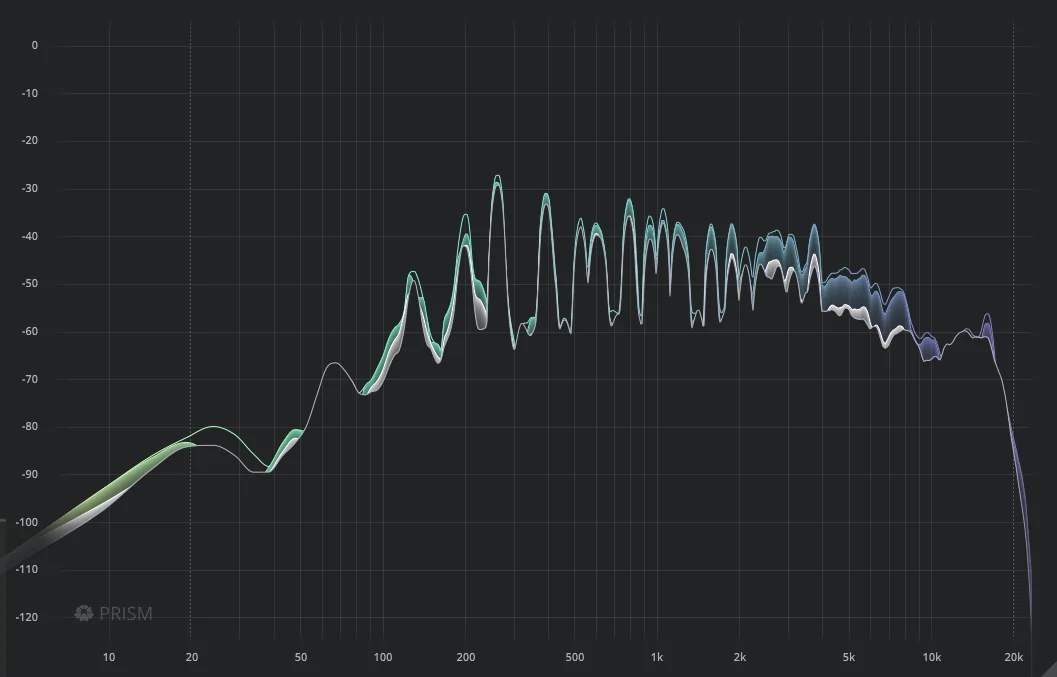
TDR Prism is a frequency-analyzer plug-in from Tokyo Dawn Labs that lets you inspect a signal through perceptual weighting, smoothing, and real-time auditory-masking views rather than relying on a plain level trace. It is built for reading spectral balance with more context, whether you are checking a full mix, a single source, or a competing frequency range.
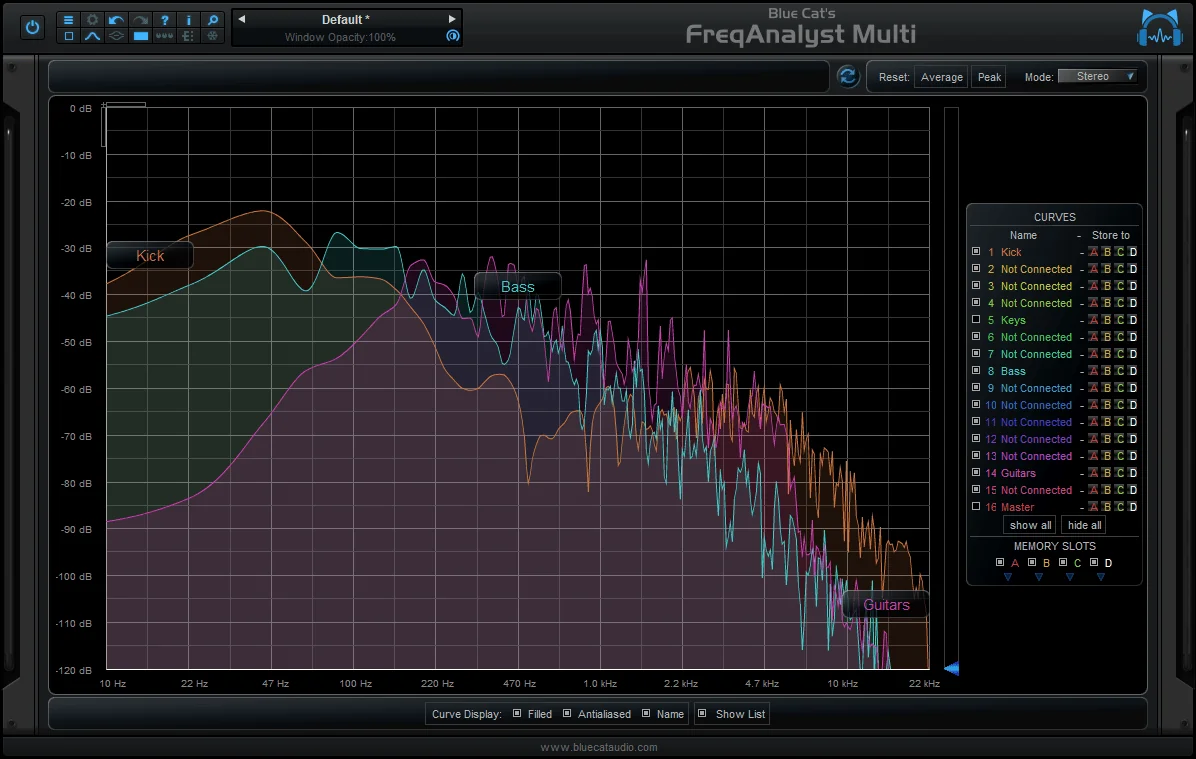
Prism can compare spectra from regular and sidechain inputs, external audio files, and other Prism instances in the same project. That makes it especially practical for looking at kick-versus-bass overlap, checking a reference against a mix, or observing how an EQ change shifts a track's overall shape.
Its weighting and tilting controls, peak/RMS smoothing options, automatic marker lines, magnification, and tone generator support both quick checks and more deliberate problem-solving. The resizable, hardware-accelerated interface can also run fullscreen, so detailed curves remain readable on larger displays.
Tokyo Dawn Labs currently provides version 1.1.4 from its dedicated Prism page, with direct Windows, macOS, and Linux downloads. The same official page calls it a Free Download and contains no deadline, coupon, subscription, or time-limited language.
Frequently Asked Questions
What makes TDR Prism different from a basic spectrum analyzer?
Prism adds weighting and tilting options, peak/RMS smoothing, human-auditory filters, and real-time auditory-masking indication. Those views help relate a graph to perception instead of treating every dB equally across the spectrum.
Can TDR Prism compare more than one signal?
Yes. The developer documents comparison between regular and sidechain inputs, external audio files, and other Prism instances in the project. This is useful for checking frequency overlap or comparing a mix against a reference.
Does TDR Prism process or change the audio?
Prism is presented as an analyzer: it visualizes spectral properties and offers a tone generator for inspection. Its stated purpose is to provide frequency information for mixing and analysis decisions, rather than to apply EQ or dynamics processing.
Which systems and plug-in formats does TDR Prism support?
Tokyo Dawn Labs lists Windows, macOS, and Linux downloads. The official format table includes VST2, VST3, AU, and AAX where supported by the operating system and bit depth.