Youlean Audio Over Network
Key Features
- Send a desktop DAW signal to Youlean Loudness Meter LITE on an iPhone or iPad for a separate wireless metering display
- Use the same local Wi-Fi network for the primary connection method without sending audio to the internet
- Connect by Ethernet when a wired local-network setup is more suitable
- Use a direct USB connection from macOS to an iOS device when a cable is preferable
- Insert the utility in VST2, VST3, AU, or AAX hosts on Windows and macOS
- Use the macOS build with native Apple Silicon support in Pro Tools
Description
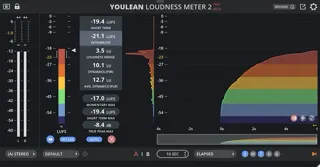
Youlean Audio Over Network is a metering utility plug-in that sends a desktop DAW's audio over a local network to Youlean Loudness Meter LITE on an iPhone or iPad. It turns that iOS companion app into a separate wireless loudness display, so you can keep essential measurements visible away from your main DAW screen.
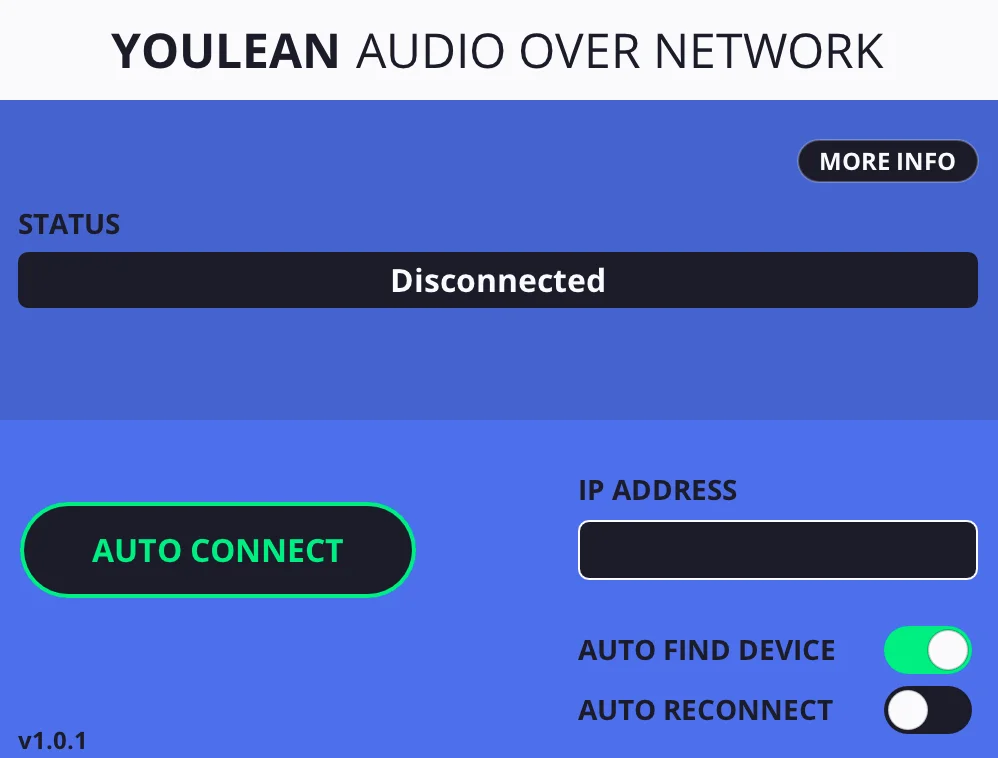
The workflow is deliberately focused: insert the plug-in in a Windows or macOS session, then connect it to the iOS meter on the same local network. Wi-Fi is the preferred connection method, while the documentation also covers Ethernet and a direct USB connection on macOS.
Because the audio stays on the local network, the setup does not require an internet connection for metering. Bluetooth is not supported, as its bandwidth is insufficient for the raw audio stream.
This is best treated as a companion utility rather than a complete desktop loudness suite: it requires Youlean Loudness Meter LITE on a compatible iPhone or iPad. The current official page lists VST2, VST3, AU, and AAX editions, with dedicated Windows and macOS download controls; the macOS 1.0.3 update added native Apple Silicon support for Pro Tools.
Frequently Asked Questions
What does Youlean Audio Over Network do?
It sends audio from a Windows or macOS DAW session to Youlean Loudness Meter LITE on an iPhone or iPad over a local network. The iOS device can then serve as a separate loudness-monitoring display.
Do I need the Youlean Loudness Meter LITE iOS app?
Yes. Youlean describes Audio Over Network as the desktop plug-in used with its Loudness Meter LITE iOS app. The plug-in supplies the desktop audio connection, while the iOS app provides the meter display.
Does Audio Over Network need an internet connection?
No. The developer says the audio remains on the local network and is not uploaded to the internet. Both devices need a local connection, normally the same Wi-Fi network.
Can I connect the iOS device by Bluetooth?
No. Youlean's connection documentation says Bluetooth does not have sufficient bandwidth for the raw audio stream. Use Wi-Fi, Ethernet, or a direct USB connection on macOS instead.