
Xtressor Nuke
Key Features
- Distressor-modeled compression engine shared with the paid Xtressor plugin, delivering hardware-inspired character and harmonic coloration
- Three selectable release modes (Fast, Normal, Slow) that reshape the compression envelope from transparent leveling to aggressive pumping
- Auto Gain button that automatically compensates output level as you drive the input harder, eliminating manual gain staging
- Adjustable sidechain high-pass filter that prevents kick drums and bass from triggering excessive gain reduction on mixed sources
- Mix knob for blending dry and compressed signals, enabling parallel compression without extra routing in your DAW
- Oversampling for reduced aliasing artifacts when pushing the compressor into heavy saturation territory
- Minimal two-knob interface designed for fast decision-making during mixing sessions
Description
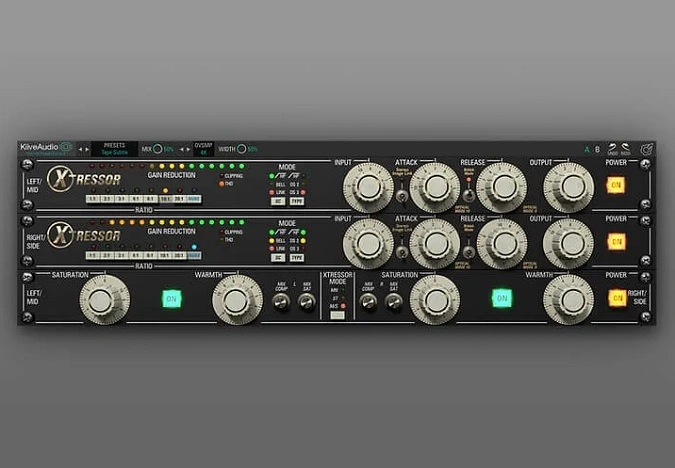
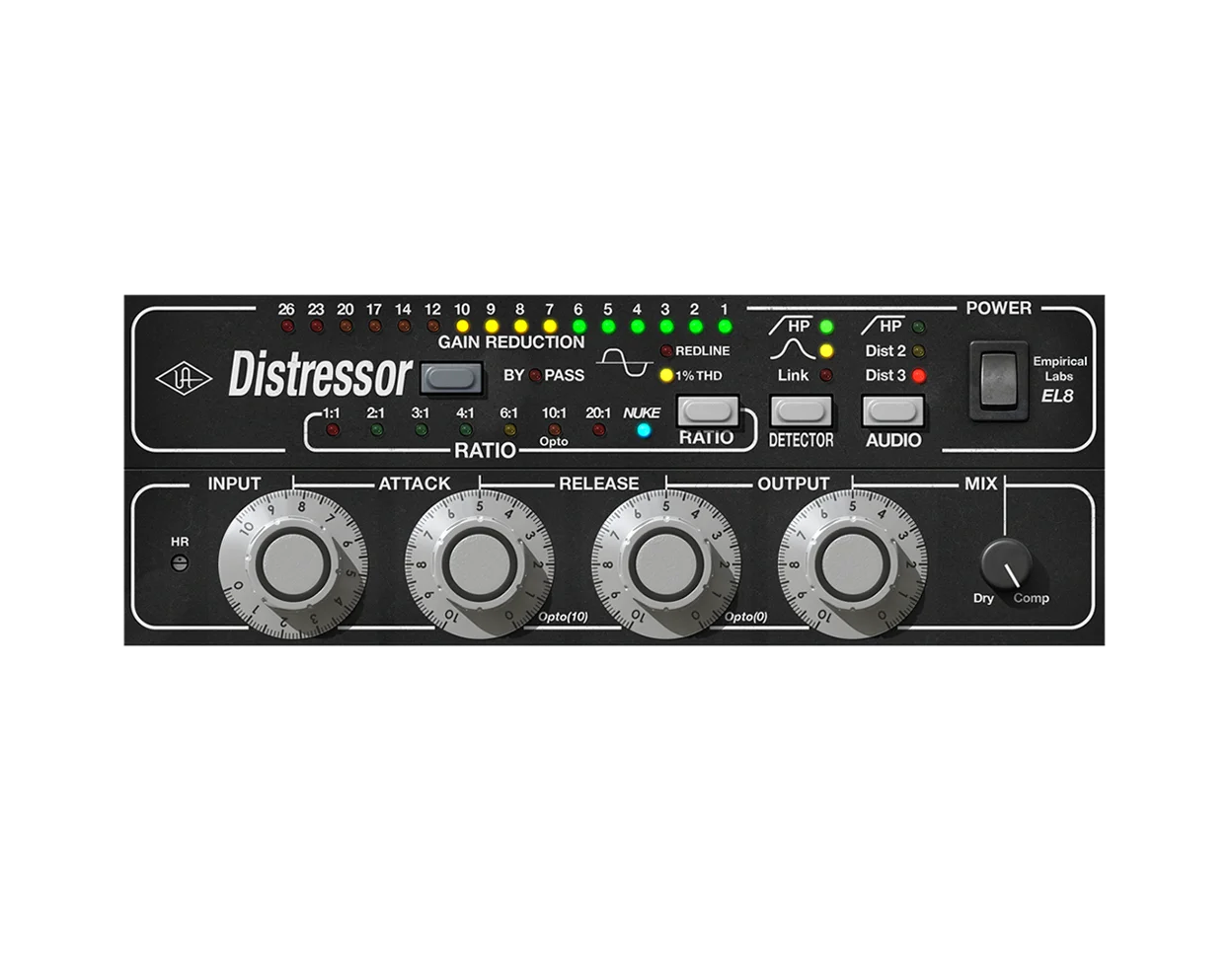
Xtressor NUKE by Kiive Audio delivers hardware-inspired compression based on the same algorithms as the paid Xtressor plugin, which itself emulates the legendary Empirical Labs Distressor. Despite its stripped-back interface, the internal processing matches its premium sibling note for note.
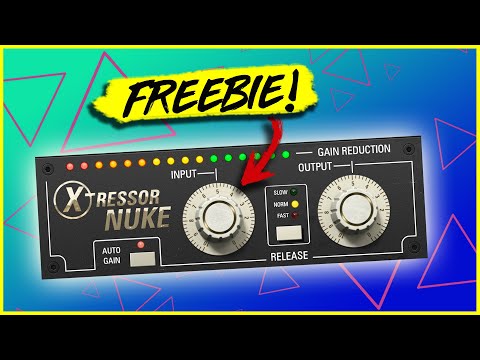
The controls are deliberately minimal: an Input knob drives the compression harder, an Output knob sets the level, and a Release button toggles between Fast, Normal, and Slow modes. An Auto Gain button links input and output for instant gain staging without manual tweaking.
What sets NUKE apart from typical simplified compressors is its adjustable sidechain high-pass filter, which prevents kick drums and low-frequency content from overwhelming the gain reduction. Combined with the Mix knob for parallel compression, it handles everything from subtle glue to full-on drum destruction.
Fast release mode is where the plugin shows its aggressive character, adding grit and harmonic edge that recalls the hardware Distressor's famed Nuke setting. Reviewers consistently praise its ability to make drum rooms explode with punch and attitude.
The plugin includes oversampling for cleaner processing at extreme settings and ships in VST3, AU, and AAX formats for both Windows and macOS, with native Apple Silicon support. No iLok authorization is required.
Video Preview

Tips
- Use the Input knob to dial in the desired compression intensity for your track.
- Enable the Auto Gain button to let the plugin handle gain adjustments automatically.
- Experiment with the three release time settings (Fast, Normal, Slow) to find the best fit for your mix.
- Utilize the adjustable sidechain high-pass filter (Sc HPF) to tailor the compression to specific frequency ranges.
- Apply Xtressor NUKE on drum tracks to add punch and edge to your percussion elements.
- Try using Xtressor NUKE on the mix bus to glue the mix together with its gritty compression.
- Leverage the plugin's simplicity to speed up your mixing process and focus on creativity.
Frequently Asked Questions
How does Xtressor NUKE compare to the paid Xtressor plugin?
NUKE uses the same internal compression algorithms as the paid Xtressor but with a simplified interface. The full version offers eight ratio modes, additional saturation options (British mode, Type mode), and more granular control over attack and release. NUKE focuses specifically on the aggressive Nuke-style compression with three release presets.
Can Xtressor NUKE be used for parallel compression?
Yes, NUKE includes a dedicated Mix knob that blends the dry and compressed signals directly within the plugin. This eliminates the need to set up parallel routing in your DAW and makes it easy to dial in the right balance between punchy compression and unprocessed dynamics.
What does the sidechain high-pass filter do?
The adjustable Sc HPF removes low frequencies from the compressor's sidechain detection circuit. This prevents kick drums and bass energy from dominating the gain reduction, allowing the compressor to respond more evenly across the full frequency spectrum when used on drum buses or full mixes.
Does Xtressor NUKE require iLok or any special authorization?
No, Xtressor NUKE does not require iLok or any license manager. You can download it directly from the Kiive Audio website with a guest login and no email verification. The plugin installs and runs without any authorization system.


