
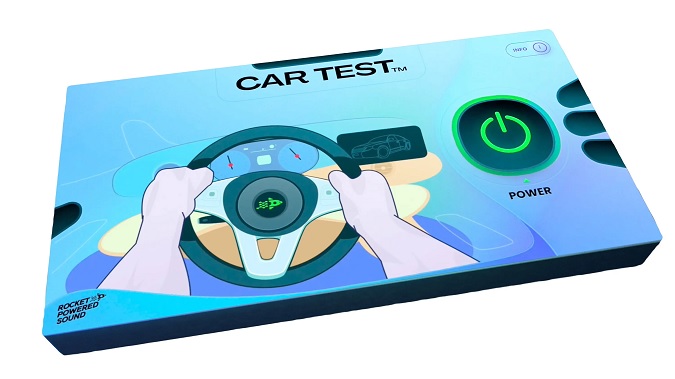
Car Test
Key Features
- Simulates the frequency response and acoustics of modern car speakers for mix reference checking
- One-button activation with a simple Power on/off control for instant A/B comparison
- Output Level knob prevents clipping caused by the frequency-boosting algorithm
- Works on the master channel to give a full-mix perspective of car speaker translation
- Compatible with all major DAWs including FL Studio, Ableton Live, Logic Pro, Pro Tools, and Studio One
- Lightweight single-purpose design with minimal CPU overhead
- VST2 version available on request for DAWs that do not support VST3
Description
Car Test by Rocket Powered Sound simulates the frequency response and acoustics of typical car speakers directly inside your DAW. It lets producers and mix engineers hear how their mix translates to one of the most common real-world listening environments without leaving the studio.
The plugin is designed around a single-purpose workflow: load it on your master channel, press the power button, and instantly hear a filtered version of your mix that mimics car speaker playback. The Level knob controls output gain, which is important because the algorithm boosts specific frequencies and can push the signal into clipping if left unchecked.
Car Test does not claim to be a perfect replica of any specific vehicle. The developer states it provides a "similar frequency response combined with simulated acoustics to that of modern car speakers" for a rough but useful reference point.
Producers across hip-hop, pop, and electronic genres have adopted it as a quick sanity check during mixing, since car playback is notorious for exposing problems in the low-mid and bass regions that studio monitors can mask. The plugin has been featured widely across production communities and maintains a 4.8 rating on Trustpilot with over 200 reviews.
Car Test supports AU, VST3, and AAX formats on macOS 10.11+ and Windows 7+, with VST2 available on request through Rocket Powered Sound's support.
Video Preview

Tips
- Use the Car Test plugin on your master channel to get an overall sense of how your mix will sound in a car.
- Adjust the level knob to ensure your mix does not clip when the plugin is activated.
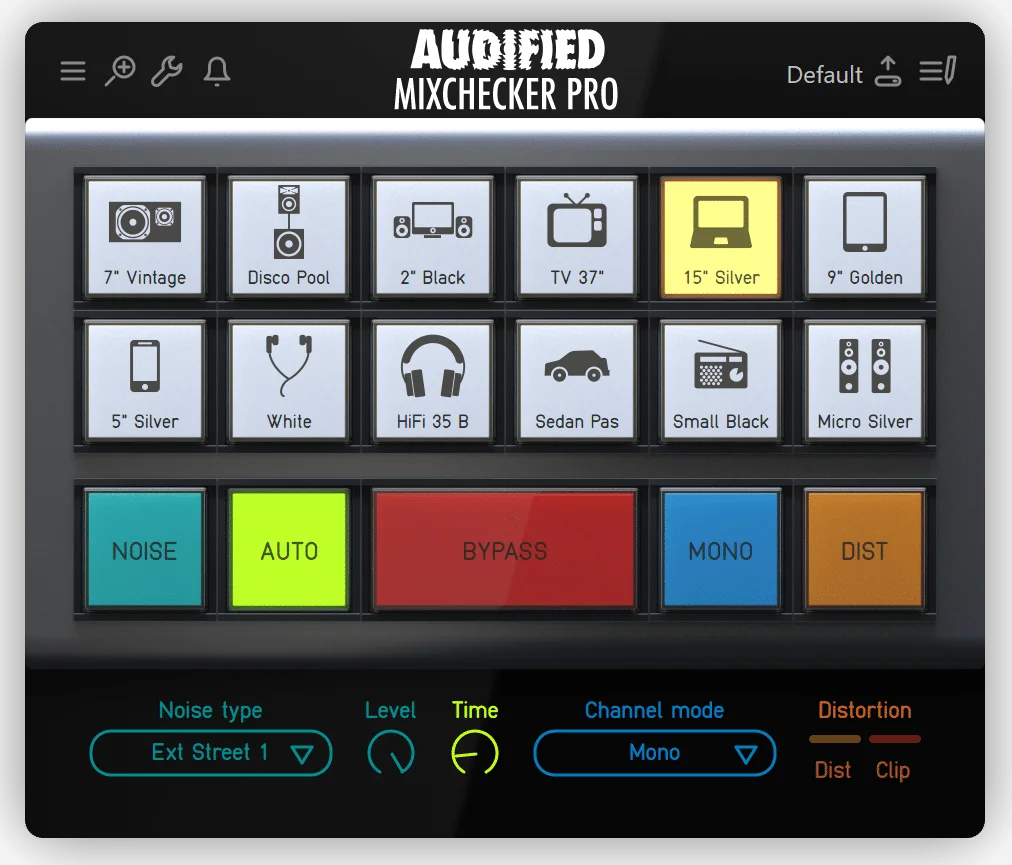
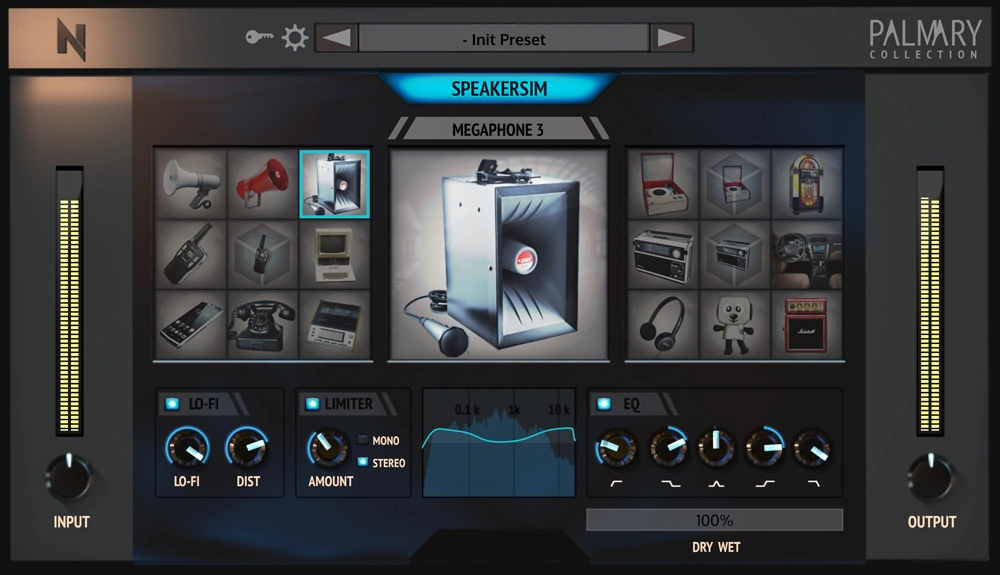
- Combine the Car Test plugin with other reference tools to get a comprehensive understanding of how your mix translates across different environments.
- Use the plugin to identify and fix issues in the mid and low frequencies, which are crucial for car speaker playback.
- Regularly switch between your studio monitors and the Car Test plugin to maintain a balanced mix that sounds good in both environments.
Frequently Asked Questions
How accurate is the Car Test plugin compared to real car speakers?
Car Test provides a rough approximation of modern car speaker frequency response and acoustics, not a precise model of any specific vehicle. Your studio monitoring setup and room acoustics also affect the accuracy. It works best as a quick sanity check rather than a replacement for actual car listening.
Why does my mix clip when I activate Car Test?
The plugin's algorithm boosts certain frequencies to simulate car speaker characteristics, which can push your signal above 0 dB. Use the Level knob to reduce the output gain before or after activating the plugin to prevent clipping.
Can I get a VST2 version of Car Test?
Yes. While the standard download includes AU, VST3, and AAX formats, Rocket Powered Sound offers a VST2 version on request. Open a support ticket on their website and they will send you the VST2 build.
Where should I insert Car Test in my signal chain?
Load Car Test on your master channel as the last plugin in the chain. This gives you the most accurate representation of how your entire mix will sound through car speakers. Toggle it on and off to A/B between your studio mix and the car simulation.


