
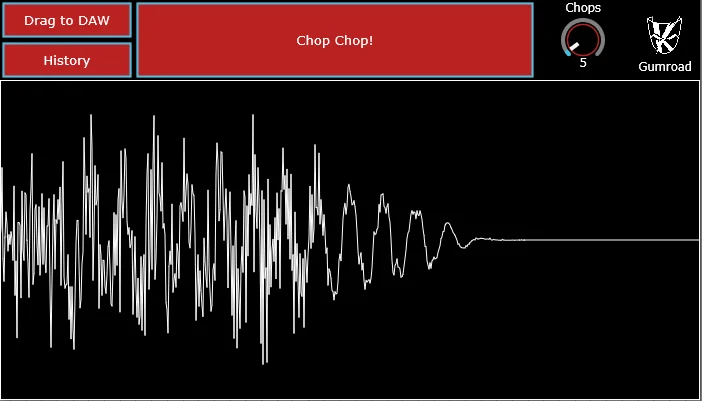
Chop Chop!
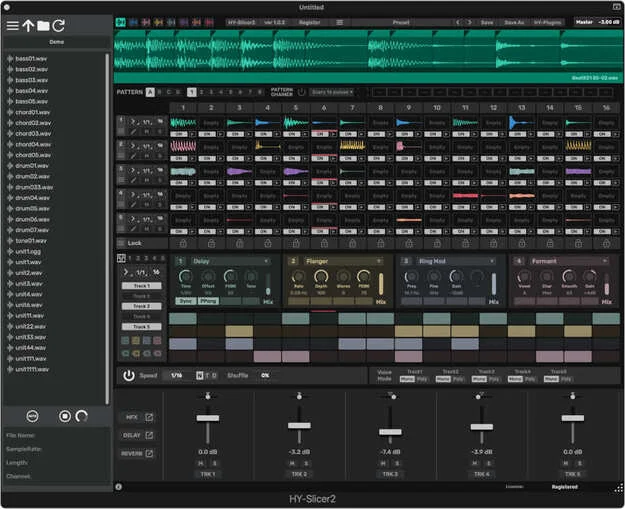
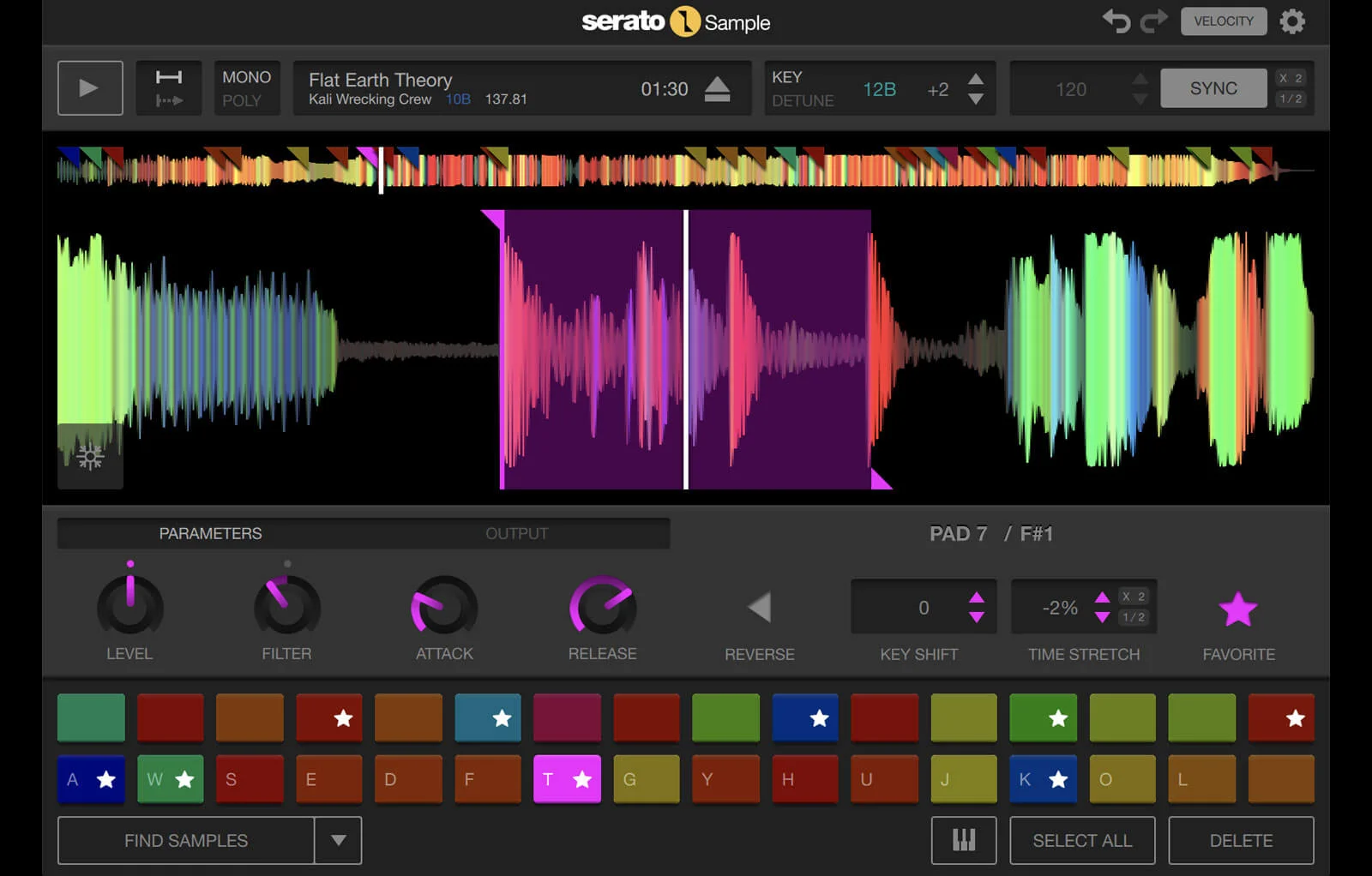
Key Features
- Drag-and-drop sampler workflow turns source audio into a new playable chop without setting up a complex slicing session.
- One-button generation encourages happy-accident resampling for hooks, transitions, vocal cuts, drum edits, and texture beds.
- Rendered material can be dragged back into the DAW, keeping the plugin focused on quick idea generation rather than long-term sample library management.
- AU and VST3 plugin formats cover the common macOS and Windows DAW workflows named on the official listing and launch article.
- The minimal interface keeps attention on fast sample transformation instead of modulation pages, zone mapping, or large sampler menus.
- Gumroad delivery provides separate macOS PKG and Windows installer options after checkout, according to the launch article download test.
Description
Chop Chop is a compact creative sampler plugin from KiTiK for producers who want fast sample flips without building a full slicing setup. Drop in a sample, press the main chop control, and the plugin generates a new playable idea that can be dragged back into the DAW.
The appeal is speed rather than deep multisampling. The official page presents it as a one-button workflow for turning source audio into new material, while the launch coverage confirms AU and VST3 support for macOS and Windows plus a Gumroad checkout flow with separate PKG and Windows installer downloads.
The plugin is useful for sketching hooks, accidental textures, vocal edits, drum cuts, and short resampling passes when a full sampler would slow the session down. Its rating and sales count on Gumroad also suggest the tiny tool has found an audience despite the intentionally minimal interface.
As checked on May 4, 2026, the official Gumroad listing is still published at $0 with a dedicated FREE option, no sales limit, and no expiry wording. Access happens through Gumroad checkout.
Video Preview

Frequently Asked Questions
Is Chop Chop! a sample pack or a plugin?
It is a sampler plugin, not a sample pack. The official KiTiK.dev page describes it as a creative sampler, and the launch article lists AU and VST3 formats for macOS and Windows.
What is the core workflow?
You drag a sample into the plugin, use the main chop workflow to generate a new idea, then drag the result back into your DAW. The design is intentionally narrow, so it is better for fast resampling and surprise edits than detailed multisample programming.
How do you download it?
Chop Chop! is distributed through a Gumroad checkout page. As of May 4, 2026, the listing is still published at $0 with a FREE option, but it requires the Gumroad claim flow rather than exposing a stable direct installer URL.
Does it replace a full-featured sampler?
Not really. It is closer to a quick creative chopping utility, so producers who need pad mapping, detailed slicing, stem tools, or multi-track sequencing will still want a deeper sampler alongside it.


