
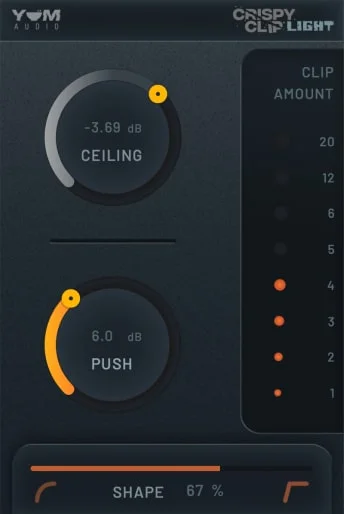
Crispy Clip Light
Key Features
- Uses separate Push and Ceiling controls to set input drive and the maximum clipping threshold with clear gain-staging intent.
- Shape moves continuously between soft and hard clipping, letting you choose rounded warmth or a firmer transient trim.
- Analog-style meters provide immediate visual feedback while dialing in the amount of clipping.
- Keeps the interface focused on essential clipping controls, making it quick to audition on drums, buses, and mix stages.
- Supports AAX, VST3, and AU plug-in formats for use in major Mac and Windows DAWs.
- Runs as a 64-bit plug-in on Windows 10 and macOS 10.13 or higher, with both Intel-native and ARM-native Mac support.
Description
Crispy Clip Light is Yum Audio's streamlined clipper effect for shaving peaks, building loudness, and moving between soft and hard clipping without a complicated mastering chain. Its Push and Ceiling controls separately set how hard the signal hits the processor and where the output stops, while Shape changes the clipping curve and analog-style meters make the gain reduction easy to judge.
That small control set makes it a useful fit for producers who want to add controlled density to drums, buses, or a mix without losing sight of gain staging. Use a gentler Shape setting when you want rounded peak control and added warmth, then move toward hard clipping when a more assertive transient trim suits the material.
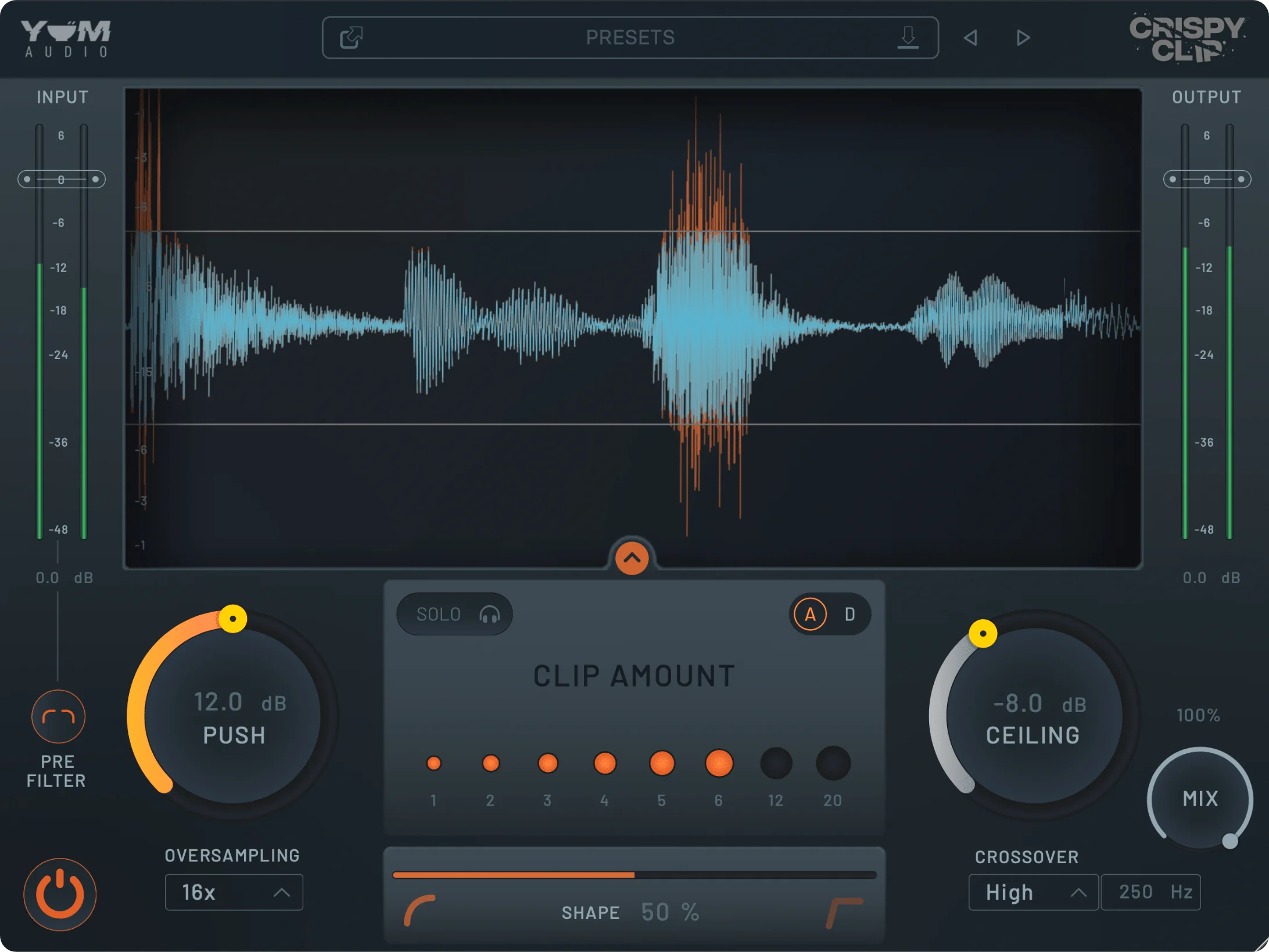
The Light edition intentionally focuses on those core controls rather than duplicating the full Crispy Clip feature set. It is supplied as a 64-bit AAX, VST3, and AU plug-in for current Windows and macOS systems, including native Intel and ARM Mac support.
Yum Audio still presents Crispy Clip Light in its four-plugin Freebies collection, where an email address is required to receive its download links. That makes the official Freebies page the stable developer-controlled route for claiming the current installer rather than a third-party directory listing.
Frequently Asked Questions
What do Push and Ceiling control in Crispy Clip Light?
Push controls how much signal is driven into the clipper, while Ceiling sets the level at which clipping occurs. Keeping those functions separate lets you add more clipping while retaining control over the output boundary.
How does the Shape control affect the sound?
Shape adjusts the transition between soft and hard clipping. Softer settings round peaks more gradually and can add warmth, while harder settings trim transients more abruptly for a firmer, more aggressive result.
Where should I use Crispy Clip Light in a mix?
It can be useful wherever quick peak control or extra density is needed, including individual drums, drum buses, and mix stages. Start conservatively, level-match the output, and compare in the context of the arrangement rather than only in solo.
How do I get the current Crispy Clip Light download?
Yum Audio's Freebies page asks for an email address and then sends the download links for its four Light plug-ins. The page identifies Crispy Clip Light as one of those current Freebies, so the developer controls the delivery and version selection.


