
AnalogChannel
Key Features
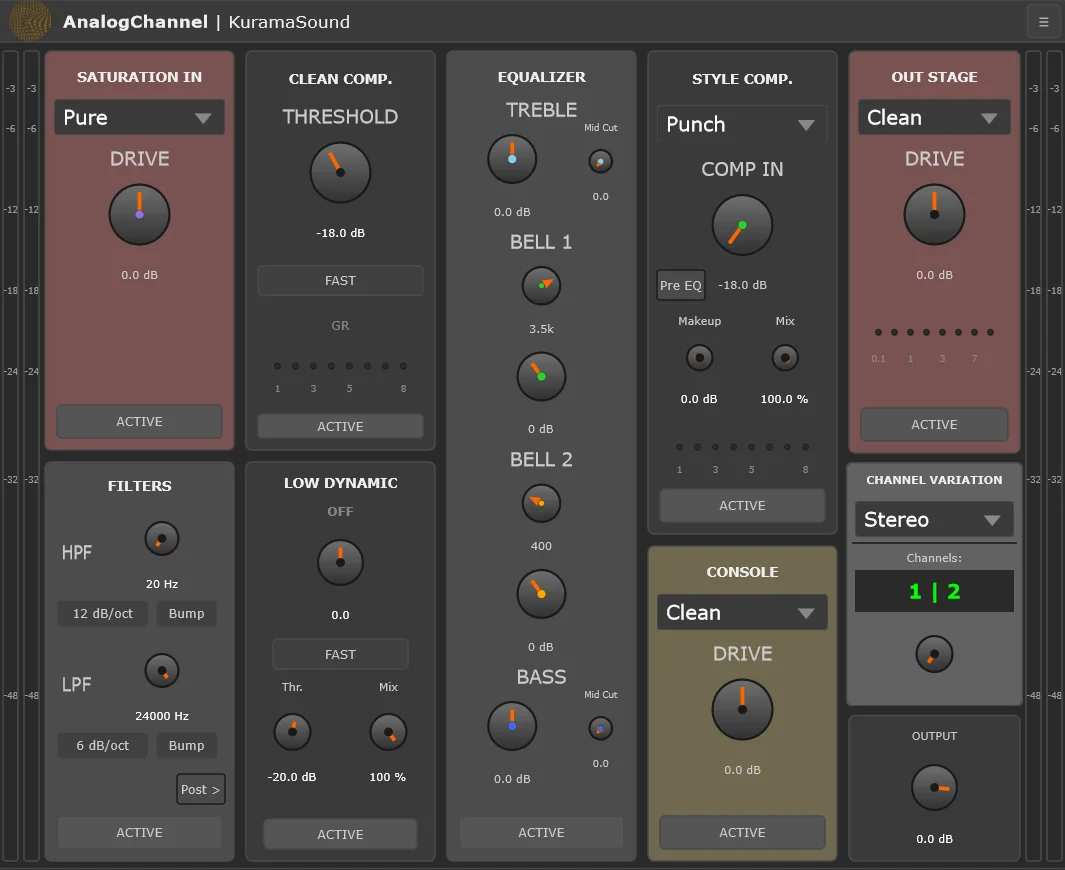
- Eight-stage channel strip covering input color, filters, dynamics, EQ, console tone, and output clipping
- Input stage with clean gain plus transparent, tape, and tube-style saturation modes
- Console emulation modes inspired by Neve, SSL, and API-style desk coloration
- Dual-mono processing with 48 channel variations for subtle left/right component differences
- Flexible routing for placing the style compressor before or after EQ and moving filters later in the chain
- Full VST3 automation, MIDI control, smooth section bypass, comprehensive metering, and zero-latency operation
Description
AnalogChannel is a character-focused VST3 channel strip from KuramaSound that puts input saturation, filtering, dynamics, EQ, console color, and output clipping into one fixed mixing chain. It is built around fast decisions rather than surgical editing, with deliberately limited controls and a signal flow that feels closer to working across a compact analog desk than assembling separate utility plugins.
The appeal is the combination of familiar channel-strip jobs and open-source coloration. Airwindows-derived input, console, and output stages bring clean, tape, tube, Neve-style, SSL-style, and API-style flavors, while classic JSFX-inspired dynamics and EQ sections fill in the practical track-shaping work between them.
AnalogChannel is especially useful when you want broad tone, movement, and glue from one insert. The dual-mono architecture and 48-channel variation system can add small left/right differences across many tracks, which helps repeated instances feel less static than a purely identical digital chain.
The original release coverage described a Windows-only VST3 build, but the current GitHub and KVR listings now identify version 0.6.0 as VST3 for Windows, macOS, and Linux, with KVR also listing AU support. The official KuramaSound page still labels AnalogChannel as 100% free and open source, while downloads are routed through Buy Me a Coffee and GitHub rather than a simple developer-hosted installer.
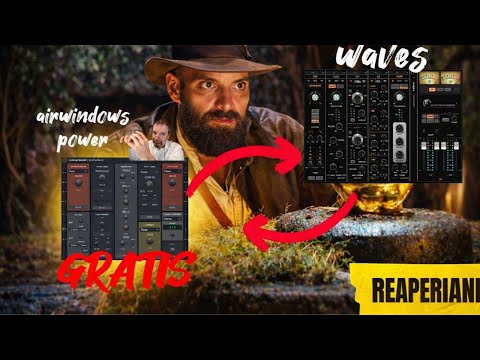
Video Preview
Frequently Asked Questions
What does AnalogChannel combine in one plugin?
AnalogChannel combines input saturation, filters, clean compression, low-level dynamics, four-band EQ, style compression, console emulation, and output clipping. The stages are arranged as a practical channel strip for broad mixing moves rather than precision mastering correction.
Is AnalogChannel meant to replace separate Airwindows plugins?
It does not replace the full Airwindows catalog, but it packages several Airwindows-derived stages into a fixed workflow with metering, bypass controls, routing options, and a more conventional channel-strip interface. That makes it easier to use when you want analog-style color without juggling many separate minimalist plugins.
Why does the platform support differ from the original article?
The BPB launch article described AnalogChannel as Windows-only in VST3 format. The current GitHub README and KVR listing show version 0.6.0 with Windows, macOS, and Linux VST3 support, and KVR also lists AU, and the newer official project data is used here.
What is the Channel Variation System for?
The Channel Variation System introduces small component-style differences between channels, with 48 unique presets. It is intended to make multiple plugin instances behave more like channels on an analog console, where each strip is slightly different.


