
reVUe
Key Features
- Classic VU meter behavior modeled around 1940s broadcast ballistics for smoother average-level monitoring.
- Resizable interface scales from a compact insert meter to a large full-screen-style view for detailed checking.
- Per-instance calibration from 0 to -30 dBFS, with -18 dBFS as the default reference level.
- Stereo RMS averaging keeps equal-power panned material reading consistently across the stereo image.
- Needle overshoot at both ends focuses the display on movement and perceived loudness rather than clip warnings.
- Native REAPER embedded UI support lets the meter appear directly in mixer and track control panels.
Description
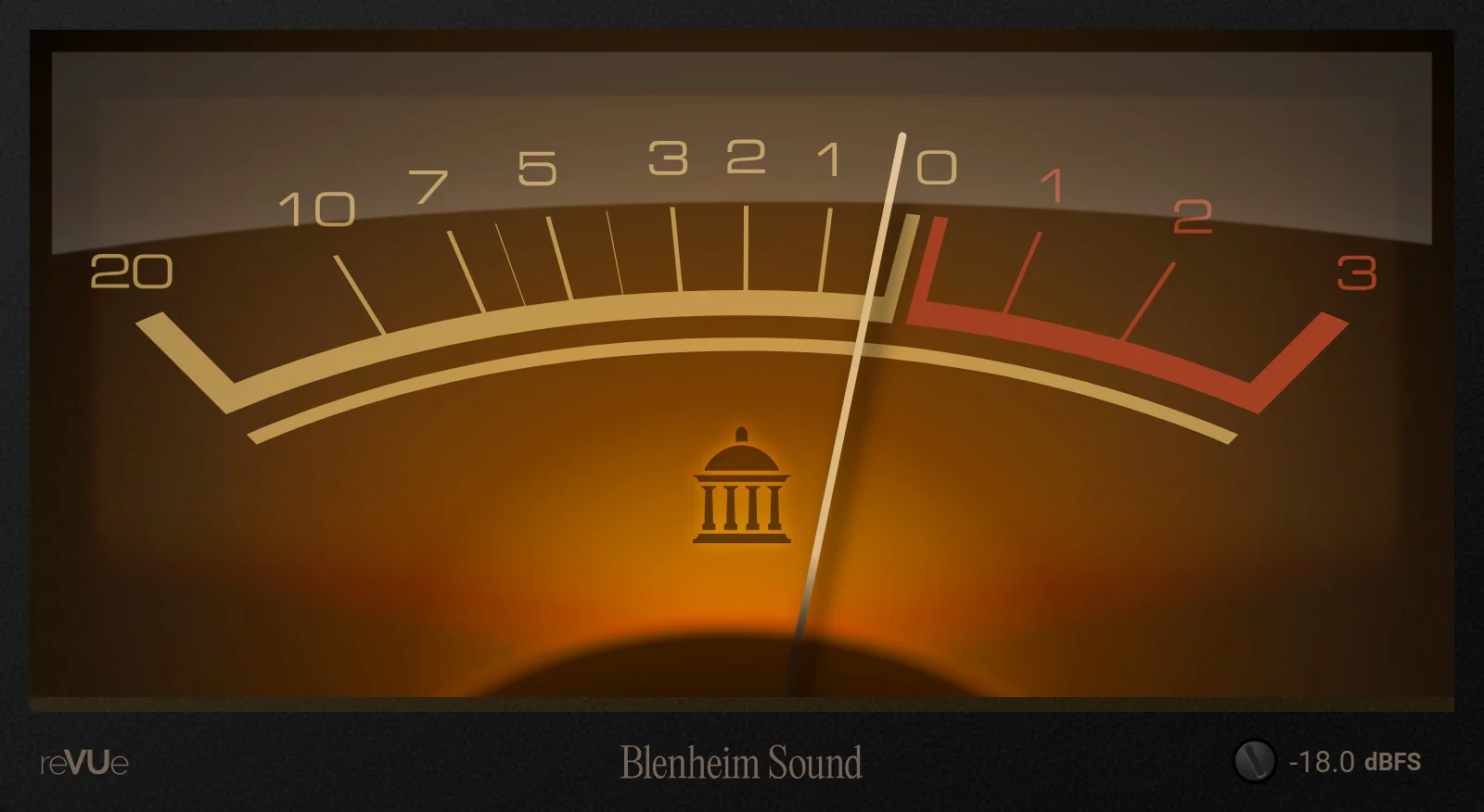
reVUe by Blenheim Sound is a dedicated VU meter plugin for gain staging, balance checks, and average-level monitoring inside a DAW. It recreates classic VU meter behavior with needle ballistics guided by the original 1940s broadcast specification, so it reads musical energy rather than momentary peaks.
The main draw is how calm and readable it feels in use. reVUe targets the familiar 300 ms rise behavior with a small amount of overswing, then smooths the needle movement so vocals, buses, and full mixes are easier to judge by feel.
A resizable interface lets the meter sit as a compact insert view or expand large enough for detailed level checking across a mix session. Calibration can be set from 0 to -30 dBFS, defaults to -18 dBFS, and is stored per plugin instance.
Stereo sources are measured with an RMS average, which keeps equal-power panned material reading consistently across the stereo field. The plugin also has a particularly strong REAPER workflow, with native embedded UI support for showing the VU meter directly in mixer or track panels.
Frequently Asked Questions
What makes reVUe different from a peak meter?
reVUe is designed around VU-style average-level behavior rather than momentary peak detection. That makes it useful for judging perceived loudness, balance, and gain staging when peak meters feel too jumpy.
Can reVUe be calibrated for different reference levels?
Yes. The official page says calibration can be set from 0 to -30 dBFS, with -18 dBFS as the default, and the setting is stored separately for each plugin instance.
Why is reVUe especially useful in REAPER?
Blenheim Sound added native support for REAPER embedded UI integration. After loading the VST3 or CLAP version, REAPER users can show the meter directly in the mixer control panel or track control panel.
Does reVUe process or color the audio?
No processing or coloration is documented by the developer. It is a metering utility intended to show average loudness and stereo level behavior while the audio passes through your normal signal chain.


