
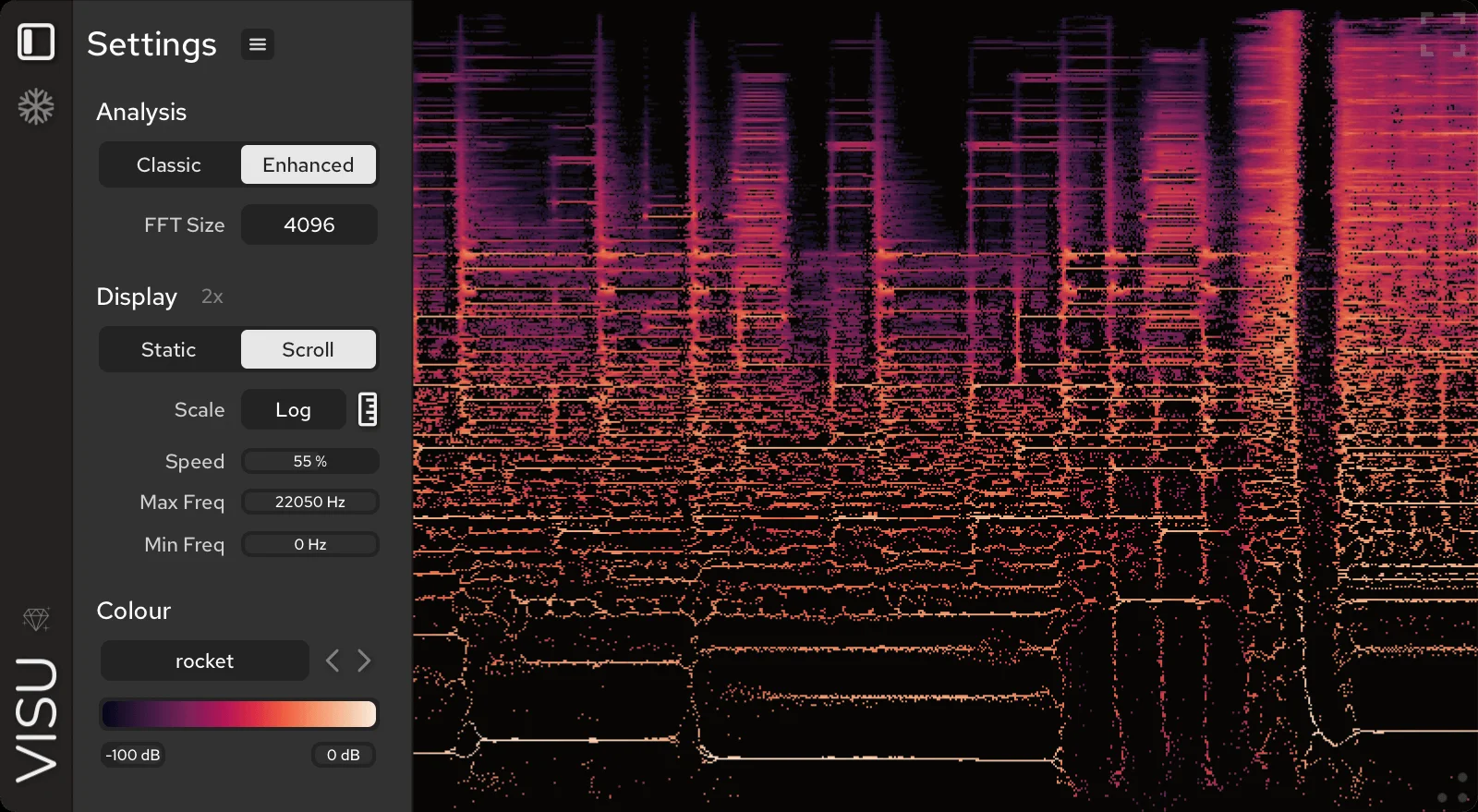
Visu
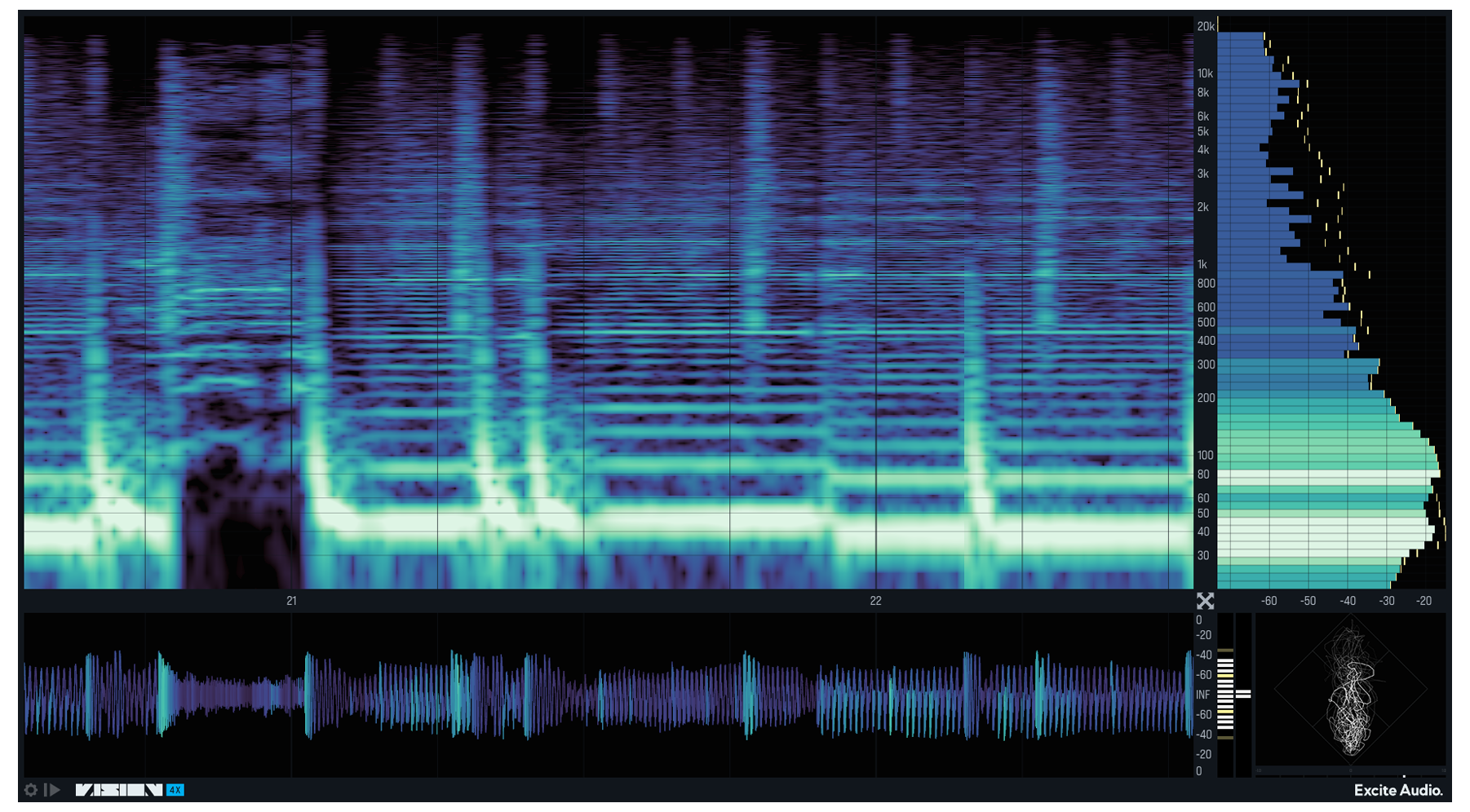
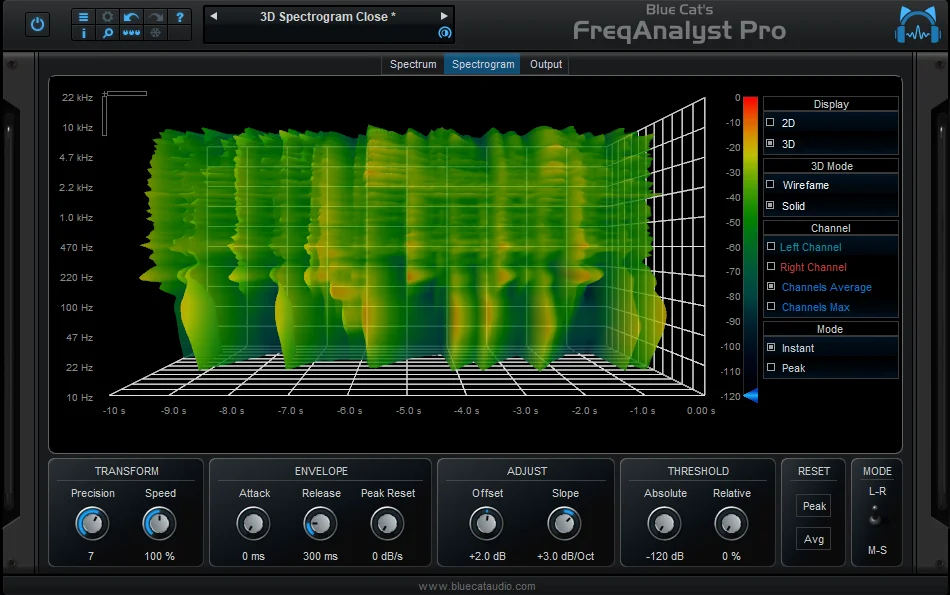
Key Features
- Classic and enhanced spectrogram modes for switching between familiar analysis and sharper time-frequency reassigned detail
- Freeze and PNG export make it easy to capture a problem area or share a visual snapshot from a session
- Linear, Log, Mel, Bark, and ERB frequency scales help adapt the display to different analysis tasks
- Adjustable FFT size, floor gain, speed, and frequency range give precise control over what the spectrogram emphasizes
- Scroll and Static draw modes support both continuous monitoring and looping visual inspection
- Optional piano keyboard and frequency readout help connect visible frequency content to musical pitch
- HiDPI support keeps the analyzer readable on high-resolution displays
Description
Visu is a real-time spectrogram plugin from Tritik for examining how frequency content changes over time. It gives producers, mix engineers, and restoration-focused editors a dedicated analyzer view with classic spectrogram behavior plus a sharper enhanced mode based on time-frequency reassignment.
The plugin is built for visual inspection rather than audio processing, so its value is in helping you spot transient shape, pitch movement, harmonics, noise bands, and other details that can be hard to place by ear alone. You can freeze the display, export a frozen spectrogram as a PNG, and choose between scrolling or static draw modes depending on whether you want continuous motion or a looping window.
Visu also includes practical controls for FFT size, speed, visible frequency range, floor gain, frequency readout, multiple frequency scales, and an optional piano keyboard on the ruler. The unrestricted version works in black and white without a license, while the pay-what-you-want license unlocks more than 40 color maps, including color-blind friendly options.
Frequently Asked Questions
What does Visu show that a basic spectrum analyzer does not?
Visu displays frequency content over time, so you can see how transients, harmonics, pitch movement, and noise evolve across a sound. Its enhanced mode uses time-frequency reassignment for sharper transient and pitch detail than a standard spectrogram view.
Can Visu export the spectrogram image?
Yes. The plugin includes a freeze control and can export the frozen spectrogram as a PNG image, which is useful for documenting problem areas or sharing analysis snapshots.
What does the paid Visu license add?
The no-license version is fully usable in black and white. Buying a pay-what-you-want license unlocks more than 40 color maps, including color-blind friendly options.


