
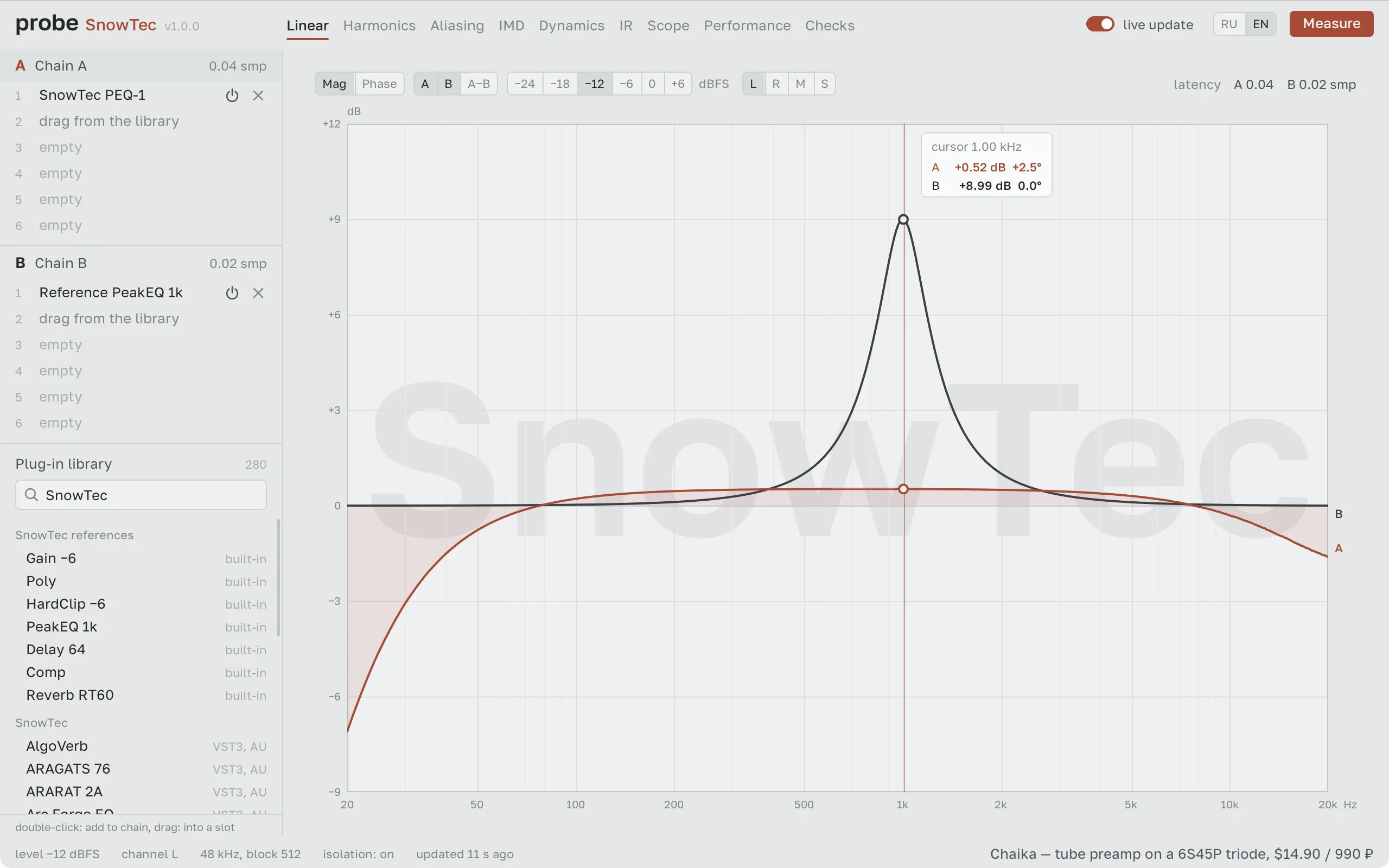
SnowTec Probe
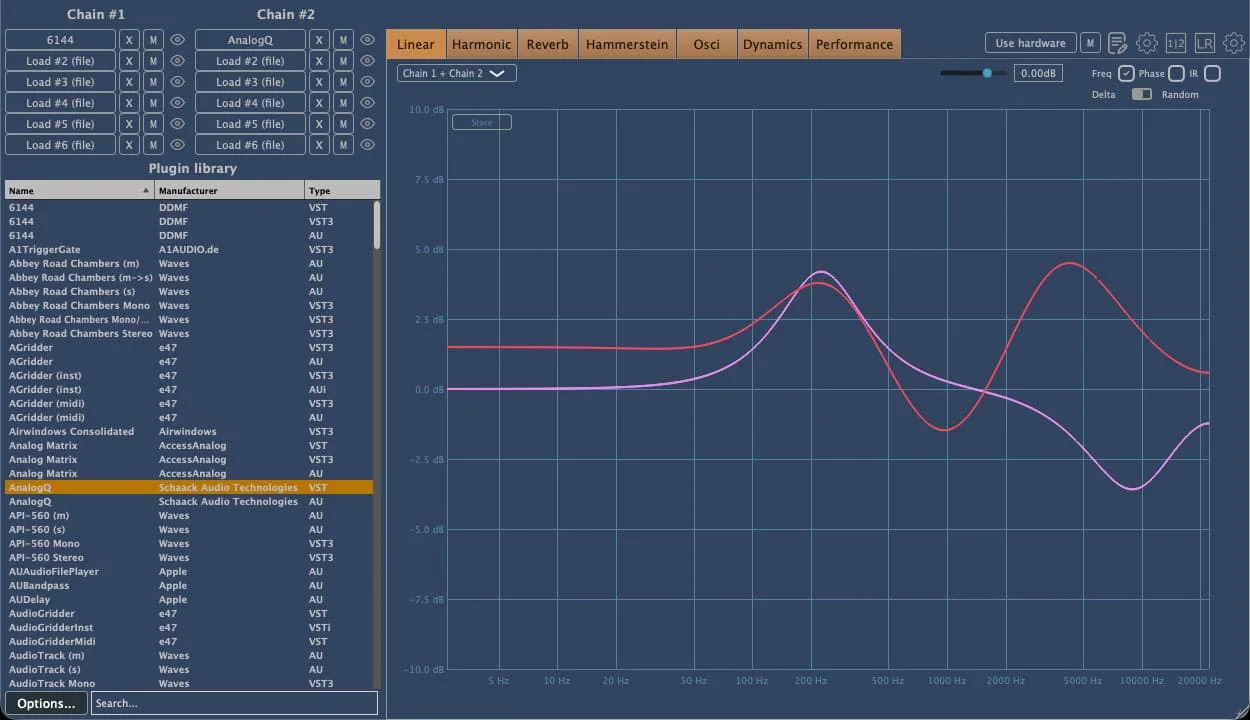
Key Features
- Nine dedicated views cover linear response, harmonics, aliasing, intermodulation, dynamics, impulse response, scope, performance, and correctness checks.
- Two six-slot chains support side-by-side testing, A/B null comparisons, and live visual updates while controls change.
- Harmonic and aliasing analysis keeps those artifacts separate and indicates when a result falls below its measurement limit.
- Dynamic tests show transfer curves plus attack and release behavior, while the performance view measures block processing time.
- Seven built-in reference processors provide known points of comparison when setting up a test.
- Seven correctness checks examine repeatability, block-size dependence, channel leakage, denormals, state restoration, and other implementation behavior.
- Use it as a standalone app or as Probe FX in a DAW, with VST3 on macOS and Windows plus AU on macOS.
Description
SnowTec Probe is a plug-in analyzer and standalone application for testing what audio effects actually do to a signal. Load plug-ins into either of its two six-slot chains, then inspect their frequency and phase response, distortion behavior, dynamics, impulse response, scope, and CPU performance from one workspace.
The measurement views distinguish harmonics from aliasing and identify detection limits, which makes the results more useful than a graph that presents every tiny artifact as definite. An A/B null test and live curve updates help compare two plug-ins or settings while you adjust controls.
Probe also supplies built-in reference processors and checks for issues including extreme-value handling, repeatability, block-size dependence, channel leakage, denormals, audio-thread allocations, and state restoration. That combination gives plugin developers and technically curious producers a way to look beyond a processor's front-panel labels.
Inside a DAW, Probe FX measures the chain at the project's sample rate and saves chain choices and settings with the project. The developer says the tested plug-in runs separately, so a crash in the plug-in under test should not take down Probe or the DAW.
The download route is email-gated: enter an email address and consent to the privacy policy to receive macOS and Windows links that remain valid for seven days. SnowTec lists the app and plug-in as permanently free, while donations are optional support for continued development.
Frequently Asked Questions
What can SnowTec Probe measure?
Probe includes views for frequency and phase response, harmonics, aliasing, intermodulation, dynamics, impulse response, an oscilloscope, CPU performance, and correctness checks. It also reports measurement limits so subtle readings can be interpreted with appropriate caution.
Can I compare two plug-ins or settings?
Yes. Its two six-slot chains can be used for A/B comparison, including a null test, and the displayed curves update while you move a plug-in control.
Can Probe be used inside a DAW?
Yes. Probe FX is the plug-in version, and the developer says it measures at the project sample rate while saving chains and settings with the DAW project. The standalone application is also included.
How do I get the download links?
The official product page asks for an email address and consent to its privacy policy, then sends separate macOS and Windows download links. The developer says those links remain valid for seven days.


