

Oscilloscope
Key Features
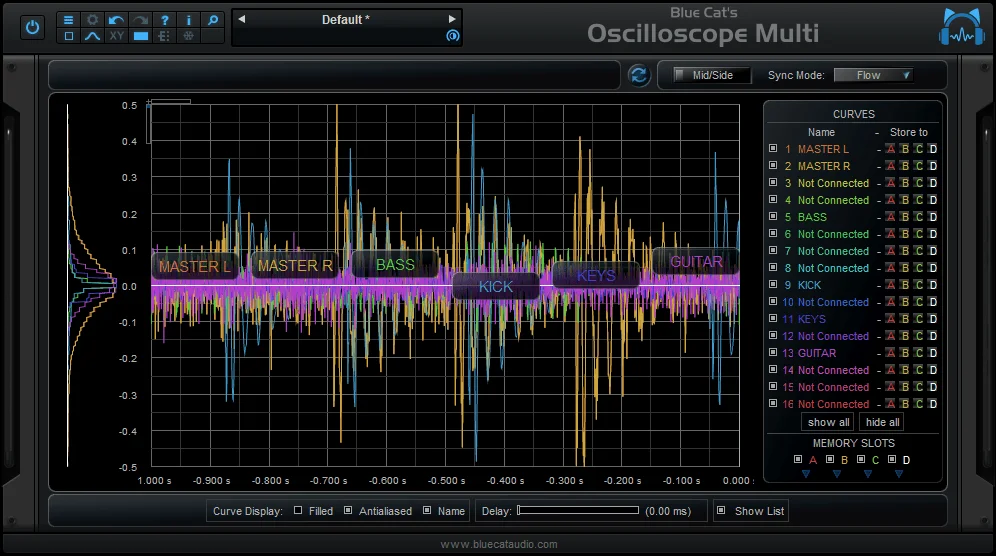
- Stereo oscilloscope view for observing waveform shape, timing, polarity, and transient changes.
- Auto-trigger mode helps stabilize repeating signals for closer waveform inspection.
- Negative- and positive-edge trigger choices support different waveform-starting points.
- Adjustable trigger level and Y offset give more control over how signals sit in the display.
- Recording capability preserves a visual reference while you compare processing or layered sounds.
- Current native installers cover Windows, macOS, and Linux with modern DAW plugin formats.
Description
Oscilloscope by SocaLabs is a stereo waveform viewer for inspecting audio shape, timing, polarity, and transient movement inside a DAW. It gives you a focused time-domain display when a kick, bass, synth, or processed sound needs a visual check alongside critical listening.
The current version adds an auto-trigger mode as well as selectable negative- and positive-edge triggering, so a repeating waveform can be held in a more useful, stable view. An adjustable trigger level and Y-offset control let you frame the signal rather than work around a fixed display.
Recording capability makes the scope more useful than a momentary monitor when you need to retain a visual reference while comparing processing changes. The deliberately narrow toolset keeps it appropriate for quick checks of mono sources, stereo material, phase-sensitive layers, and tuned periodic sounds.
SocaLabs maintains the plugin as part of its freely available cross-platform collection and publishes direct installer links on the exact product page. It is a practical diagnostic utility, not a replacement for a full loudness, spectrum, or delivery-compliance meter.
Frequently Asked Questions
What does Oscilloscope help you see?
It shows the incoming audio waveform over time, which is useful for observing transient shape, periodic motion, polarity, and timing. It complements listening when checking kick and bass relationships or changes caused by processing.
What is auto trigger mode used for?
Auto trigger mode helps present a repeating waveform in a stable view instead of letting the trace drift constantly. You can also choose negative or positive edge triggering and adjust the trigger level.
Can it be used on stereo audio?
Yes. SocaLabs describes it as a stereo oscilloscope, so it can be inserted on stereo material as well as mono sources. It is useful for visually comparing how left and right material moves over time.
Which plugin formats and operating systems are supported?
The official page lists VST, VST3, and CLAP for Windows and macOS, plus AU on macOS. Linux support is listed for VST3, LV2, and CLAP; the product page supplies the current installer for each platform.


